EN
EN DE
DE ES
ES FR
FR NL
NL PT
PT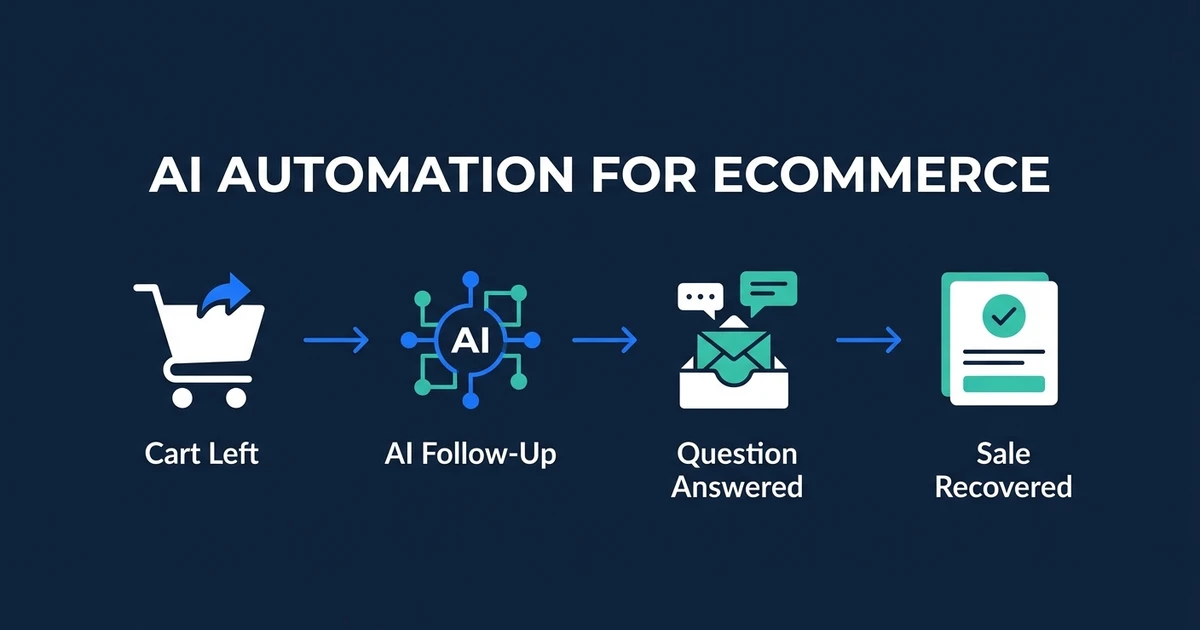
Quick Answer: AI automation for ecommerce helps recover abandoned carts, answer product and order questions, send post-purchase follow-up, trigger back-in-stock messages, and keep customer records updated. The best setup connects your store, email/SMS platform, support inbox, CRM, and order data into workflows that act at the right moment.
AI automation for ecommerce should not mean installing five more apps and hoping they talk to each other. It should mean fewer manual decisions, faster customer response, and better timing across the moments that affect revenue.
Small stores feel the drag quickly. The founder answers product questions, checks order status, sends review requests, writes abandoned cart emails, handles returns, and watches campaign follow-up slip when the day gets busy.
Automation gives those repeatable moments a system. The owner still sets the rules. The workflow handles the timing, routing, and updates.
Where Ecommerce Stores Leak Revenue and Operator Time
Ecommerce revenue leaks at the edges of the buying journey. A shopper leaves a cart. A product question sits unanswered. A back-in-stock request never gets a follow-up. A customer asks for order status, and the owner stops work to look it up.
These are not strategy problems. They are workflow problems. Each one has a trigger, a known response, and a measurable outcome.
The time cost is just as real as the revenue cost. If you manually answer the same shipping, sizing, return, and order questions every day, you are spending operator time on work that should be handled by a clear support flow.
The first automation goal is not to automate everything. It is to find the repeatable customer moments where faster response or better timing changes the outcome.
What AI Automation for Ecommerce Actually Covers
AI automation for ecommerce covers the workflows that sit between customer behavior and store response. It watches for triggers, applies rules, drafts or sends the right message, updates records, and routes exceptions to a person.
Common ecommerce workflows include:
- Abandoned cart recovery.
- Browse abandonment follow-up.
- Product-question response.
- Order status and shipping updates.
- Return and exchange triage.
- Review requests.
- Back-in-stock alerts.
- Reorder reminders.
The best workflows connect data across your store and customer channels. A customer who asks about sizing, abandons a cart, and returns two days later should not be treated like three unrelated events.
That is why AI automation for ecommerce should be planned around customer moments, not app features.
Abandoned Cart and Browse Recovery That Responds to Shopper Behavior
Abandoned cart recovery is usually the fastest place to prove value. The customer already showed intent. The workflow needs to respond while that intent is still warm.

Omnisend’s 2026 Ecommerce Marketing Report found that automations made up 2% of email sends but generated 30% of email-driven revenue based on its analysis of ecommerce marketing performance. Omnisend also reported that automated emails earned $2.87 per send compared with $0.18 for scheduled campaigns in the same report.
The reason is timing. A scheduled newsletter speaks to everyone. A cart workflow speaks to someone who just showed buying intent.
AI improves the workflow when it uses context:
- What product did the shopper leave behind?
- Did they view related products?
- Did they ask a question before leaving?
- Are they a first-time shopper or repeat customer?
- Should the next message answer an objection, remind them, or route to support?
Omnisend found that nearly one in three clicks on automated emails resulted in purchase, while abandoned cart and welcome messages drove 76% of automation-generated orders according to its 2026 ecommerce report.
AI Customer Support for Product Questions, Order Updates, and Returns
Support automation is not just about deflecting tickets. It is about answering buying questions before a shopper leaves.
An AI email responder can classify the message, draft a response from approved information, pull order context, and route edge cases to a person. That keeps routine questions moving without letting AI make unsupported promises.
The safest first workflows are clear and bounded:
- “Where is my order?”
- “What size should I choose?”
- “What is your return policy?”
- “Is this product compatible with X?”
- “When will this item be back?”
For returns and refunds, automation should triage rather than act without rules. It can collect order details, identify the reason, show the approved policy, and prepare the next step for your team.
If your store is losing sales to slow product answers or spending hours on order-status replies, Automiq AI can connect recovery, support, and follow-up workflows without adding another tool for you to manage. See how that works on the ecommerce automation solution page.
Automated Post-Purchase Follow-Up and Review Requests
The purchase is not the end of the workflow. It is the start of the retention loop.
Post-purchase automation can send care instructions, delivery updates, usage tips, review requests, reorder reminders, and customer segmentation updates. The value is in timing each message around the order, not sending the same generic follow-up to every buyer.
For example, a skincare store might send usage guidance after delivery, a review request after the customer has had time to try the product, and a reorder reminder before the expected refill date. A home goods store might trigger assembly instructions, care tips, and a cross-sell only after delivery confirmation.
Good follow-up also improves your customer data. AI CRM updates can keep customer records current with product category, order history, support issues, and next likely action.
Inventory, Back-in-Stock, and Reorder Workflows
Inventory events are buying signals. If a shopper asks for a back-in-stock alert, they are raising their hand. If a repeat customer usually reorders every month, the workflow should not wait for them to remember.
Omnisend reported that back-in-stock emails had the highest conversion rate of any automation type at 6.46% in its 2026 Ecommerce Marketing Report. That makes sense because the message is tied to a product the customer already wanted.
Useful inventory workflows include:
- Back-in-stock alerts.
- Low-stock urgency messages with guardrails.
- Reorder reminders.
- Replacement part reminders.
- Waitlist updates.
The key is accuracy. If inventory data is wrong, automation can create bad promises. A strong workflow checks source data before sending customer-facing messages.
How to Avoid Over-Automating the Customer Experience
Bad automation feels like a wall. The customer asks a specific question and gets a generic answer. The store sends too many discounts. The bot promises something the operations team cannot deliver.
Good automation has boundaries. It knows which questions it can answer, which actions it can take, and when to hand off to a person.
Use this decision rule:
| Workflow | Automate Fully | Keep Human Review |
|---|---|---|
| Order status | When tracking data is clear | When delivery is disputed |
| Product questions | When answers come from approved product data | When fit, safety, or compatibility is unclear |
| Returns | When policy rules are simple | When refund exceptions or damaged goods are involved |
| Discounts | When rules are predefined | When margin, loyalty, or abuse risk is unclear |
This is how you keep the customer experience clean. AI handles the repeatable work, and your team handles the judgment calls.
Done-for-You Ecommerce Automation vs. Stacking More Apps
Most ecommerce stores already have enough software. The problem is that the store, email platform, support inbox, and CRM do not always share context.
DIY app stacking can work for basic flows. If all you need is a standard abandoned cart series, your email platform may already do enough.
Done-for-you automation makes more sense when workflows cross systems:
- A product question should influence cart follow-up.
- A support issue should pause a review request.
- A return reason should update the customer record.
- A back-in-stock alert should reflect inventory reality.
Klaviyo analyzed more than 143,000 abandoned cart flows and found the average abandoned cart revenue per recipient was $3.65, with an average placed order rate of 3.33% in its abandoned cart benchmark report. Top-performing flows reached a 7.69% placed order rate in the same benchmark analysis.
Those differences usually come from better timing, better segmentation, better creative, and cleaner data. That is hard to get when every app is configured in isolation.
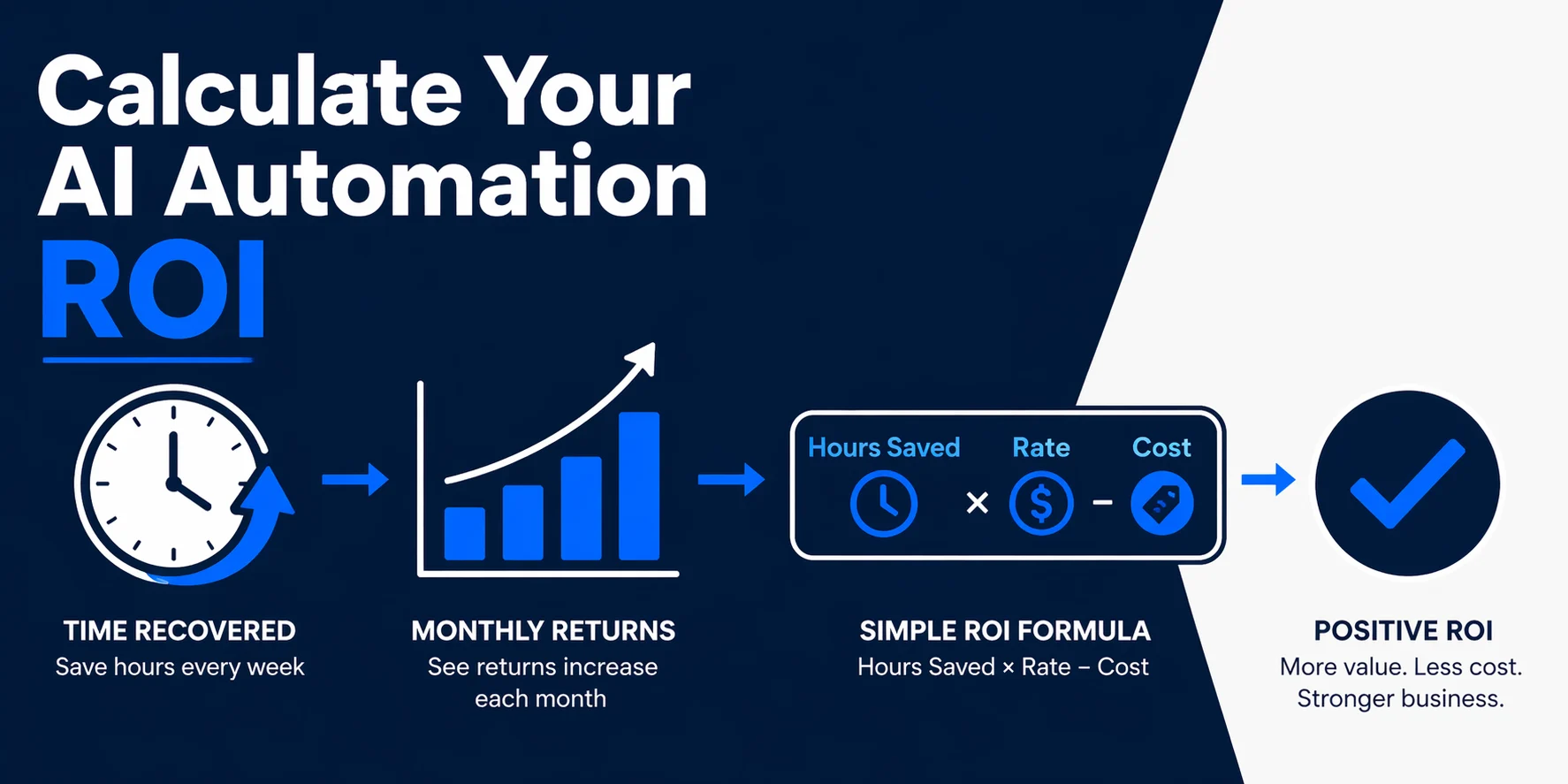
For a deeper business case, use the AI automation ROI guide to compare recovered revenue, time saved, and implementation cost before you build.
Frequently Asked Questions
What is AI automation for ecommerce?
It is the use of AI and workflow automation to connect store data, customer messages, email or SMS, support, and CRM updates. It helps your store respond to buying signals, support questions, and post-purchase moments without manual work at every step.
Which ecommerce workflows should I automate first?
Start with abandoned cart recovery, product-question response, order status replies, review requests, and back-in-stock alerts. These workflows happen often and can be measured through recovered revenue, reduced support time, or improved follow-up completion.
Does ecommerce automation replace my email platform?
No. A good setup usually connects to your current email or SMS platform rather than replacing it. The automation layer improves triggers, data flow, routing, and personalization.
How do I keep AI from giving customers wrong answers?
Use approved source data, clear policies, and escalation rules. AI should answer from your product information and support rules, then hand off when the question involves refunds, exceptions, safety, or unclear product fit.
Should I build ecommerce automation myself?
Build it yourself if the flow is simple and contained inside one tool. Hire help when the workflow touches store data, support conversations, customer records, and revenue recovery because those systems need to stay aligned.
Conclusion
Ecommerce automation works best when it responds to intent. A cart abandonment, product question, support request, review opportunity, or back-in-stock signal should trigger the next useful action without waiting for the founder to notice.
The goal is not more apps. The goal is a cleaner operating layer across the tools you already use, with workflows that recover sales, reduce support load, and keep customer data current.
Book a free discovery call with Automiq AI to identify the fastest revenue-recovery workflow for your store and map what should be automated first.