EN
EN DE
DE ES
ES FR
FR NL
NL PT
PT
Quick Answer: What Is AI Workflow Automation?
AI workflow automation connects your business tools and uses AI to handle tasks automatically across a multi-step process — qualifying leads, updating records, drafting communications, extracting document data — without a human manually managing each step. It’s the difference between software that waits to be used and software that does the work for you.
Most software tools require a human to operate them. You receive an email, you open your CRM, you type in the details, you set a follow-up reminder, you go back to email, you reply. Every step requires your attention.
AI workflow automation removes you from the middle of that process. The workflow runs on its own, executing each step automatically, using AI to handle the parts that require intelligence — and handing off to humans only when a decision genuinely requires human judgment.
What Is a Workflow?
A workflow is a sequence of connected steps that together complete a business process. Every business runs dozens of workflows:
- New client enquiry → qualification → proposal → contract → onboarding
- Invoice received → validation → data entry → payment approval → accounting update
- Support request → triage → routing → response → resolution → satisfaction check
These workflows exist whether you’ve deliberately designed them or not. In most small businesses, they’re informal — held together by people knowing what to do next, email threads, and memory.
AI workflow automation makes these sequences explicit, reliable, and automatic.
How AI Workflow Automation Works
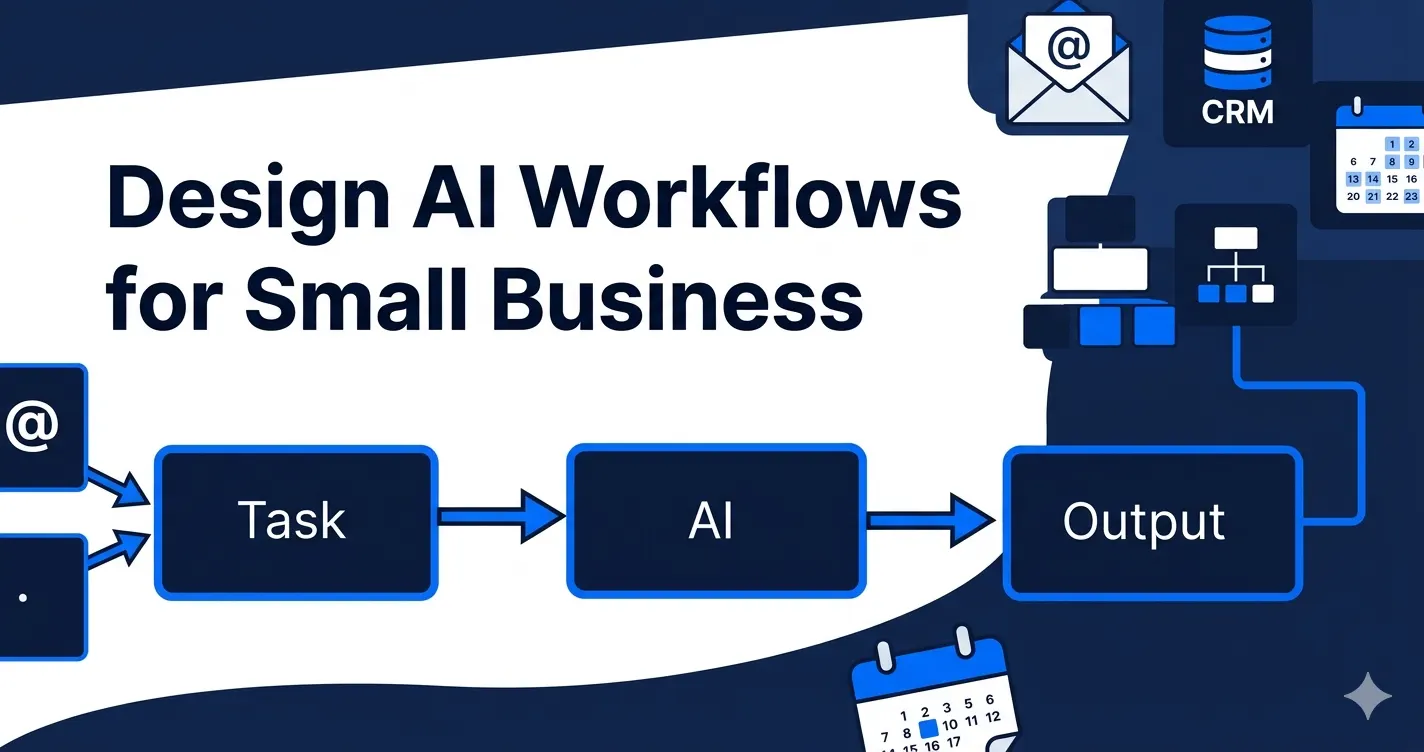
A typical AI workflow has four components:
1. Trigger
Something initiates the workflow. This could be:
- A new form submission on your website
- An email arriving in a specific inbox
- A new record added to your CRM
- A scheduled time (daily, weekly, monthly)
- A voice call being received
2. AI Processing
The AI layer handles the parts of the workflow that require intelligence:
- Classification — is this a sales enquiry, a support request, or spam?
- Extraction — what are the key details in this document or email?
- Generation — draft a personalised reply based on this context
- Scoring — how qualified is this lead based on their answers?
- Decision routing — which team member or workflow path should this go to?
3. Action Execution
Based on the AI’s output, the workflow takes actions in your connected systems:
- Update a CRM record
- Send an email or Slack notification
- Create a task or calendar event
- Generate a document
- Trigger another workflow
4. Human Handoff (When Needed)
Well-designed workflows don’t try to automate everything. They identify the points where human judgment adds real value — closing a deal, handling a complaint, making a strategic decision — and route those moments to the right person with all the context they need.
A Real Example: Lead Qualification Workflow
Here’s a complete AI workflow automation example for a service business:
Trigger: New enquiry form submitted on website
Step 1 — AI qualification: AI reads the form responses and assigns a lead score based on budget range, timeline, company size, and service fit
Step 2 — CRM update: New contact record created in CRM with all form data populated and lead score attached
Step 3 — Conditional routing:
- Score 80+: High-priority lead → immediate notification to sales rep + calendar scheduling link sent to prospect
- Score 50–79: Medium lead → added to nurture email sequence
- Score below 50: Low fit → polite automated response, no further follow-up
Step 4 — Personalised email: AI generates a personalised acknowledgement email using the prospect’s name, company, and specific requirements mentioned in the form
Step 5 — Task creation: Follow-up task created in CRM for the sales rep, scheduled 48 hours later if prospect hasn’t booked a call
The entire process runs in under 60 seconds from form submission to CRM entry to personalised email — with zero human involvement in the routine cases.
AI Workflow Automation vs. Traditional Automation
| Feature | Traditional Automation | AI Workflow Automation |
|---|---|---|
| Input types | Structured data only | Emails, documents, voice, forms |
| Decision making | Fixed rules | AI judgment and classification |
| Handles variation | No — breaks on exceptions | Yes — understands context |
| Learning over time | No | Yes — improves with feedback |
| Setup complexity | Lower | Higher (but delivers more value) |
| Maintenance | Lower | Moderate |
Building AI Workflows: The Key Principles
Start with the process, not the tool
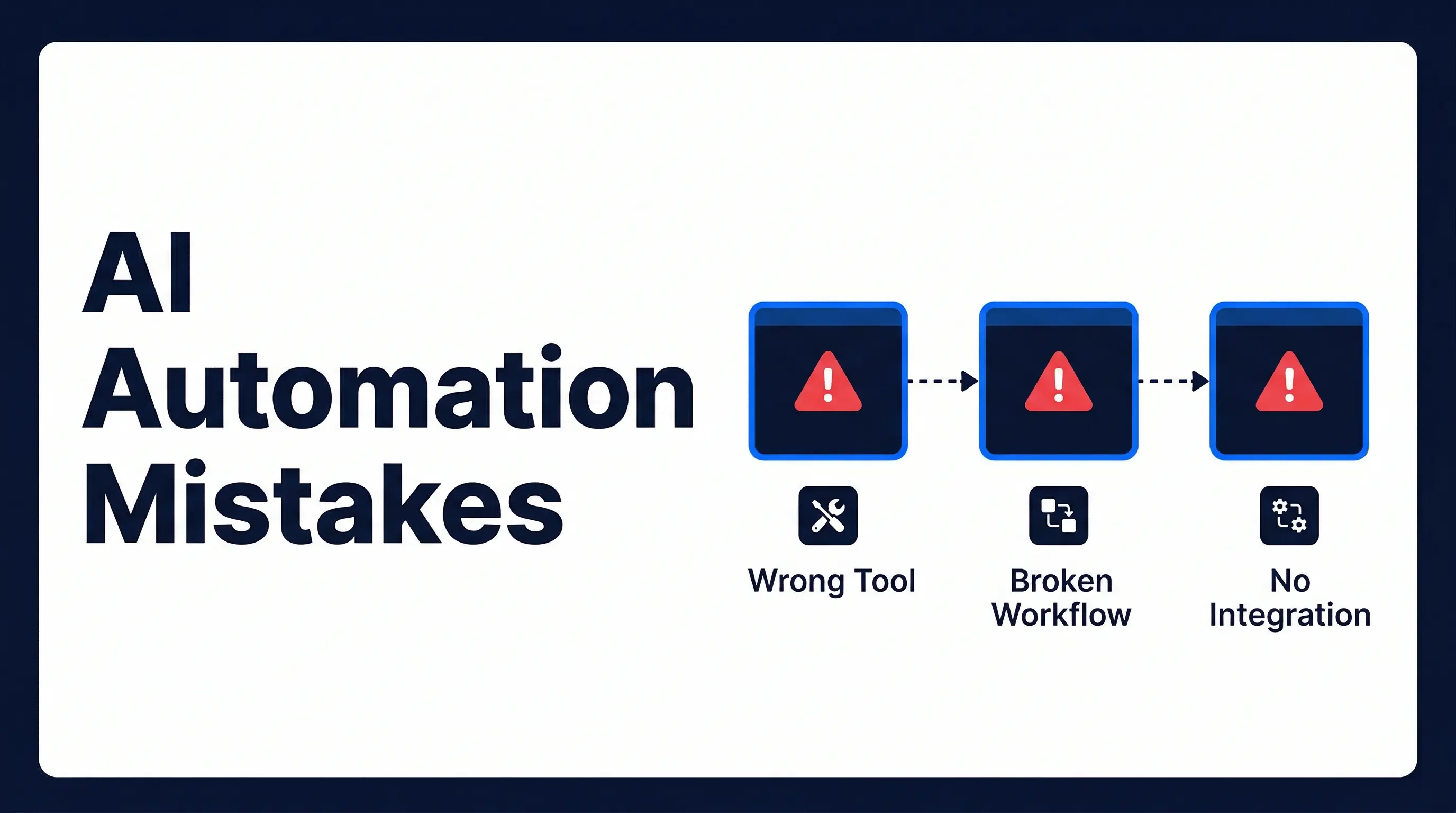
The biggest mistake businesses make is starting with a tool (“we want to use Make”) rather than a process (“we want to automate our lead qualification”). Define the workflow in plain language first. Tools are just the implementation layer.
Map every edge case before building
What happens if a form submission is incomplete? What if an email is in a language your AI isn’t trained on? What if a lead scores exactly 50? Edge cases that aren’t mapped will cause the workflow to fail in production. Design for them upfront.
Build in monitoring and error alerts
A workflow that silently fails is worse than no automation — because you don’t know the work isn’t getting done. Every AI workflow should have monitoring that alerts a human when something goes wrong.
Document everything
Your automation is part of your business infrastructure. Document what each workflow does, what triggers it, what it connects to, and how to modify it. This is critical when systems change or team members change.
What AI Workflow Automation Requires
Successfully implementing AI workflow automation requires:
- Clear process documentation — you can’t automate what you haven’t defined
- Connected systems — your tools need to be able to communicate via APIs
- Quality data — AI performs better when the data it’s working with is clean and consistent
- An implementation partner — most small businesses get the best results working with a specialist rather than attempting a DIY build
Automiq AI’s workflow design service maps your current processes, identifies automation opportunities, and builds the workflows that deliver the highest ROI.
Getting Started With AI Workflow Automation
The best starting point is a workflow audit — mapping your current processes and identifying where AI can eliminate the most manual work.
Book a free strategy call with Automiq AI and we’ll walk through your operations, identify your top three automation opportunities, and give you a clear view of what AI workflow automation would look like in your business.
Key Takeaways
- Every AI workflow has four layers: trigger, AI processing, action execution, and human handoff — design all four before you start building
- A well-designed lead qualification workflow completes in under 60 seconds — from form submission to CRM entry to personalised email
- The biggest implementation mistake is choosing a tool before documenting the process you want to automate
- Every workflow needs error monitoring — a workflow that fails silently is worse than no automation at all
- Edge cases must be mapped before building — real business inputs have exceptions, and poorly designed workflows break on them
Frequently Asked Questions
What is AI workflow automation?
AI workflow automation is the process of connecting multiple systems and using AI to execute tasks automatically across a business workflow — from trigger to outcome — without manual intervention at each step.
How is AI workflow automation different from standard automation?
Standard automation follows fixed rules — if field A equals X, do Y. AI workflow automation can handle unstructured inputs (emails, voice, documents), understand intent, make judgment calls, and adapt to variation.
What are examples of AI workflow automation in small businesses?
Common examples include: new enquiry → AI qualification → CRM update → personalised email; invoice received → AI data extraction → accounting system update → payment schedule set; call recording → AI transcription → CRM notes updated → follow-up task created.
What tools are used to build AI workflows?
Most AI workflows are built on orchestration platforms like Make or n8n, which connect APIs and define workflow logic. AI tasks are handled by models from OpenAI, Anthropic, or Google. Data is stored in CRMs, databases, or spreadsheets.
How long does it take to build an AI workflow?
A simple workflow can be built in a few hours. Complex multi-step workflows with AI decision layers typically take 1–3 weeks to design, build, and test properly.
Do I need to maintain AI workflows after they are built?
Yes, some maintenance is required. Software integrations change when vendors update their APIs. AI prompts may need tuning as your business processes evolve. Monitoring should be in place to catch errors.