EN
EN DE
DE ES
ES FR
FR NL
NL PT
PT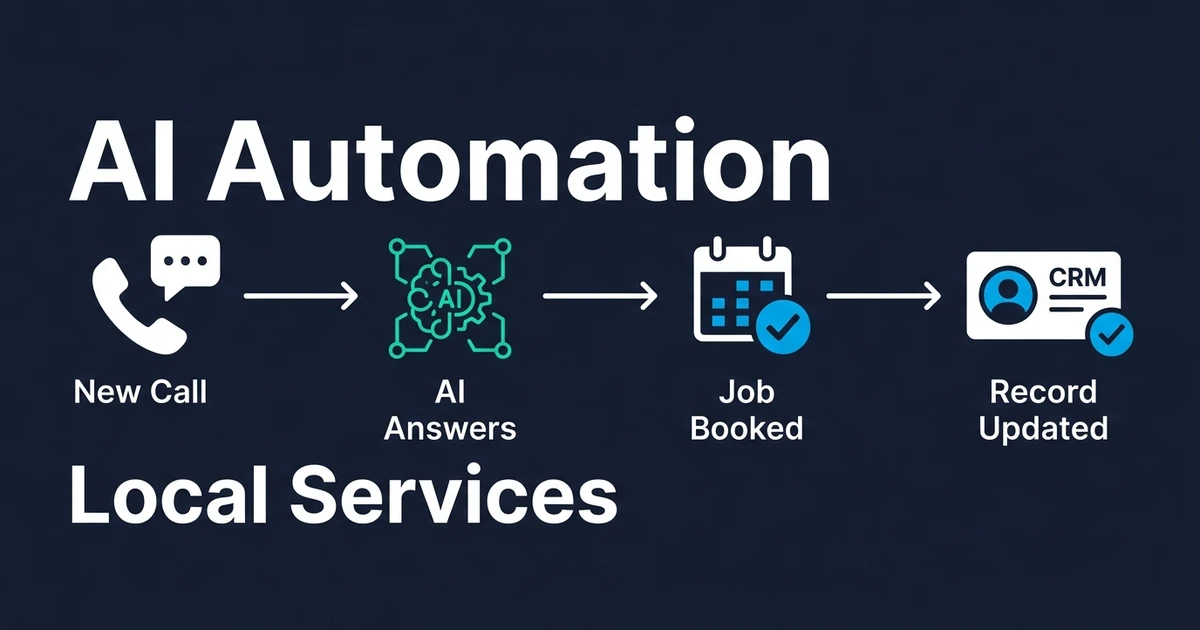
Quick Answer: AI automation for local service businesses handles missed-call response, lead qualification, scheduling, reminders, job notes, estimates, invoices, and CRM updates automatically. The strongest setup connects the tools already running your business: phone, calendar, email, SMS, CRM, forms, and invoicing.
AI automation for local service businesses is not about replacing the people doing the work. It is about removing the admin that stops them from doing more of it.
If you run a repair company, cleaning business, landscaping team, trade service, or home services operation, the pattern is familiar. Calls arrive while you are on a job. A customer asks to reschedule by text. A technician leaves notes in one place, the office rewrites them somewhere else, and the estimate goes out late.
That is where automation pays. It turns the repeatable parts of your day into workflows that run in the background, so your team spends more time booking, serving, and closing jobs.
Where Local Service Businesses Lose Jobs and Admin Time
Local service businesses lose work in small delays. A call goes to voicemail. A form submission sits until the morning. A quote waits because the job notes are still in someone’s phone.
Field service teams also lose hours to the paperwork around the job. Salesforce found that tradespeople and technicians waste more than seven hours per week on low-value tasks like manual data entry and job summaries according to its 2025 field service research.
The hidden cost is not just time. It is scheduling drag, slower customer response, and less capacity for paid work. Salesforce also reported that administrative tasks and information gathering take 30% of an average technician’s working hours, while actual service delivery takes 28% in the same field service survey.
For a small service team, even a few repeated admin loops can turn into a lost workday every week. The owner usually feels it first because they become the fallback scheduler, dispatcher, estimator, and customer service desk.
What AI Automation for Local Service Businesses Does
AI automation for local service businesses connects routine decisions across your existing tools. It can answer a call, collect the customer’s problem, check the calendar, trigger a reminder, summarize the job, and update the CRM without someone retyping the same information.
The point is not to add complexity. It is to make each customer handoff cleaner:
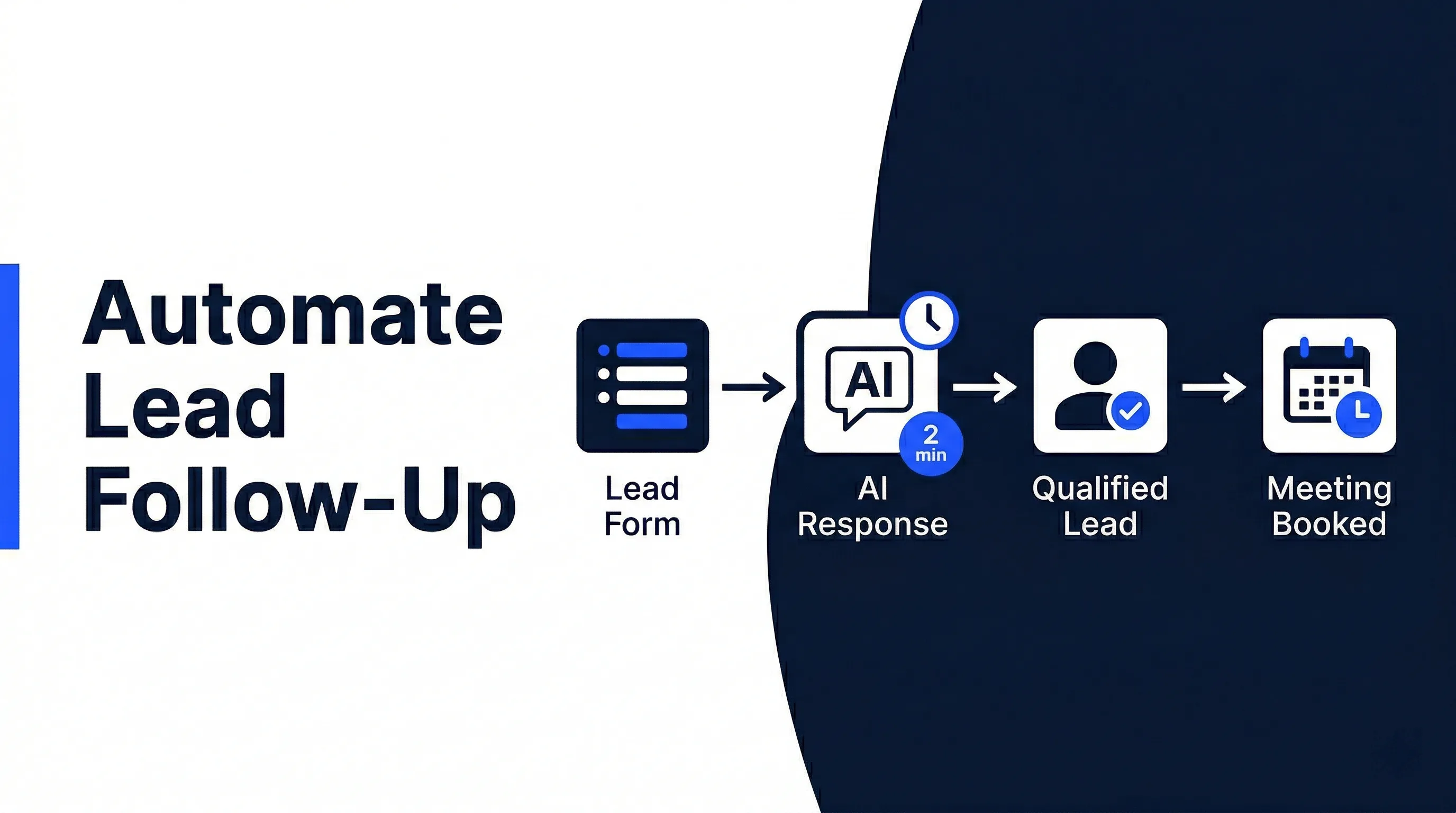
- New lead comes in and gets an immediate response.
- The job type, location, and urgency are captured.
- The right person gets the details.
- The customer receives booking or follow-up instructions.
- The CRM or job record updates without manual entry.
The most useful automations usually sit around the customer journey. They cover the moments where speed matters: first response, scheduling, reminders, estimate follow-up, invoice follow-up, and review requests.
That is why AI automation for local service businesses should start with workflow mapping, not tool shopping. You need to know which handoffs cost time before deciding what to automate.
AI Call Answering and Lead Qualification After Hours
Missed calls are expensive because local service customers often contact the first business that answers. If your voicemail says someone will call back later, the lead may already be gone.
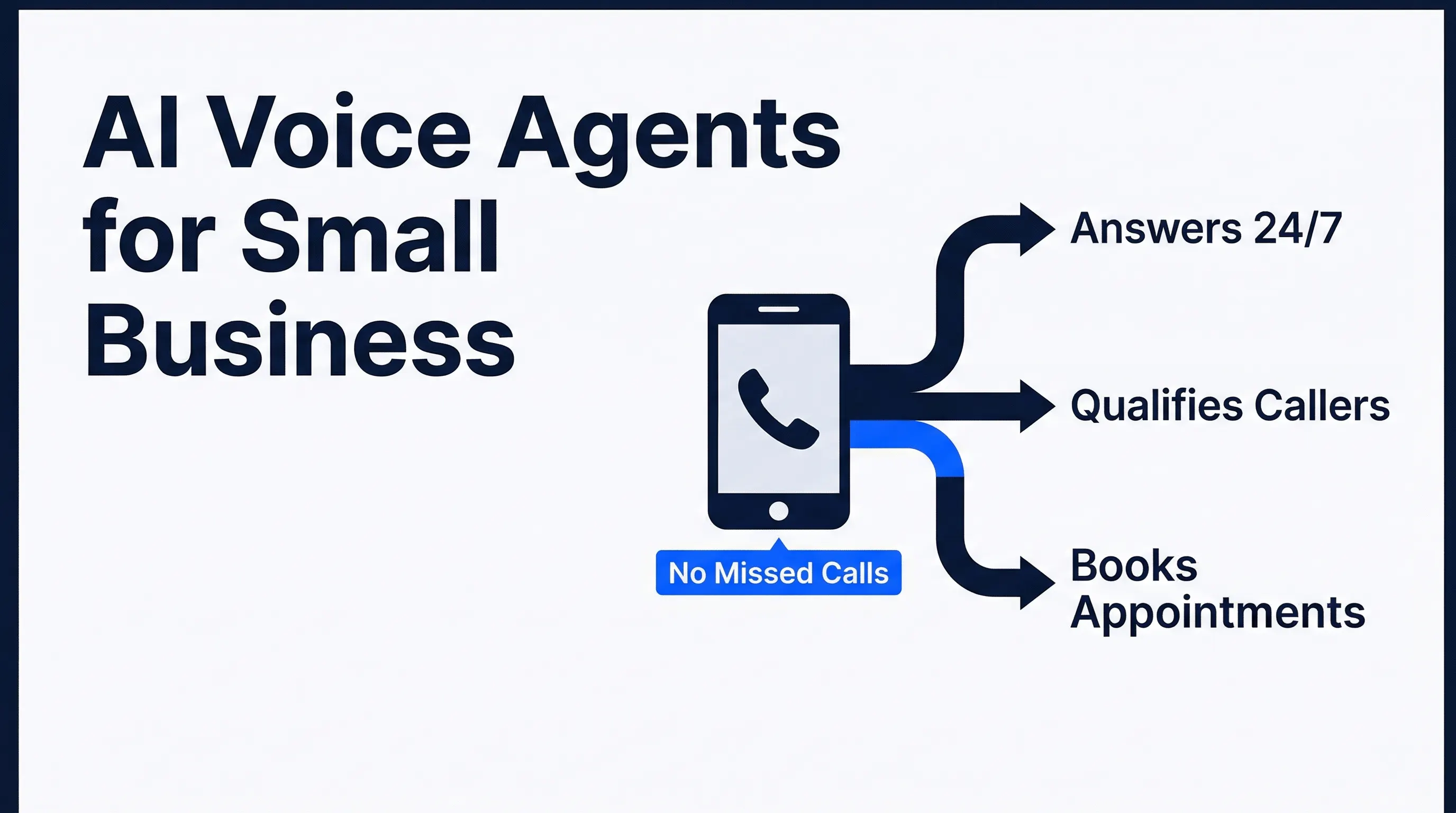
AI call answering gives every caller a response path. An AI voice agent can answer after hours, ask what service is needed, capture the location, identify urgency, and route the request to the right workflow.
The qualification step matters. A burst pipe, a routine cleaning quote, and a warranty callback should not all land in the same inbox with the same priority. AI lead qualification sorts that information before your team touches it.
For a service owner, the practical win is simple: fewer missed opportunities and fewer half-complete messages. Instead of “Call John back,” your team sees the job type, customer details, urgency, preferred time, and next action.
Automated Scheduling, Rescheduling, and Reminders
Scheduling is where small delays become customer frustration. Salesforce found that 47% of field service appointments do not go according to schedule, and technicians estimated appointment creation takes 17 minutes, changing one takes 14 minutes, and canceling one takes 12 minutes in its technician survey.

Those minutes stack fast. If your office reschedules jobs throughout the week, that can mean hours spent on calendar coordination before any work happens.
Automation reduces the back-and-forth by triggering the next step automatically:
- Customer requests a time.
- The workflow checks available slots or sends booking options.
- The customer receives confirmation.
- Reminders go out before the visit.
- Reschedules update the calendar and notify the right person.
This is also where reminders pay off. A simple SMS reminder can reduce no-shows, keep technicians from driving to bad appointments, and give customers a way to reschedule before the slot is wasted.
If missed calls and calendar coordination are slowing your team down, Automiq AI can build the call answering, scheduling, and follow-up workflow inside the tools you already use. See how Automiq AI sets up service-business automation on the local service businesses solution page.
Job Notes, Estimates, Invoices, and CRM Updates Without Manual Entry
After the job, the admin often starts again. A technician writes notes. Someone turns those notes into an estimate. The office updates the customer record. Then someone follows up on payment or the next visit.
That workflow is repetitive enough to automate. AI can summarize job notes, extract customer details, draft estimate language, update the CRM, and trigger invoice or follow-up tasks.
The highest-value rule is simple: information should move once. If a technician captures the details in the field, your workflow should pass those details into the systems that need them.
AI CRM updates are especially useful here. They prevent the common problem where the job is done, but the customer record is empty, stale, or missing the next follow-up step.
How to Connect Automation to the Tools You Already Use
Most local service businesses do not need a full platform migration. They need their current tools to stop acting like separate islands.
A practical automation stack might connect:
- Phone or form intake.
- Google Calendar, Outlook, Calendly, or a field service scheduler.
- Gmail, Outlook, SMS, or a shared inbox.
- CRM or customer database.
- Estimate, invoice, or payment tool.
- Review request and follow-up workflow.
The exact tools matter less than the handoff. A cleaning business and a plumbing business may use different software, but both need the same operational result: customer asks, system captures, team responds, job gets tracked.
This is where done-for-you implementation is different from buying another subscription. The automation has to match your actual routing rules, service areas, schedule constraints, and customer language.
Done-for-You Automation vs. Building It Yourself
DIY automation can work when the workflow is narrow. If you only need a form submission to create a calendar task, a simple connector may be enough.
It gets harder when the workflow touches customer communication, scheduling logic, CRM updates, and invoice follow-up. A broken automation in that chain can create duplicate reminders, missed jobs, or confusing messages.
| Option | Best For | Main Tradeoff |
|---|---|---|
| DIY automation tool | One simple handoff, such as form to email | Someone on your team must build, test, and maintain it |
| Hiring internally | Larger teams with steady operations volume | Payroll cost is high before automation value is proven |
| Done-for-you implementation | Multi-step workflows across calls, calendar, CRM, and follow-up | Requires a clear scope and a provider who understands operations |
For many owners, the real question is not “Can I build this?” It is “Do I want to become the person who maintains it while also running the business?”
Automiq AI fits the third path. We design and build the workflow inside your existing tools, then hand over a working system instead of a tutorial.
What Results to Expect in the First 30-60 Days
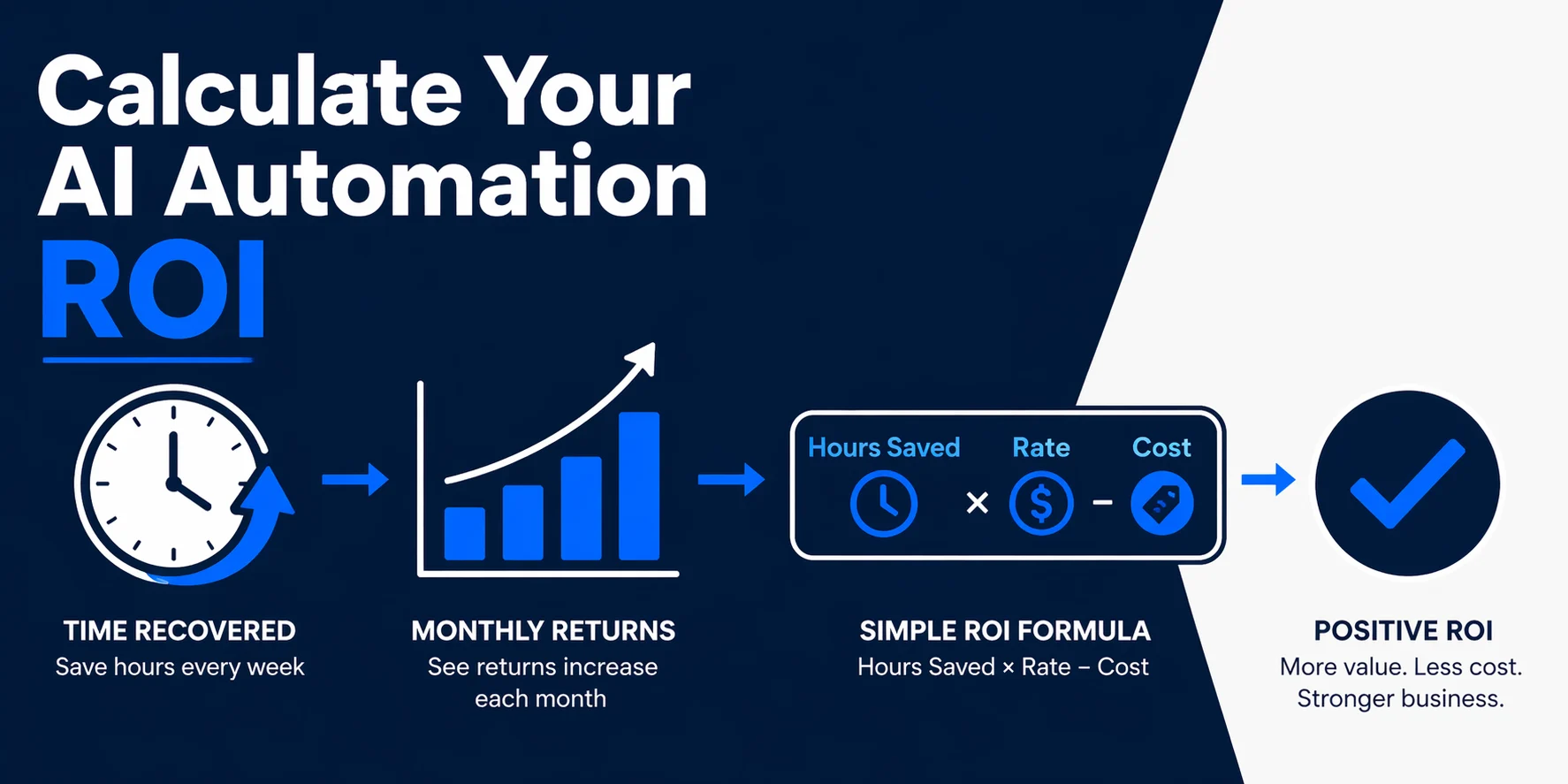
The first results should be operational, not vague. You should see fewer missed calls, faster lead response, less manual scheduling, cleaner CRM records, and fewer repeated admin tasks.
Thryv’s 2025 small business AI survey found that AI usage rose from 39% in 2024 to 55% in 2025, with 58% of small businesses reporting more than 20 hours saved per month according to its national SMB survey. Thryv also reported that 66% of small businesses say AI saves them $500-$2,000 per month from the same research.
A realistic first phase might automate only three workflows:
- Missed-call capture and routing.
- Booking reminders and rescheduling.
- Job note summaries and CRM updates.
That is enough to prove value. Once those workflows are stable, you can add estimates, invoice follow-up, review requests, and repeat-service reminders.
Frequently Asked Questions
What is AI automation for local service businesses?
It is the use of AI and workflow automation to handle repeatable service-business tasks like call response, lead qualification, scheduling, reminders, job notes, estimates, and CRM updates. The goal is to remove admin bottlenecks without forcing your team into a new operating system.
Which local service workflows should I automate first?
Start with missed calls, scheduling, follow-up reminders, and CRM updates. Those tasks happen often, have clear rules, and directly affect booked jobs.
Can automation work with the tools I already use?
Yes, if your tools can exchange information through forms, email, calendar events, APIs, or workflow connectors. The right implementation should connect your current phone, calendar, CRM, and invoicing tools instead of forcing a platform switch.
Is AI automation worth it for a two-person service business?
It can be, if you are missing calls, manually coordinating bookings, or spending evenings catching up on admin. If your lead volume is very low or every job is completely custom, start with a small workflow rather than a full operations build.
Should I choose DIY automation or done-for-you automation?
Choose DIY for simple one-step workflows that do not affect customer communication. Choose done-for-you automation when the workflow touches calls, scheduling, customer data, and follow-up, because mistakes there cost revenue and trust.
Conclusion
Local service businesses do not lose time in one dramatic place. They lose it in small handoffs: missed calls, manual scheduling, repeated reminders, scattered job notes, late estimates, and forgotten follow-up.
The right automation build removes those handoffs without changing how your team does the actual work. It gives your business faster response, cleaner scheduling, and better customer records while your people stay focused on service.
Book a free discovery call with Automiq AI to map the first three workflows we would automate in your service business and estimate the hours you can recover.