EN
EN DE
DE ES
ES FR
FR NL
NL PT
PT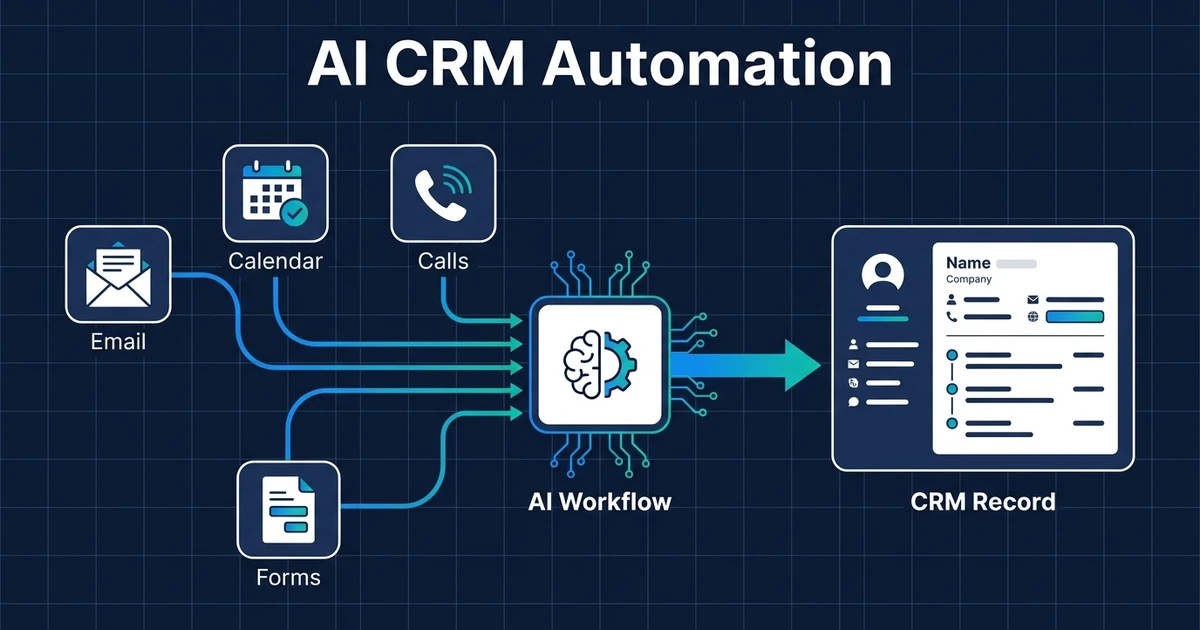
Quick Answer: AI CRM automation uses AI and workflow logic to keep customer records, deal fields, tasks, notes, and follow-ups current without manual admin. The best setup connects your existing CRM, email, calendar, forms, and call notes so the CRM becomes a live operating record instead of a system your team updates later.
This is not about replacing your CRM. It is about removing the manual work your team does around it.
Most small teams already have the right system of record. The problem is that the system only works when someone remembers to update it after every call, email, meeting, form submission, and follow-up.
That is a fragile way to run sales operations. A CRM should tell your team what happened, what changed, and what needs to happen next without forcing everyone to become a part-time data-entry clerk.
Why Manual CRM Admin Breaks Small Teams
Manual CRM admin breaks because it asks busy people to update records after the important work has already happened. The sales call ends. The customer email gets answered. The meeting notes sit in a document. The CRM waits.
That gap creates stale records, missing tasks, duplicate contacts, bad handoffs, and reports nobody fully trusts. Your team may still be doing the work, but the CRM no longer reflects reality.
The cost compounds across the week. One missed note becomes a vague follow-up. One missing owner becomes a delayed reply. One stale deal stage becomes a forecast conversation built on cleanup instead of action.
McKinsey found that current generative AI and other technologies could automate work activities absorbing 60 to 70 percent of employees’ time in its economic potential analysis. CRM admin is exactly the kind of documentation and coordination work where that potential becomes practical.
What Is AI CRM Automation?
This approach uses AI and workflow rules to update CRM records, summarize activity, create tasks, enrich fields, flag exceptions, and trigger the next action automatically. It sits between the work your team already does and the CRM fields that need to stay current.
The workflow can read a completed meeting, summarize the important points, update the contact record, create a follow-up task, and notify the owner. It can also hold uncertain changes for review instead of blindly overwriting important fields.
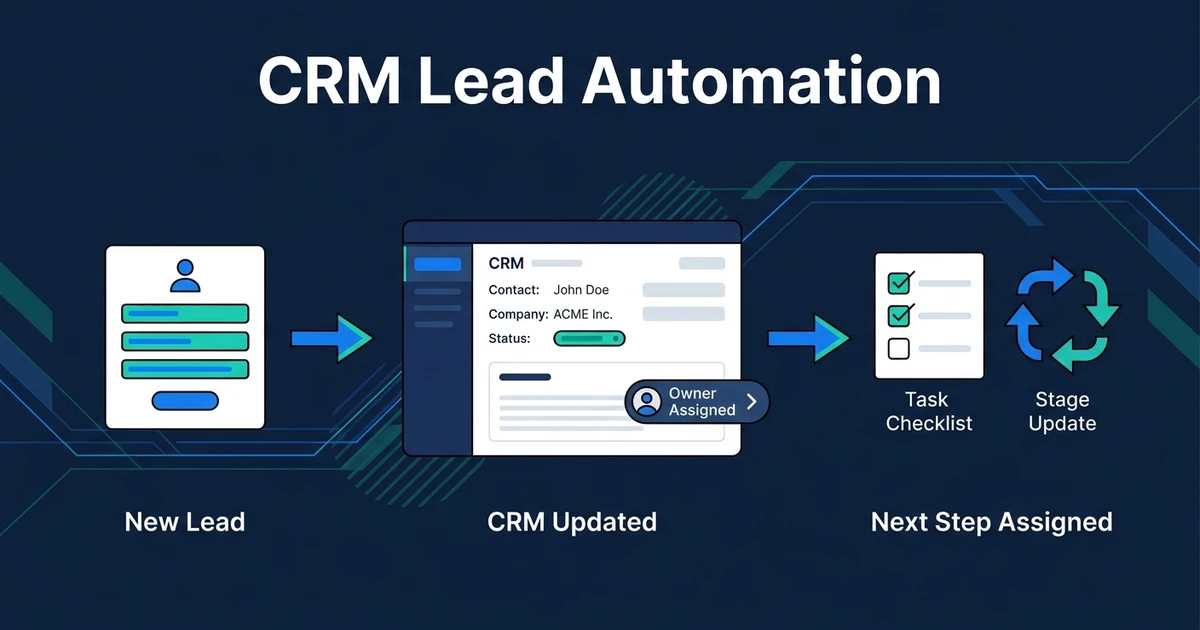
This is different from CRM lead automation. Lead automation focuses on new inquiries, owners, stages, and next steps. A broader CRM automation layer covers the customer record as work continues across sales, service, and operations.
It also differs from basic rules. A simple rule can say, “when a form is submitted, create a contact.” An AI-assisted workflow can read the message, identify the service need, check whether the contact exists, update the right fields, and create the next task with context.
What CRM Automation With AI Should Handle Automatically
A good CRM automation system starts with the fields and actions that affect real work. If a field does not change what your team does next, it should not be the first automation priority.
Useful CRM automation usually covers:
- Contact and company record creation
- Call, email, and meeting summaries
- Deal field updates
- Owner assignment and task creation
- Follow-up reminders
- Duplicate detection
- Contact and account enrichment
- Exception alerts for missing or conflicting data
The goal is not to automate every field. The goal is to remove the admin that slows response, hides context, or makes reports unreliable.
Deloitte reports that productivity and efficiency are the top benefits organizations have achieved from AI adoption, with 66% reporting gains and 53% reporting improved insights and decision-making in its State of AI research. CRM automation connects those two outcomes: less manual work and better operating data.
CRM Automation With AI vs Basic CRM Rules
Basic CRM rules are useful when the trigger and action are clear. If a form comes in, create a task. If a deal closes, send a handoff reminder. If a date arrives, notify the owner.
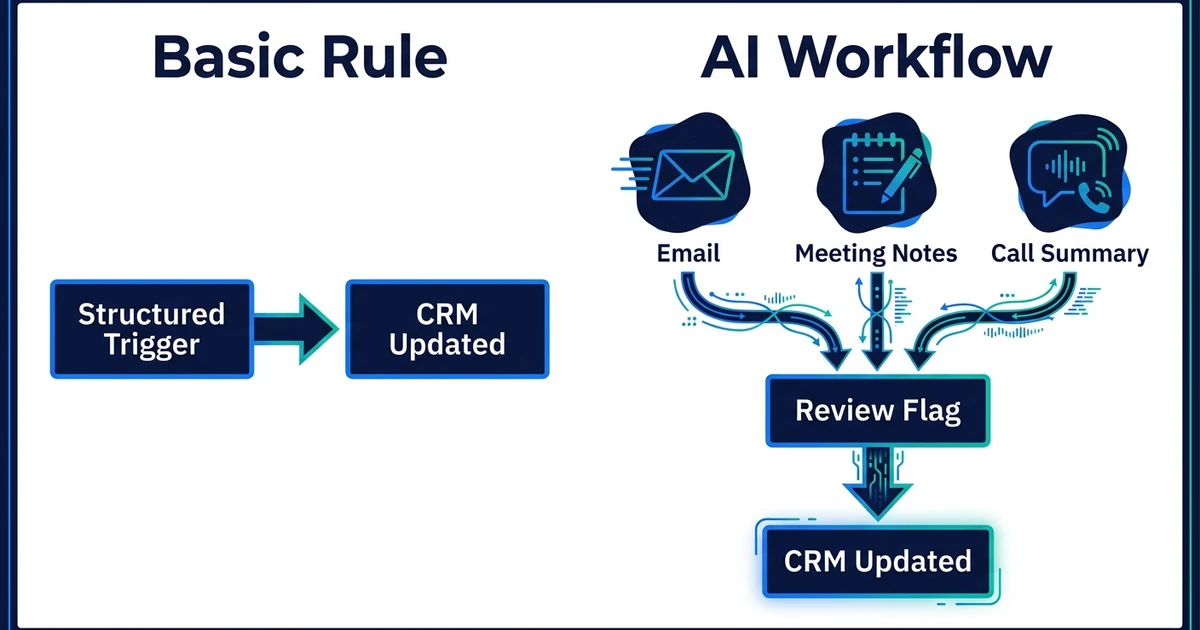
AI belongs in the workflow when the input is messy, incomplete, or written in natural language. Emails, call notes, meeting transcripts, intake forms, and customer messages rarely arrive in perfect field format.
| Capability | Basic CRM Rules | AI-Assisted CRM Automation |
|---|---|---|
| Best input | Structured fields | Emails, notes, calls, forms, mixed data |
| Best action | Fixed trigger-action steps | Summaries, field suggestions, routing, review flags |
| Main risk | Missing edge cases | Bad data if review rules are weak |
| Best use | Simple tasks and reminders | Messy CRM admin that needs context |
DIY rules can work when your process is simple. Done-for-you automation makes more sense when the workflow touches multiple tools, needs field mapping, and has enough exceptions that a broken rule would create cleanup work.
Automiq AI builds those CRM workflows inside the tools you already use. That means your CRM, email, calendar, forms, and call notes can work together without asking your team to learn a new operating system.
A Practical CRM Automation Workflow From Call to Follow-Up
Imagine a five-person professional services team. A prospect books a call, the founder runs the meeting, and the follow-up depends on the service need, budget, timeline, and next step.
Without automation, someone has to update the contact, add meeting notes, move the deal, create a task, remember the promised follow-up, and possibly tell another team member what changed.
With a CRM automation workflow, the process looks different:
- The calendar event ends.
- The call note or transcript becomes the source input.
- AI summarizes the customer need and next step.
- The workflow updates the contact and deal record.
- A follow-up task is created for the owner.
- Any uncertain field is flagged for review.
That workflow does not remove judgment. It removes the copy-paste and memory work around judgment.
If you want that kind of setup without building the logic yourself, see what a done-for-you CRM automation build costs. Automiq AI maps the workflow, builds the integrations, and tests the exceptions before your team relies on it.
What to Automate First in Your CRM
Start with the CRM admin task that happens often and creates visible pain when it fails. Frequency matters because small manual tasks become expensive when they repeat all week.
For most small teams, the best first CRM automation is one of these:
- Logging call or meeting summaries
- Creating follow-up tasks after customer interactions
- Updating lifecycle or deal stage fields
- Assigning owners after new activity
- Capturing CRM data from forms and emails
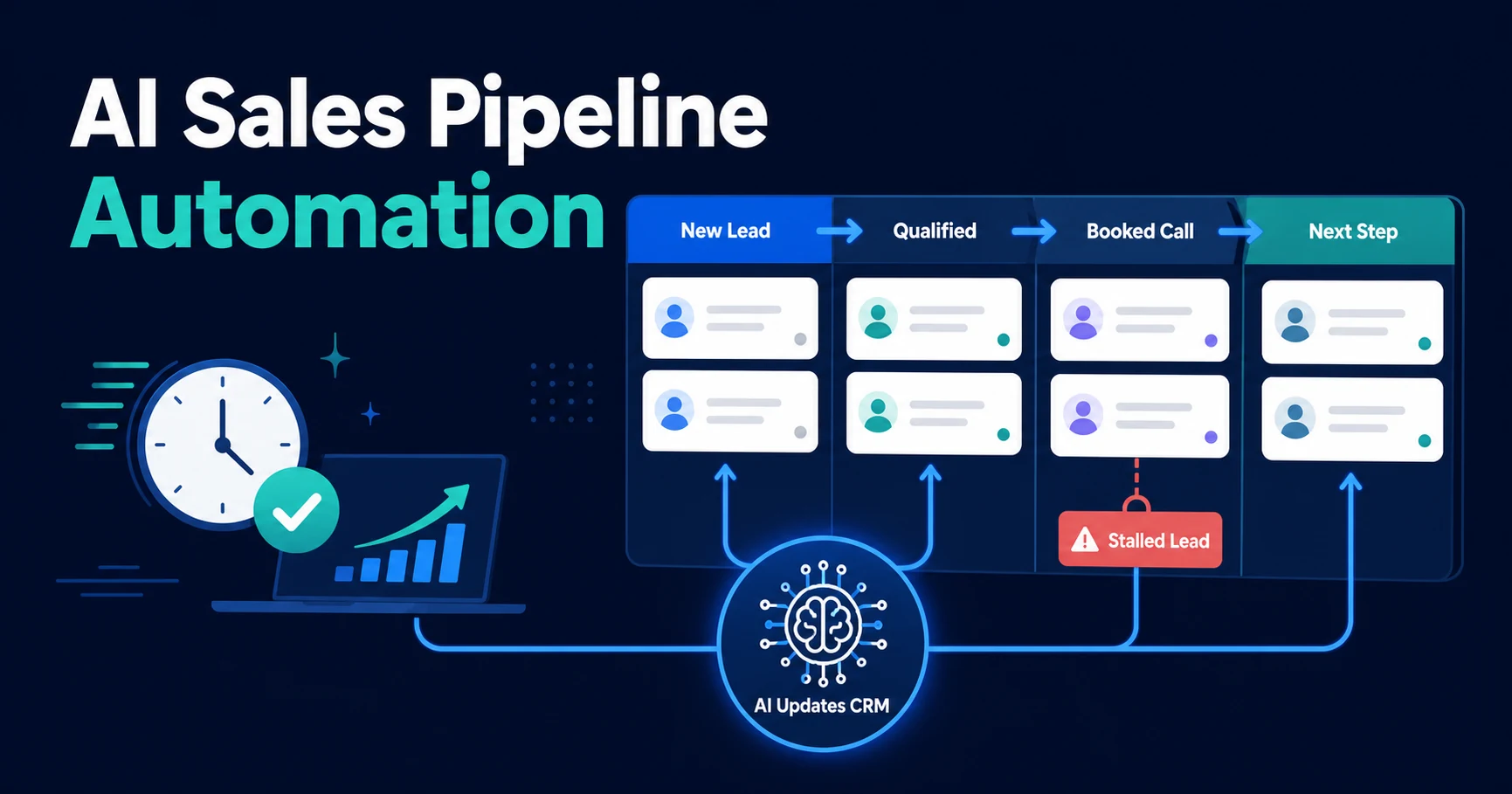
- Flagging stale records that need action
Do not start with the most complex workflow. Start with the workflow your team already understands and repeats constantly.
That first workflow becomes the proof point. Once your CRM updates reliably after one source of activity, you can add more sources and more rules without redesigning the whole system.
How to Evaluate a Done-for-You CRM Automation Setup
A good done-for-you setup should begin with the process, not the tool. The first question is not which automation platform to use. The first question is which CRM decisions depend on data your team currently enters by hand.
Use this checklist before you build or hire:
- Which CRM fields affect the next action?
- Which source systems contain that data today?
- Which updates can happen automatically?
- Which updates need human approval?
- What should happen when data conflicts?
- How will duplicates be handled?
- Who owns the workflow after launch?
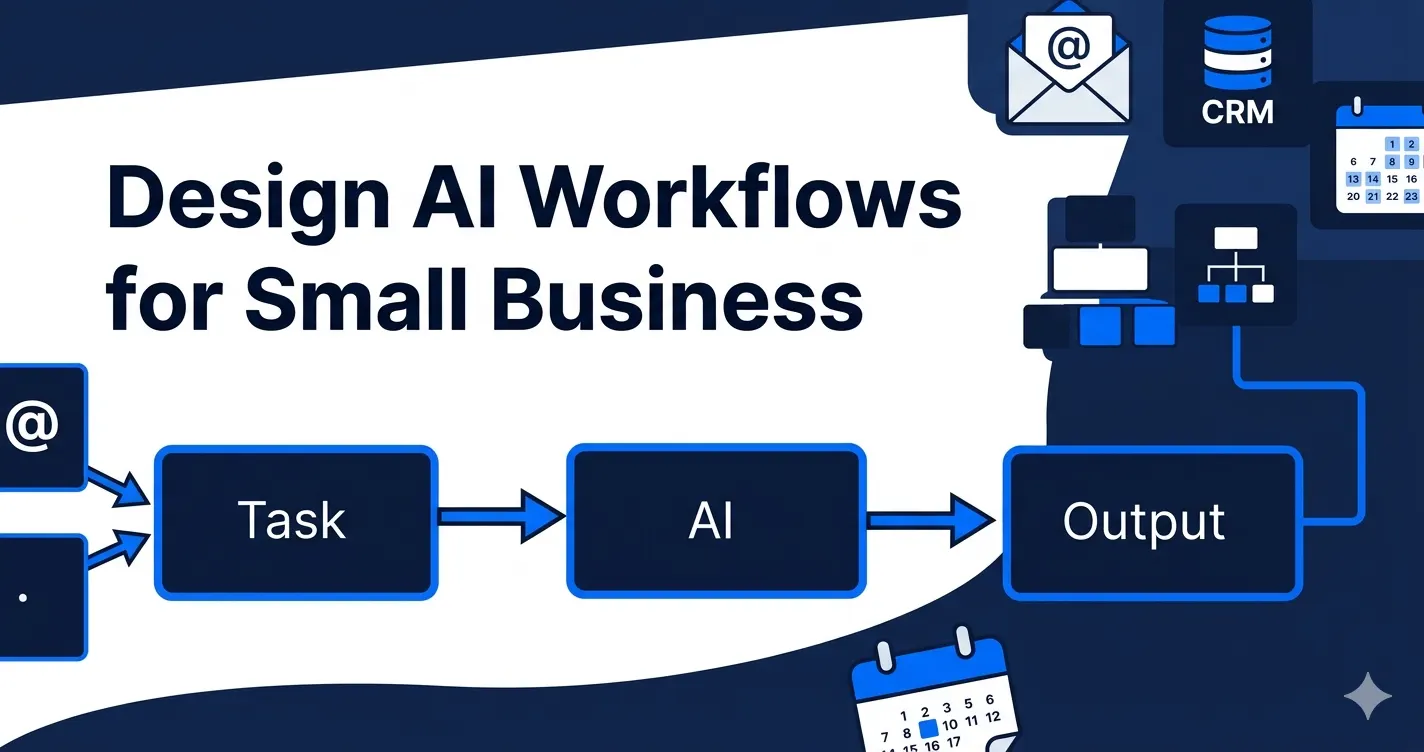
This is where AI workflow design matters. The workflow must match how your team actually sells, follows up, and serves customers.
It also needs clean AI integration inside your existing tools. A CRM automation system is only useful if it can read from the places where work already happens and write back to the CRM safely.
Frequently Asked Questions
What is CRM automation with AI?
It uses AI and workflow rules to update records, create tasks, summarize activity, enrich fields, and trigger follow-ups inside your CRM. It keeps the CRM current while work happens, not hours later.
How is CRM automation with AI different from basic CRM automation?
Basic CRM automation follows fixed rules, such as creating a task when a form is submitted. AI-assisted workflows can read messy inputs like emails, meeting notes, and call summaries, then decide what should update and what needs review.
Can AI-assisted CRM automation work with my existing CRM?
Yes, if your CRM can connect through integrations, workflow tools, webhooks, forms, or API access. The best setup keeps your current CRM as the source of truth instead of forcing your team to learn a new system.
What should small businesses automate in their CRM first?
Start with the highest-frequency admin task that creates missed follow-ups or stale records. For many teams, that means call notes, email summaries, next tasks, owner assignment, or deal field updates.
Is CRM automation with AI worth it for a small team?
It is worth considering when CRM admin takes time away from sales, service, or client work every week. If your team already trusts the CRM and only needs one simple rule, a basic workflow may be enough.
Should I build CRM automation myself or get it done for me?
DIY can work for one source and one action. Done-for-you automation makes more sense when the workflow touches email, calendar, call notes, deduplication, CRM fields, review logic, and exceptions.
Build a CRM That Updates Itself
Your CRM should not depend on perfect human memory. It should update as work happens, show the next action clearly, and give your team a record they can trust.
That operating layer turns calls, emails, forms, meetings, and notes into CRM updates your team can act on.
If your CRM is useful but too manual, book a free discovery call for a CRM automation blueprint. Automiq AI will help identify the first workflow worth automating and what it should save your team every week.