EN
EN DE
DE ES
ES FR
FR NL
NL PT
PT
Quick Answer: AI client intake automation for law firms uses automated workflows to qualify inbound leads, book consultations, and sync contact data to your CRM within minutes of the first inquiry. It eliminates the manual intake gap that causes most firms to lose prospective clients before the first meeting. According to Clio’s 2024 Legal Trends Report, law firms that improve onboarding with online intake tools see up to 50% more incoming potential clients and 50% higher average revenue.
If you’re a managing partner at a small or mid-sized firm, you know this situation. A prospective client submits your contact form at 7pm on a Tuesday. Your paralegal picks it up Wednesday morning, calls back, gets voicemail, sends an email, and marks it as pending follow-up. By Friday, that client has retained someone else.
This isn’t a staffing problem. It’s a process problem. And ai client intake automation for law firms is built to fix exactly this gap.
This guide covers where the intake leak happens, how automation closes it, what compliance guardrails need to be in place, and how to evaluate whether to build the system yourself or have it done for you.
Where Law Firms Lose Prospective Clients Before the First Meeting
The leak happens fast. Response time is the single biggest factor in whether an inbound inquiry converts to a signed matter. More than 50% of law firms don’t respond to client inquiries at all, according to research cited in Clio’s 2024 Legal Trends Report. Of those that do respond, the average response time is measured in hours, not minutes.
The problem compounds at smaller firms. When intake falls on an attorney’s plate, it competes with billable work. When it’s delegated to a paralegal or receptionist, the process is often unstructured and inconsistent. Weekend form submissions pile up with no triage system.
Here’s what that looks like in practice. A personal injury firm receives 12 web form submissions per week. Without a structured intake system, four get a response within the hour. The other eight wait until the next business day. By the time the firm follows up, three of those eight have already scheduled consultations elsewhere. That’s roughly 25% of weekly inbound leads lost to response time, not to practice fit, not to pricing.
The fix isn’t hiring a dedicated intake coordinator. The fix is removing the human queue from the first 15 minutes of every inquiry.
How AI Client Intake Automation Qualifies and Routes Leads Instantly
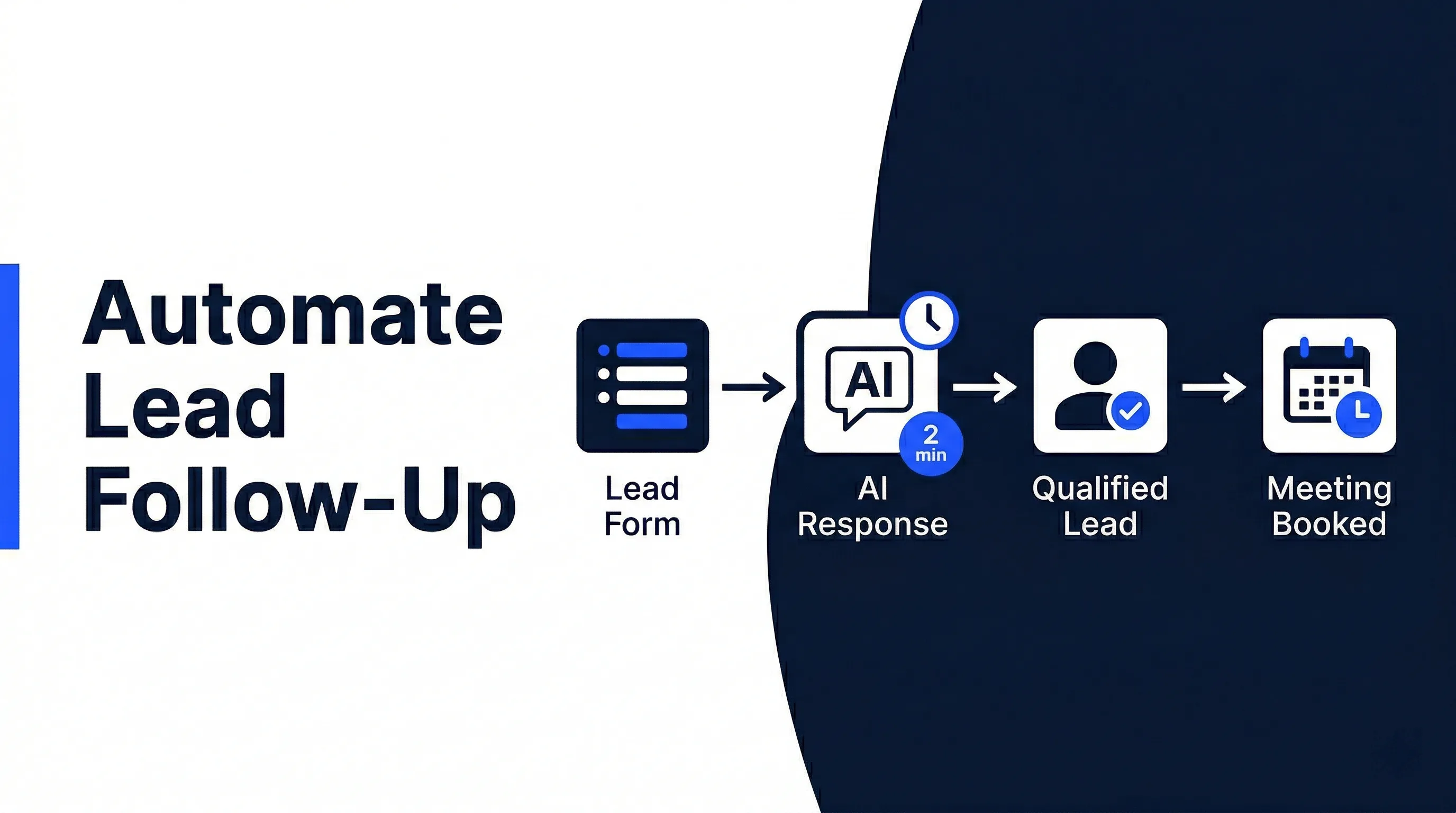
When a prospective client submits your intake form, an AI client intake automation system starts working immediately. No waiting for a paralegal to open their inbox. No leads sitting in a shared email folder.

Here’s what happens in that first window:
- The form submission triggers an AI qualification workflow
- The AI reads the responses and evaluates them against your intake criteria (practice area, jurisdiction, case type, urgency)
- Qualified leads are routed to the right attorney with a pre-filled case summary
- Borderline leads are flagged for human review with context attached
- Clearly out-of-scope inquiries receive a polite, automated response directing the contact to more appropriate resources
The attorney doesn’t review every submission. They see only the leads that fit their criteria, with the relevant context already organized. No digging through form responses, no manually entering data into a CRM field by field.
This connects to AI lead qualification workflows that score leads against your specific criteria and keep your intake pipeline clean from day one.
The practical outcome: your firm responds to every qualified inquiry within minutes, regardless of when it arrives.
Automating Consultation Booking and Reminder Sequences
Once a lead is qualified, the next bottleneck is scheduling. Most firms rely on back-and-forth email to confirm a consultation time, which adds another 24 to 48 hours to a process that should take 90 seconds.
Automated booking removes that friction entirely. After qualification, the system sends the prospective client a scheduling link tied to your calendar, books the available slot without human involvement, and fires a confirmation automatically.
From there, a reminder sequence runs without anyone managing it:
- A 24-hour reminder with meeting details and any documents to prepare
- A 1-hour reminder via text or email (your choice)
- If the client no-shows: an automated follow-up to reschedule within the same day
This is the same follow-up logic detailed in the guide on how to automate lead follow-up, applied specifically to consultation booking for law firms.
The result is a higher consultation show rate and a shorter path from first inquiry to signed retainer. No one falls through the cracks because a calendar email got buried.
Intake-to-CRM Sync Without Manual Data Entry
One of the most time-consuming parts of the intake process isn’t the conversation itself. It’s what happens after. Someone has to create the contact record, tag the matter type, log the lead source, and note the outcome of the initial call. In most firms, that’s 10 to 15 minutes of admin work per intake interaction.
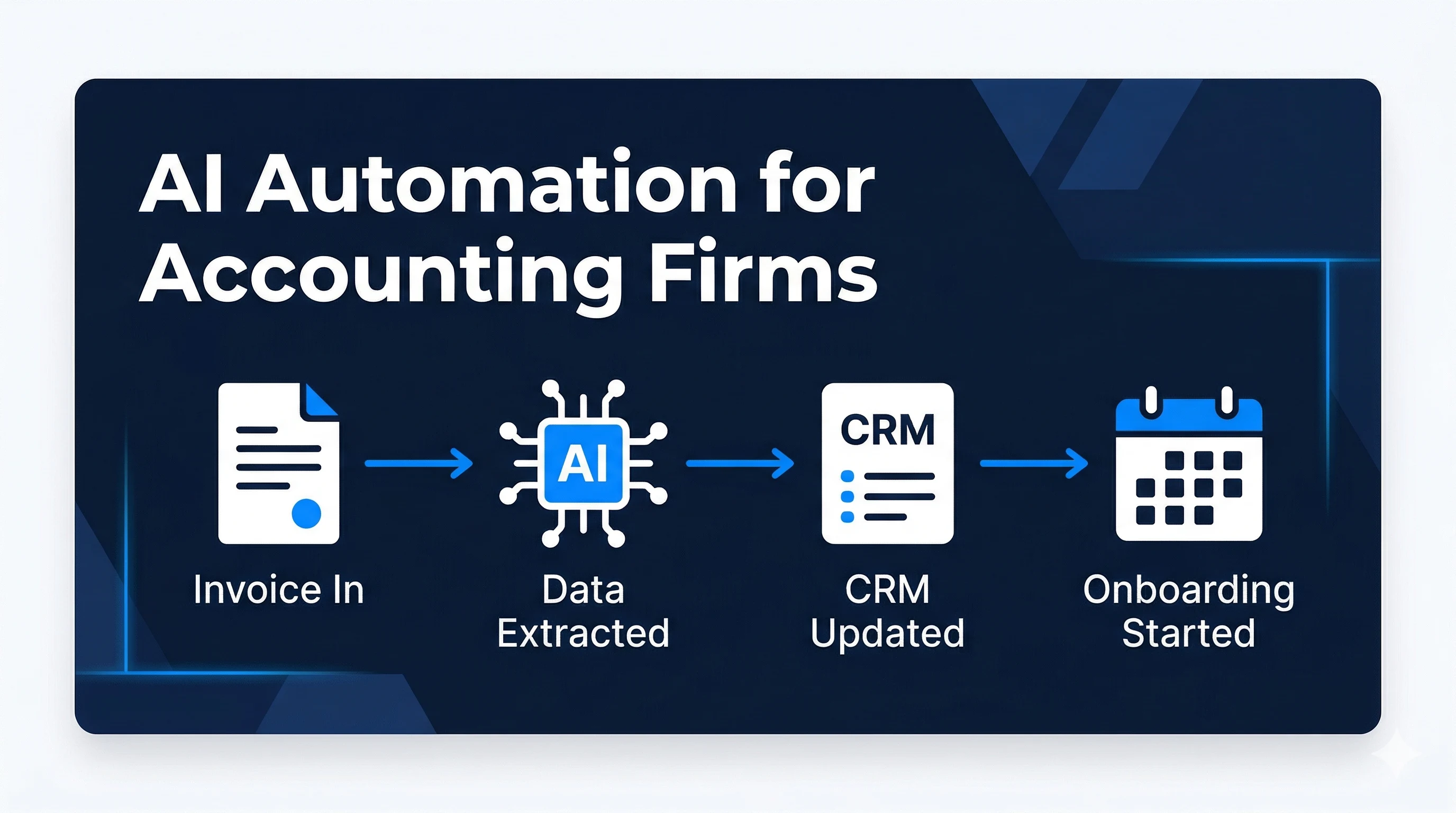
Automating the CRM sync removes that step entirely. When the intake form is submitted and processed, a contact record is created automatically. The matter type is tagged based on the AI’s classification. The lead source is logged from the referring URL. Notes from the intake form populate directly into the record.
Automiq AI builds these intake-to-CRM workflows inside tools firms already use, whether that’s Clio, HubSpot, or Pipedrive. There’s no new software to adopt and no migration to plan.
According to Clio’s 2024 Legal Trends Report, firms that improve their client onboarding experience with online intake tools see 50% more incoming potential clients and 50% more average revenue. The intake process isn’t just an operational detail. It’s directly tied to how much revenue your firm captures from the leads already coming in.
See how Automiq AI builds compliant intake automation for law firms, running inside your existing tools with no new platforms to learn.
AI Guardrails for Legal Compliance and Accuracy
Legal intake isn’t like e-commerce intake. There are real compliance considerations, and any automation approach needs to respect them.
The concern attorneys raise most often: will the AI give legal advice? When the system is built correctly, the answer is no. The AI’s job in the intake stage is to collect information and route it, not to interpret it. Here’s how that boundary holds in practice:
What the AI handles:
- Collecting contact information and case details via intake form
- Evaluating fit against your practice areas and jurisdictions
- Booking the consultation and managing reminder sequences
- Sending confirmation and status messages
What stays human:
- Evaluating the legal merits of the case
- Running the conflict check (this is triggered as a discrete manual step by the automation, not resolved automatically)
- Any substantive legal response or analysis
- Deciding whether to accept the matter
The intake AI collects and routes information. It does not provide legal assessment or advice. Every automated message it sends comes from your firm’s branded email or SMS, clearly marked as an intake communication, not a legal response. If a prospective client asks a legal question through the intake form, that question goes to a human review queue before any reply is generated.
This scoping is not a limitation of what the automation can do. It’s exactly how a compliant system should work.
Done-for-You vs. DIY Intake Automation for Law Firms
If you’ve looked into automating your intake process, you’ve likely come across tools like Zapier, Make, or the built-in automation features inside Clio. These are real tools that can handle parts of the workflow. The question is who’s going to build, test, and maintain the system - and whether that person exists at your firm.
| Factor | DIY (Build It Yourself) | Done-for-You (Automiq AI) |
|---|---|---|
| Setup time | Weeks to months of trial and error | 1-2 weeks from kickoff to live system |
| Technical knowledge needed | Moderate to high | None - you receive a working system |
| Ongoing maintenance | Your responsibility | Included in post-launch support period |
| Tool subscription cost | Paid per tool, per month | Third-party tools only (no Automiq AI retainer) |
| Integration depth | Limited to what you can connect | Custom-built around your CRM and calendar |
| Compliance scoping | Depends on how you configure it | Built with legal intake boundaries by default |
DIY makes sense when your firm has someone with the time, technical ability, and interest to build and maintain automation workflows. That’s a realistic option for some practices, particularly those with a dedicated operations role.
For most managing partners at firms with 2 to 20 staff, that person doesn’t exist. The partner doing the intake review is also handling billable work and managing the team. Adding “learn workflow automation” to that list is how intake automation projects get started but never finished.
See Automiq AI pricing for a breakdown of how the done-for-you build is structured as a fixed one-time engagement with no ongoing agency retainer.
What Law Firms Can Expect in the First 30 to 60 Days
The results from intake automation show up faster than most firms expect.
In the first 30 days, the most visible change is response speed. Inbound leads that previously waited hours for a callback now receive a response within minutes. Consultations book directly from the intake form. The pile of unprocessed weekend inquiries disappears because the system handles them as they arrive.
By 60 days, the downstream effects become measurable. Paralegals and support staff recover time that was previously spent on data entry and scheduling coordination. Research from the NBER Working Paper on AI-assisted productivity found that AI assistance improved productivity by 14% on average across more than 5,000 support agents, with a 34% improvement for newer, less experienced staff. That finding applies directly to intake teams where junior paralegals are handling most of the administrative load.
At the business level, every inquiry is now logged, every routing decision is recorded, and every follow-up is tracked. You can see where leads drop off and why. That visibility is something most firms have never had from their intake process before.
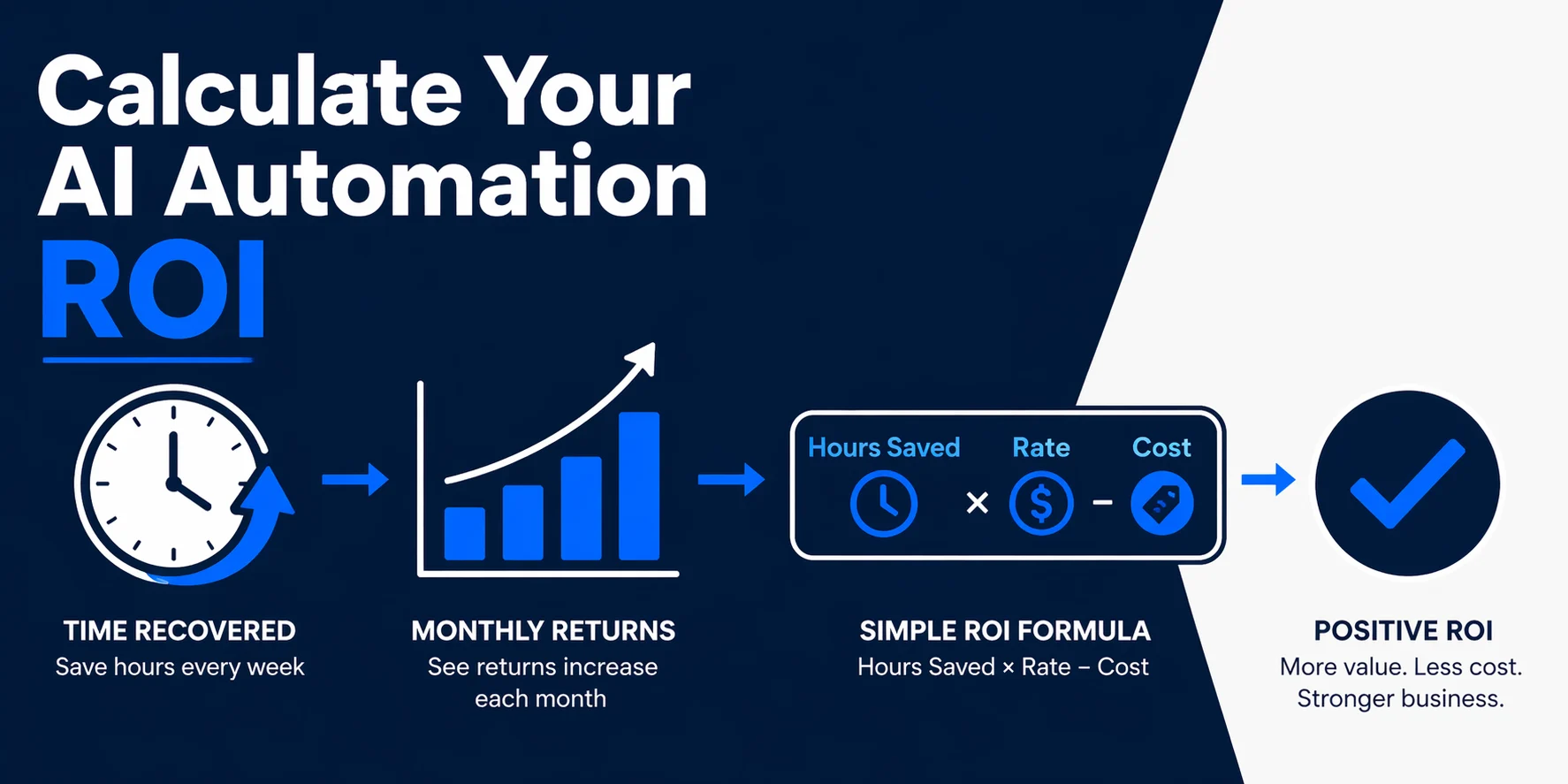
For a full breakdown of how to measure what this kind of automation returns over time, the guide on measuring the ROI of AI automation covers how to frame those numbers for a service business.
Frequently Asked Questions
What is AI client intake automation for law firms?
AI client intake automation for law firms is a set of automated workflows that receive inbound inquiries, qualify leads against your practice criteria, book consultations, and sync all contact data to your CRM without manual handling. It replaces the intake backlog with a system that responds within minutes of every submission, regardless of time of day.
Does AI client intake automation for law firms work with my existing software?
Yes. The automation connects to whatever case management or CRM platform your firm already uses. The intake workflow reads from your forms and writes to your existing system. You don’t need to migrate to a new platform or learn a new tool.
Will the AI respond to clients on my firm’s behalf?
The AI handles informational communications only: booking confirmations, reminders, and intake acknowledgments. It does not evaluate legal merit or provide legal guidance. Any substantive question submitted through the intake form routes to a human for review before a response is sent.
How does the automation handle sensitive client information?
Intake data flows through encrypted connections and is stored according to your firm’s existing data handling practices. The automation is scoped to collect only what’s necessary for lead qualification. Sensitive case details are not processed through third-party AI training pipelines.
How long does it take to set up an automated intake system?
A properly configured intake automation system typically takes 1 to 2 weeks from the initial discovery call to a live, tested workflow. DIY builds often take significantly longer due to the learning curve and integration testing involved.
What happens if the AI misclassifies a lead?
Any lead that doesn’t clearly meet your intake criteria, or that falls into a borderline category, goes to a human review queue before any action is taken. The system is designed to escalate uncertainty rather than act on it.
The Firms Responding Fastest Are Signing the Most Matters
The firms retaining more clients right now are not necessarily the best attorneys in their market. They are the ones responding within minutes, not the ones responding within business hours. That window is where most intake processes fail, and where automation has the clearest impact.
AI usage among legal professionals grew from 19% in 2023 to 79% in 2024, according to Clio’s 2024 Legal Trends Report. By 2025, 93% of mid-sized firms had incorporated AI into their operations, with over half using it widely or universally. In 2026, Clio reported that 71% of solo practitioners and 75% of small firms were using AI to complete legal work. The baseline is moving quickly. Firms that automate intake now build a structural response-time advantage that compounds over time.
If your intake process currently depends on someone checking email, there’s a version of this that runs automatically, inside the tools you already use, without a new platform to learn.
Book a free discovery call to get a custom intake automation blueprint for your firm at Automiq AI.