EN
EN DE
DE ES
ES FR
FR NL
NL PT
PT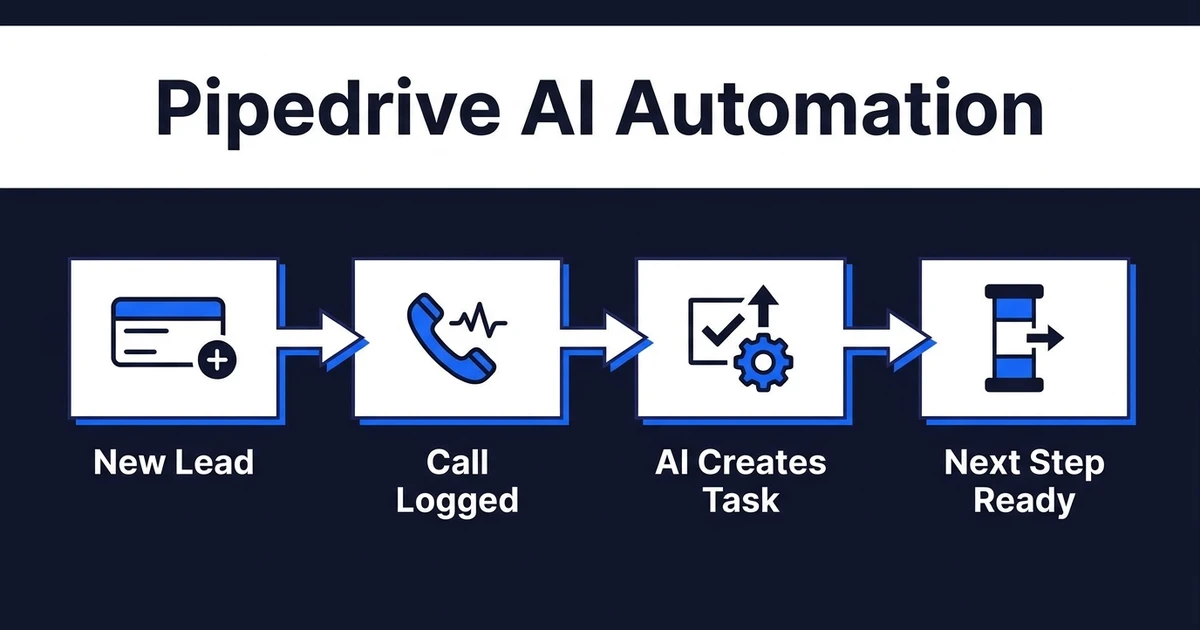
Quick Answer: Pipedrive AI automation helps small sales teams keep deals, activities, notes, email follow-ups, stages, and next actions current inside Pipedrive. The strongest workflows support the seller without moving deals blindly or hiding exceptions from the owner.
Pipedrive AI automation is a strong fit for small sales teams because the pain is direct. The same person who sells often has to log activities, update deal notes, chase follow-ups, and remember which deal is going cold in the pipeline.
That admin does not look strategic. But when it is skipped, the pipeline becomes a guess.
Automiq AI builds done-for-you workflows for teams that want the CRM to stay current without turning the founder or sales rep into a workflow builder.
Why Pipedrive AI Automation Fits Small Sales Teams
Small teams do not need heavy process theater. They need a clean pipeline, clear next steps, and fewer places where deals can quietly die.
The right AI workflow acts like a sales assistant inside Pipedrive. It captures what happened, reminds the owner what needs to happen next, and keeps the deal record useful.
McKinsey found that 88% of surveyed organizations use AI regularly in at least one business function in its 2025 State of AI research. For a small sales team, the useful version of that trend is not a massive AI program. It is one workflow that removes the admin repeated every day.
That is why Pipedrive automation should start with deal admin, not an ambitious rebuild.
Which Pipedrive Tasks Should AI Automate First?
Start where the rep loses time after sales activity. Those moments are predictable and easy to measure.
Strong first Pipedrive candidates include:
- Logging call and meeting summaries as deal notes
- Creating next activity tasks after calls, emails, or meetings
- Drafting follow-up emails from the latest deal context
- Flagging deals with no activity or no scheduled next action
- Updating deal notes when new context arrives through email sync
- Recommending stage movement when the rule is clear
- Preparing won-deal handoff notes before the deal leaves sales
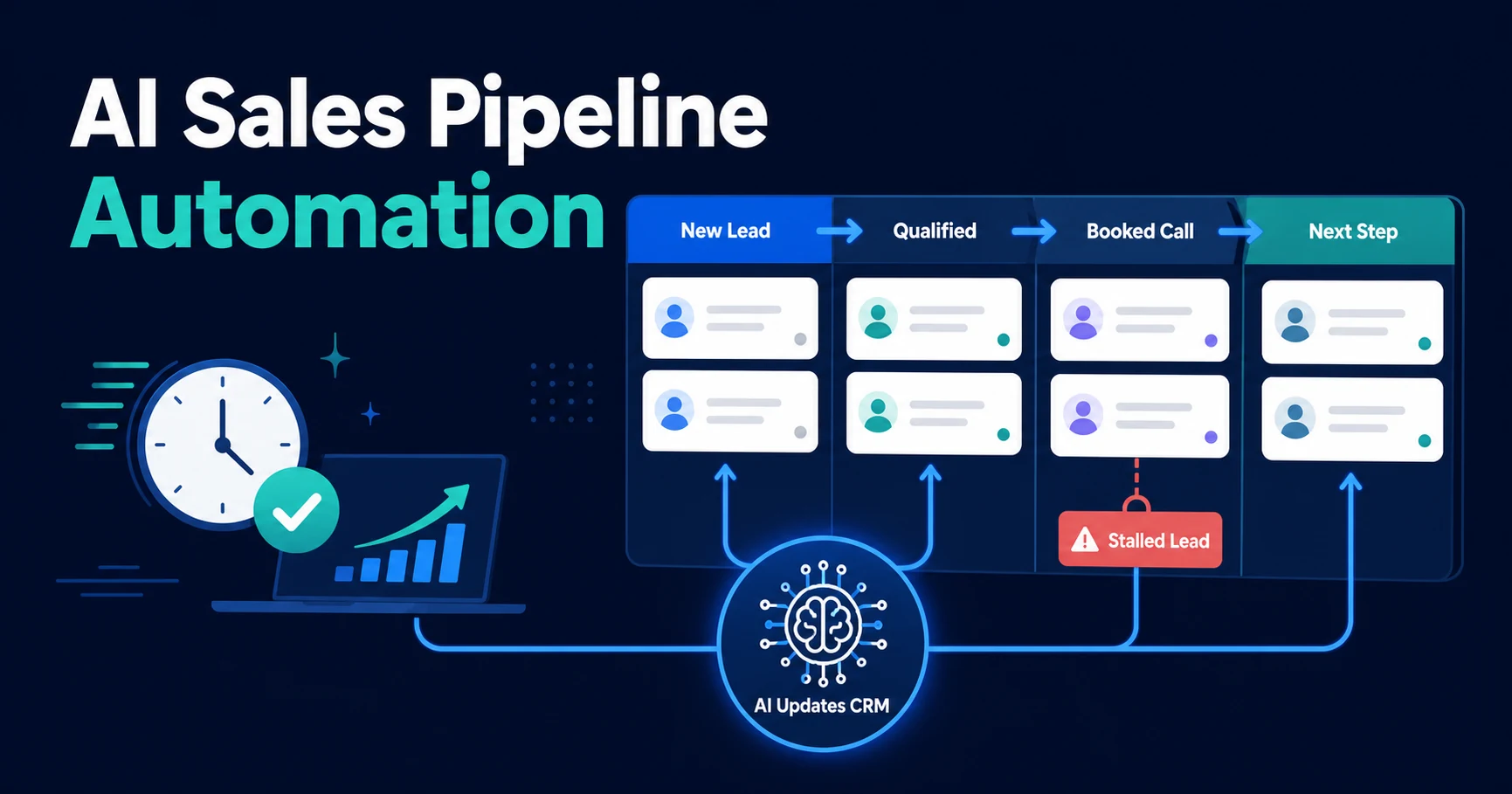
This connects directly to AI sales pipeline automation, but the focus here is narrower: remove the manual admin that keeps the pipeline from reflecting reality.
The workflow should not create a hidden black box. If a deal appears stale, AI should flag it. If a call suggests a stage change, AI should recommend it. If the rule is unclear, the seller should approve before the deal moves.
What Should Still Stay Under Human Control in Pipedrive?
Relationship judgment should stay with the seller. AI can support it, but it should not decide whether a prospect is serious, whether pricing was accepted, or whether a deal is truly ready to move without a clear rule.
Keep human control over:
- Stage movement where intent is ambiguous
- Final customer-facing messages
- Pricing or scope commitments
- Lost reason classification when context is unclear
- Merging or deleting records
That does not make automation weaker. It makes it safer.
The best workflows save time around judgment. They do not pretend judgment no longer matters.
A Practical Pipedrive Workflow From New Lead to Follow-Up
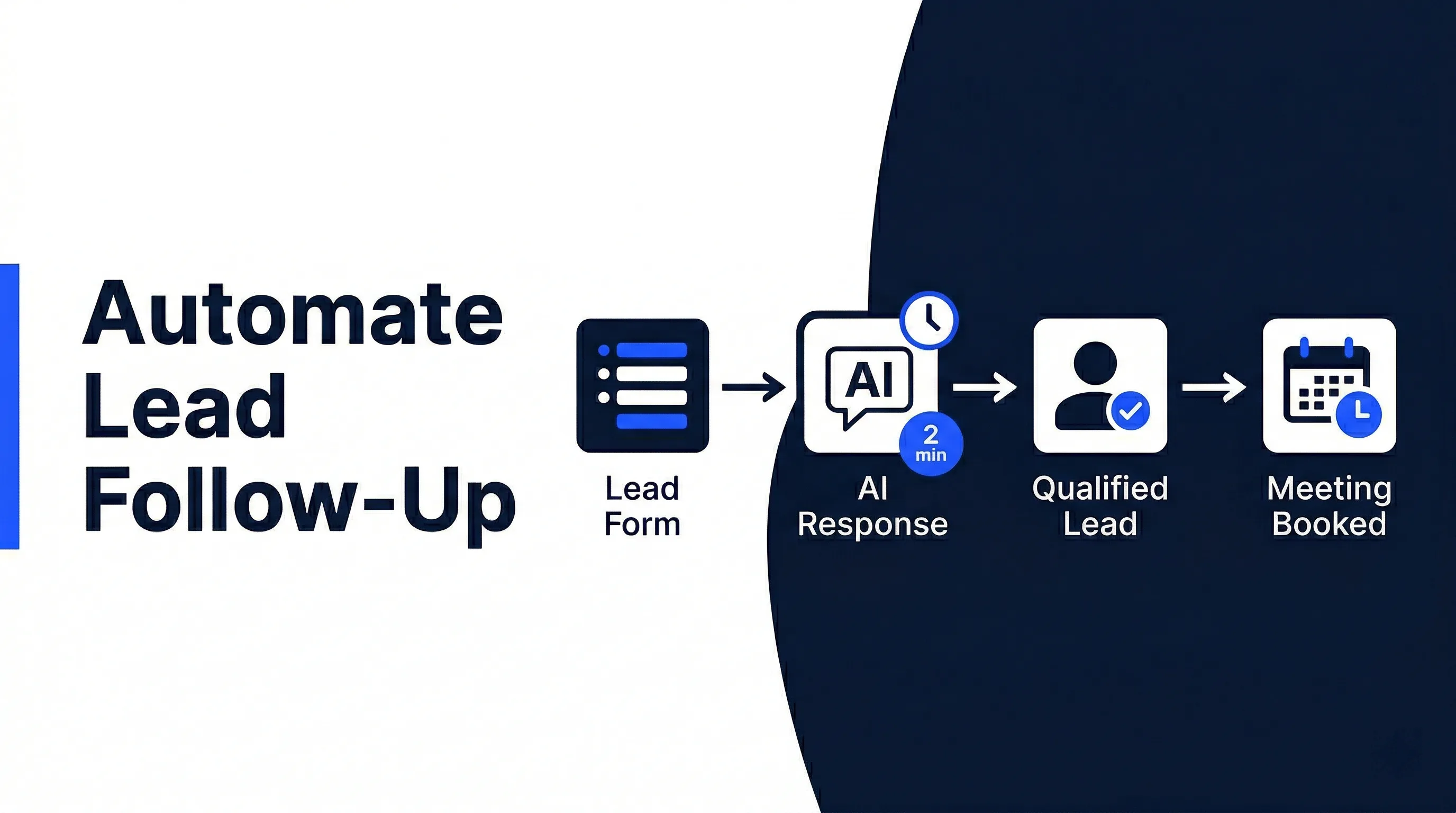
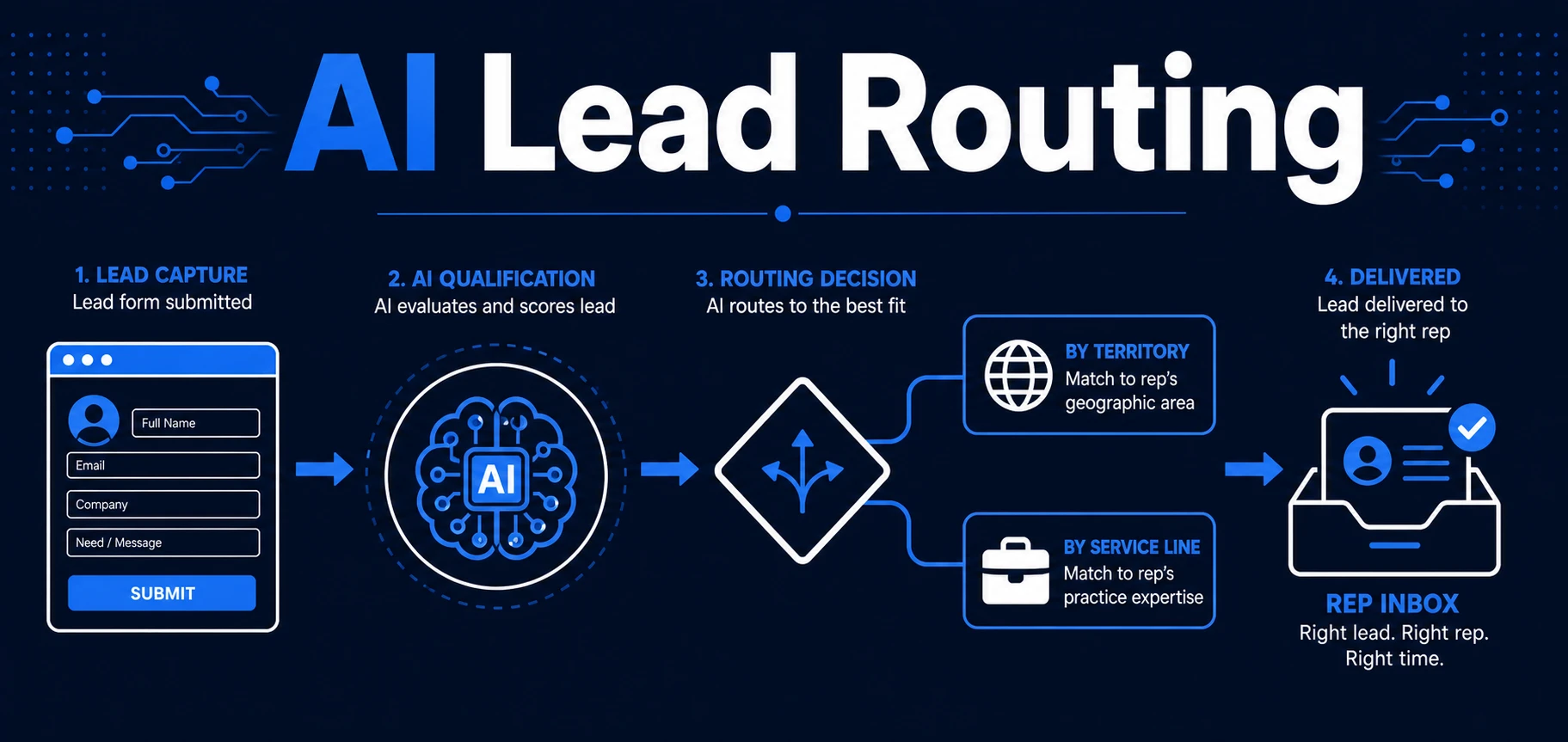
Imagine a new inquiry arrives from your website. AI reads the message, identifies the requested service, checks whether the person and organization already exist, creates or updates the deal, and schedules the first activity in Pipedrive.
After the sales call, AI summarizes the conversation, extracts objections and next steps, drafts a follow-up email, and logs the note on the deal. If the deal has no next activity, the workflow flags it before it goes stale.
If the prospect replies through synced email, the workflow can read the reply, update the deal note, and suggest the next activity. The seller still controls the relationship, but Pipedrive stops depending on memory.
If your Pipedrive pipeline only stays clean when someone remembers to update it, book a free automation discovery call. Automiq AI can turn one repeated sales admin task into a working workflow inside Pipedrive, email, and calendar.
This is also where AI CRM updates matter. The record updates after activity, not after someone finds time to clean up the CRM.
Done-for-You vs DIY Automation vs Hiring Sales Ops
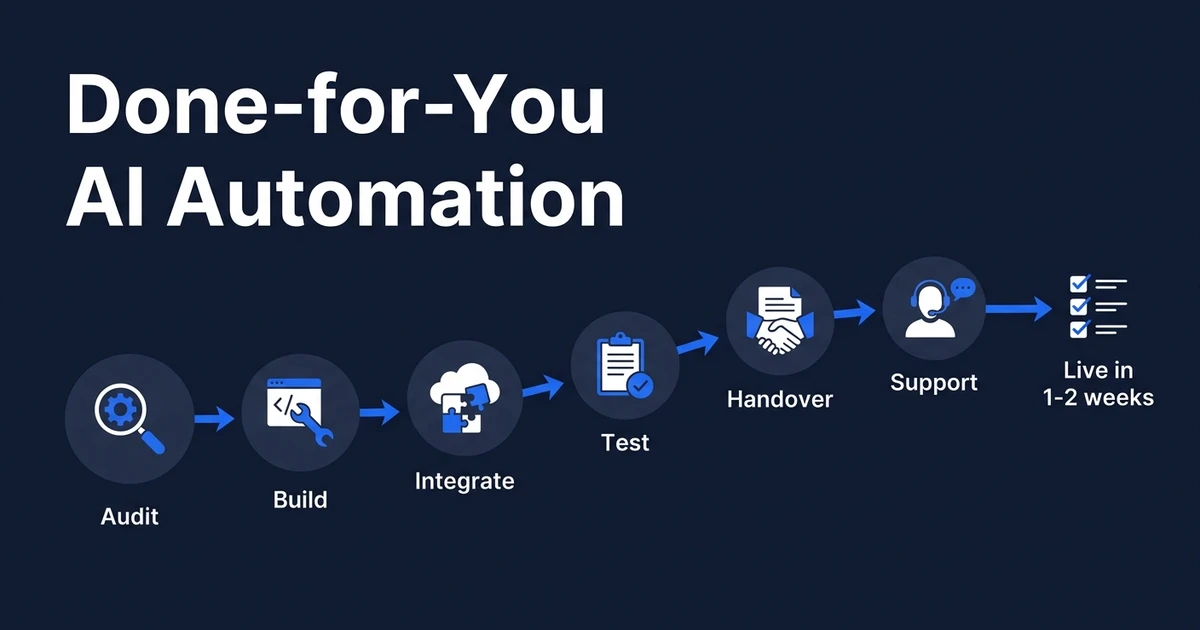
Small teams usually compare three paths: build it themselves, hire sales ops, or use a done-for-you automation partner.
| Option | Best Fit | Tradeoff |
|---|---|---|
| DIY automation | Simple reminders or one-step tasks | You still design and maintain the workflow |
| Sales ops hire | Larger team with ongoing process needs | Often too much cost for one clear workflow |
| Done-for-you build | Repeated admin with clear rules | Fastest path to a working system |
DIY is fine when the task is simple. If the workflow only says “create a reminder when a deal is inactive,” your team may not need help.
But if the workflow reads synced emails, summarizes calls, updates Pipedrive deal records, drafts replies, and routes exceptions, the build quality matters. That is where AI implementation service is more practical than handing the project to a busy founder.
How to Decide If Your Pipeline Is Ready
Your pipeline is ready for automation when the sales process is repeated often enough to create patterns. It does not need to be perfect.
Ask:
- Do most deals follow similar stages?
- Are next steps easy to define?
- Does every open deal need a next activity?
- Do call notes follow a repeatable structure?
- Are stale deals easy to identify?
- Can the seller review uncertain updates quickly?
Deloitte reported that 54% of organizations seek efficiency and productivity improvements from GenAI, but only 38% track changes in employee productivity in its Q3 State of Generative AI research. That is a useful warning for small teams.
Do not automate for novelty. Automate the admin your team can actually feel disappearing.
Frequently Asked Questions
What does AI automation do for deal admin?
Pipedrive AI automation uses AI-assisted workflows around deals, people, organizations, activities, notes, stages, email sync, and stale deal alerts. It helps small teams keep the pipeline current while they stay focused on selling.
Can AI move deals through my pipeline automatically?
It can, but automatic stage movement should be used carefully. In most small sales teams, AI should suggest a stage update or trigger a review unless the rule is clear and low-risk.
What tasks should small sales teams automate first?
Start with activity logging, next-step tasks, follow-up reminders, call summaries, email-reply updates, stage suggestions, and stale deal alerts. These are repeated often and do not require a full sales operations rebuild.
Is this useful if my team is only two or three people?
Yes, small teams often feel CRM admin more sharply because the founder or seller owns everything. A narrow automation can remove daily admin without creating a larger system to manage.
How does Automiq AI build sales pipeline automation?
Automiq AI maps your Pipedrive pipeline, identifies repetitive admin, connects Pipedrive with email and calendar tools, and builds a workflow with review points where needed. You get the result without learning the automation stack.
Build a Cleaner Pipeline Without Adding More Admin
Your sales pipeline should show what is happening, not what someone remembered to update. AI can remove the admin around selling while leaving judgment with the people who own the customer relationship.
Automiq AI builds those workflows inside your existing tools. Book a free automation discovery call and we will identify the first Pipedrive deal admin task worth automating.