EN
EN DE
DE ES
ES FR
FR NL
NL PT
PT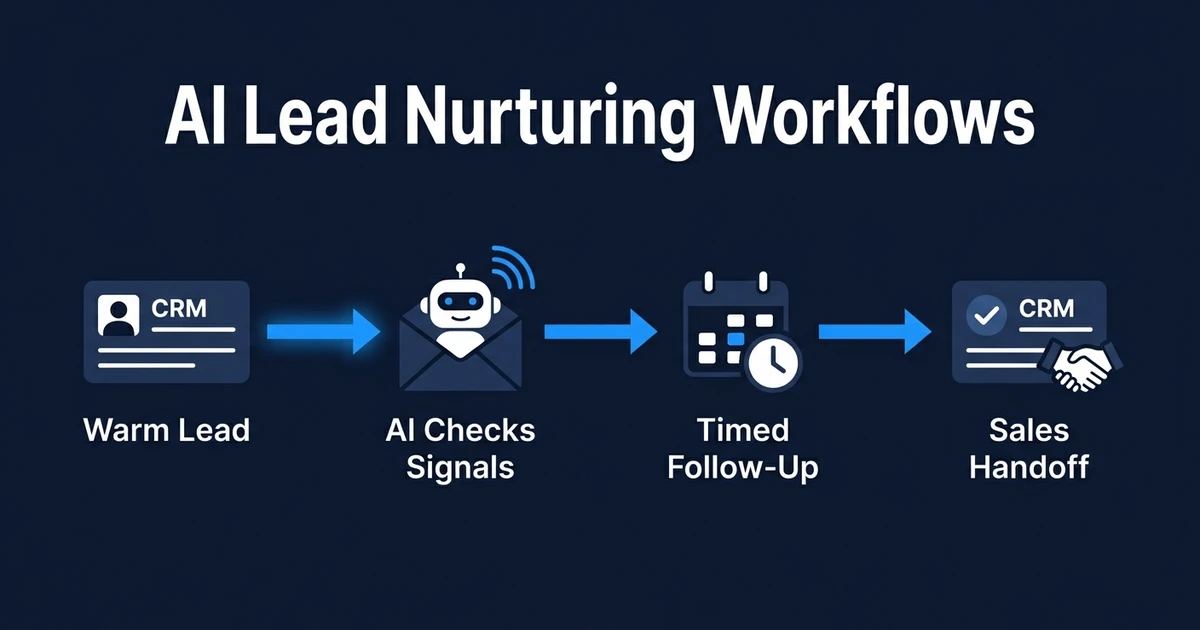
Quick Answer: AI lead nurturing workflows use CRM data, lead behavior, and qualification rules to send the right follow-up at the right time. Instead of dropping every warm lead into the same drip campaign, the workflow changes based on replies, engagement, timing, and sales readiness.
A lead does not become worthless just because they are not ready today.
That is where many small teams lose revenue. They respond quickly, have a decent first conversation, then let the lead sit until somebody remembers to check in again.
AI-powered nurture fixes that middle stage. It keeps warm prospects moving after the first reply, before the final sales conversation.
Why Warm Leads Stop Moving After the First Reply
Warm leads usually stall for boring reasons. Nobody owns the next touch. The CRM stage is vague. The follow-up reminder lives in someone’s head instead of the system.
The first response gets all the attention, but the second and third moments often decide whether a lead becomes real pipeline. If your team sends one generic message and waits, interested buyers can quietly drift away.
The problem gets worse when leads have different timelines. One prospect wants pricing now. Another is researching options. A third needs internal approval before they can book a call.
Treating all of them the same creates two bad outcomes. Your best leads do not get enough momentum, and your slower leads receive messages that feel disconnected from where they are in the buying process.
What Are AI Lead Nurturing Workflows?
AI lead nurturing workflows are automated follow-up systems that keep warm leads engaged until they are ready for sales action. They read the lead’s status, behavior, and replies, then trigger the next relevant step.
That makes them different from a static email drip. A drip campaign sends the same sequence on the same schedule. A nurture workflow changes based on what happens.
For example, a lead who clicks a pricing page should not receive the same message as someone who has ignored every email. A lead who replies with a budget question should not stay in a passive education sequence.
The goal is simple: your team should not need to manually remember every warm lead, every touchpoint, and every timing rule. The workflow should keep the relationship alive while your people handle the conversations that need judgment.
What a Lead Nurturing Automation Should Actually Do
A useful nurture system does more than send scheduled emails. It connects lead context, timing, CRM status, and handoff rules in one workflow.
The workflow should decide what happens next without making the buyer feel like they are trapped in a campaign.
A practical setup usually includes:
- Segment the lead by source, fit, urgency, and current stage.
- Send a relevant next message based on that segment.
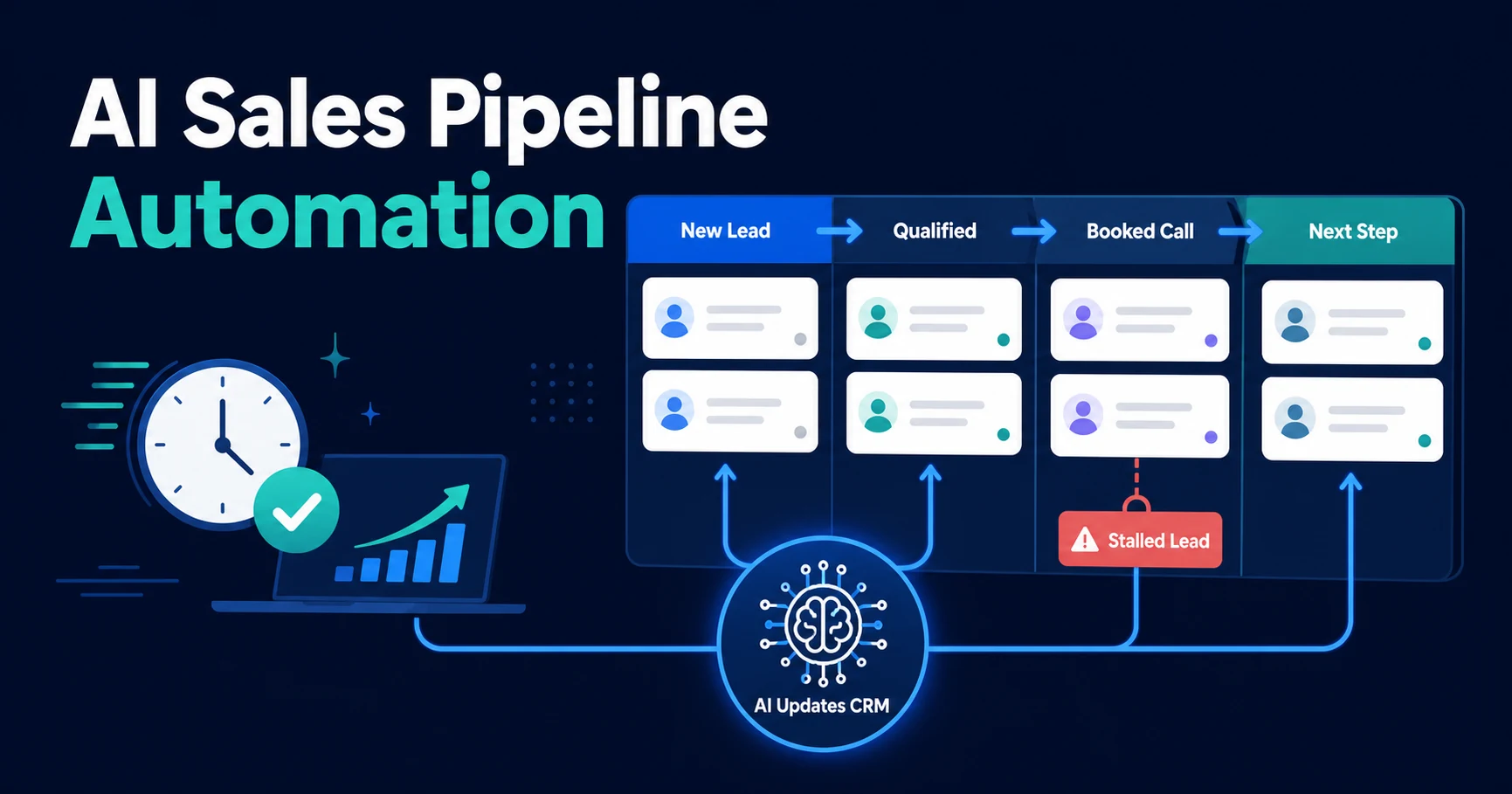
- Update the CRM with status, last touch, and next action.
- Pause the sequence when the lead replies or books a call.
- Notify a human when the lead shows clear buying intent.
- Re-engage quiet leads with useful context instead of pressure.
- Stop the workflow when the lead is closed, disqualified, or unsubscribed.
This is where AI email responder workflows become useful. The email is not the whole system, but it is often the visible layer your prospect experiences.
How AI Decides Which Follow-Up Comes Next
AI does not need to guess. It needs clear signals.
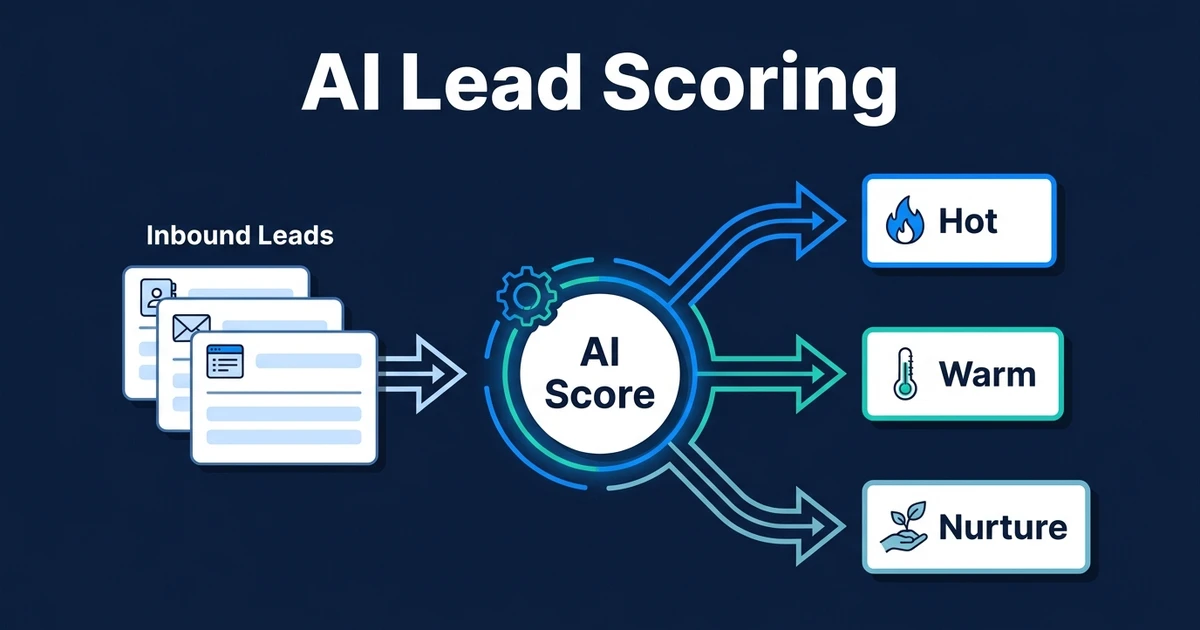
The most useful signals are already inside your tools: CRM stage, lead source, reply content, meeting status, email engagement, service interest, qualification score, and time since the last touch.
Once those signals are visible, the workflow can choose a better next step. A lead who asked about timing can receive a scheduling prompt. A lead who opened several educational emails can receive a case-style example. A lead who stopped responding can receive a lighter re-engagement message.
Gartner found that B2B buyers used an average of seven information sources during a recent purchase, and 45 percent used GenAI mainly to gather vendor and product information according to its 2026 buyer survey. That matters because nurture is no longer just “send more emails.” It is helping buyers continue their research without losing the thread.
The best nurture workflow also knows when to stop. If a lead replies with a serious objection, the system should not keep sending education content. It should alert the right person with the context they need.
A Practical Nurture Workflow for a Small Service Business
Imagine a professional services firm that gets a steady stream of enquiries from referrals, website forms, and content downloads. The team responds to new leads, but many prospects are still comparing options or waiting on internal approval.
Before automation, those warm leads depend on calendar reminders and memory. The owner checks a spreadsheet, sends a manual email when time allows, and hopes the message still feels relevant.
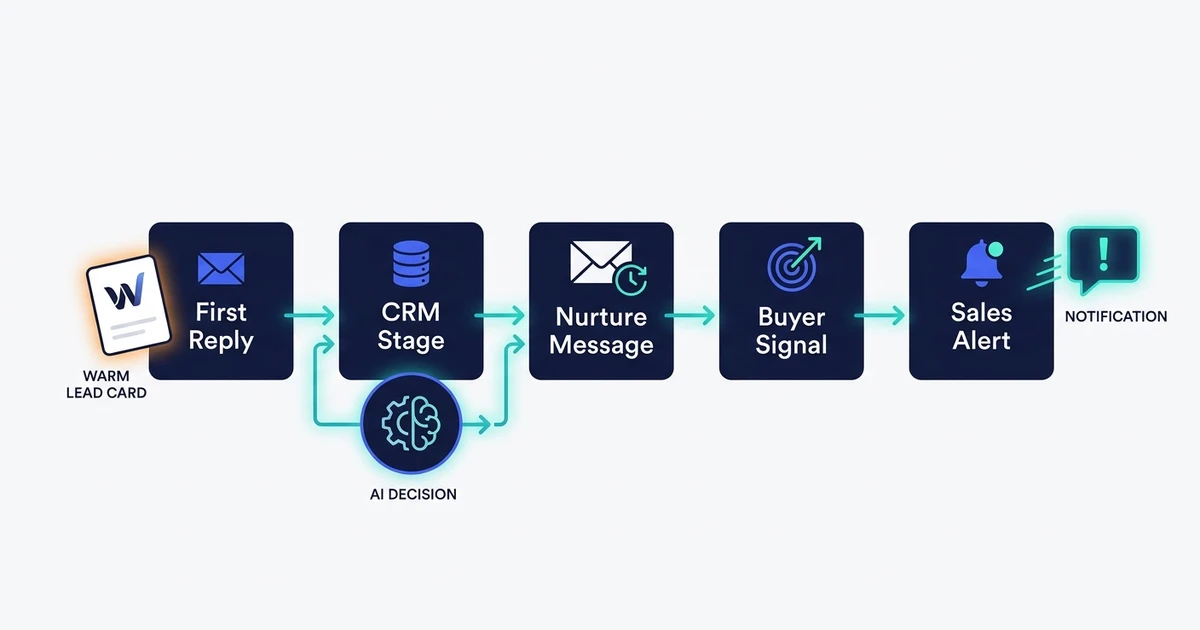
With a nurture workflow, the process changes:
- The lead enters the CRM after the first response.
- The workflow tags the lead by service interest and buying stage.
- A useful follow-up goes out based on the lead’s stated need.
- The CRM records each touch automatically.
- If the lead clicks a booking link or asks a buying question, sales gets notified.
- If the lead stays quiet, the workflow sends a softer re-engagement message later.
The difference is not volume. It is continuity. Every warm lead gets a clear next step without your team manually rebuilding the context each time.
Automiq AI builds lead nurture workflows inside the CRM, email, and calendar tools you already use. If you want the system designed around your sales process instead of another platform to learn, see Automiq AI pricing.
AI Nurturing vs Manual Follow-Up vs Basic Email Drips
Not every business needs a complex nurture system. If you have one offer, one audience, and one simple sales path, a basic email sequence may be enough.
The moment leads differ by source, urgency, service interest, or readiness, static follow-up starts to feel clumsy.
| Approach | Best fit | Main tradeoff |
|---|---|---|
| Manual follow-up | Very low lead volume with a short sales cycle | Easy to personalize, but easy to forget |
| Basic email drip | One audience receiving the same education path | Simple to launch, but weak when buyer behavior changes |
| AI nurture workflow | Warm leads with different stages, signals, and next steps | Needs clear rules before it can run well |
Salesforce reports that 83 percent of marketers recognize the shift toward personalized, two-way messaging, while only one in four are satisfied with how they use data to power those moments in its State of Marketing report. That is the gap a nurture workflow is meant to close.
DIY can work when the logic is simple. If every lead gets the same message, you can set that up quickly. But when the workflow needs to respond to replies, CRM status, sales readiness, and timing, the build becomes more operational than editorial.
That is where AI workflow design matters. The hard part is not writing the emails. The hard part is deciding what should happen when the buyer does something different from the default path.
How to Know When a Warm Lead Should Go Back to Sales
Lead nurturing should not keep a buyer away from sales. It should surface the right moment faster.
A warm lead should move back to sales when they show a clear action signal. That might be a reply about budget, a question about implementation, a booking link click, a pricing page visit, or a message that names a real deadline.
The workflow should treat those signals differently from casual engagement. Opening an email is useful context. Asking whether your service works with their CRM is a stronger sign that a human should step in.
McKinsey says an AI-powered next-best-experience approach can increase customer satisfaction by 15 to 20 percent, increase revenue by 5 to 8 percent, and reduce cost to serve by 20 to 30 percent in its customer experience analysis. The lesson for lead nurture is practical: timing and relevance change the outcome.
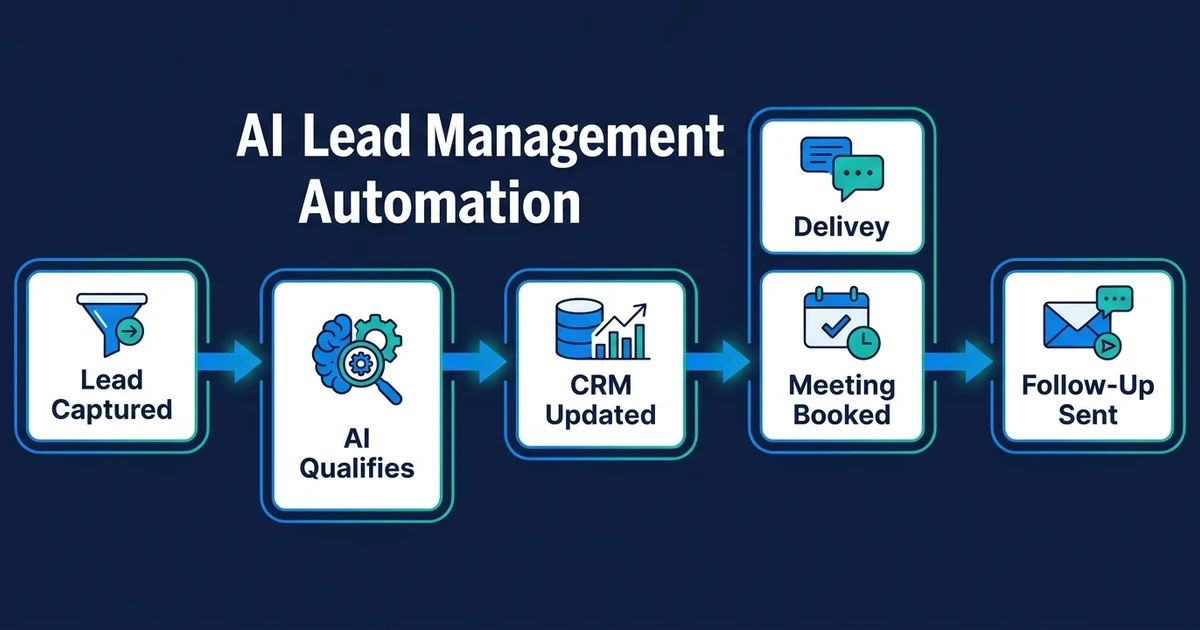
This is also where the broader AI lead management automation system connects. Nurture keeps the lead warm, but lead management decides how that lead gets scored, routed, updated, and moved through the pipeline.
Frequently Asked Questions
What is an AI nurture workflow?
An AI lead nurturing workflow is an automated process that keeps warm leads engaged after the first response. It uses CRM status, reply content, timing, and engagement signals to decide which follow-up should happen next.
How are AI lead nurturing workflows different from lead follow-up?
Lead follow-up usually focuses on the first few touches after a lead arrives. AI lead nurturing workflows focus on the longer middle stage, where the prospect is interested but not ready to book, buy, or speak with sales yet.
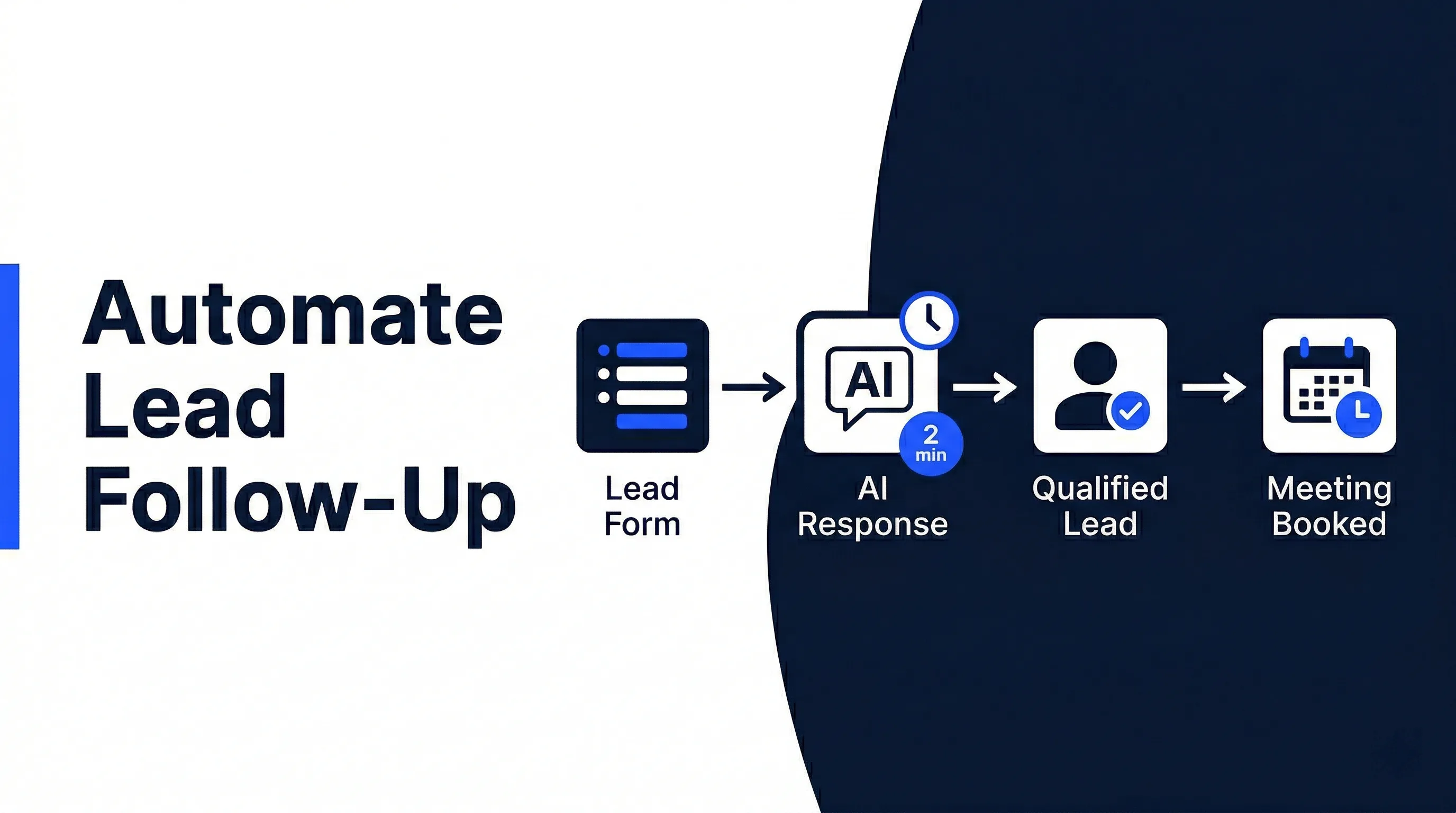
If your biggest issue is the first response, start with how to automate lead follow-up. If your issue is warm leads stalling after that, nurture is the better layer to fix.
Can AI nurturing work with my existing CRM?
Yes. A good nurture workflow should update the CRM you already use, not force your team into a new system. The CRM keeps the lead stage, owner, notes, and next action visible.
How many follow-ups should a nurture workflow send?
There is no universal number because the right cadence depends on your sales cycle, buyer urgency, and lead source. The better rule is to stop sending generic touches and make each follow-up depend on what the lead has done or said.
When should a lead leave an AI nurture workflow?
A lead should leave nurture when they show clear buying intent, become a poor fit, unsubscribe, book a call, or need human judgment. The workflow should have clear stop conditions so automation does not keep pushing when the next step has changed.
Keep Warm Leads Moving Without Chasing Manually
Warm leads do not need more random reminders. They need the right next touch, at the right moment, with the right handoff when they are ready.
If that depends on memory, your nurture process will always leak. Your CRM may hold the records, but the workflow needs to move them.
Automiq AI pricing shows how a done-for-you workflow can turn warm lead follow-up into a system your team does not have to chase manually.