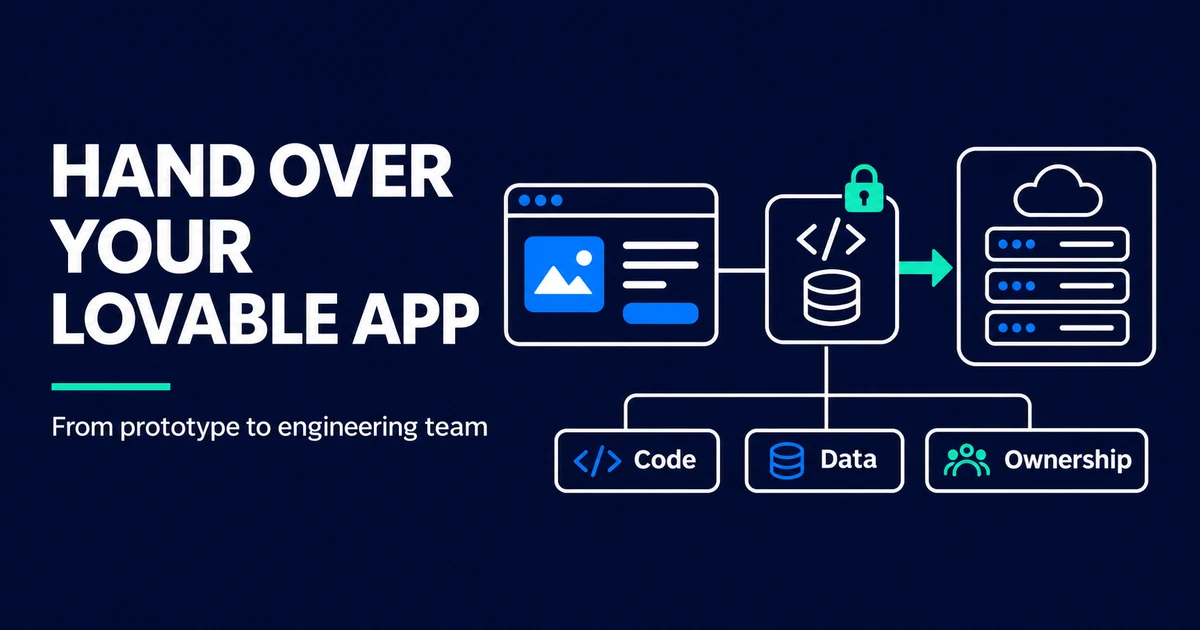
Quick Answer: To hand over a Lovable app to a developer, connect the project to GitHub so the code lives in a repository. Then identify your backend: Lovable’s built-in backend (called Lovable Cloud) or your own Supabase project. Move the table data, stored files, and secrets separately, because Git carries none of them. Give the developer access to the repository and the backend, run Lovable’s security scans, and write a short handover document. Finish by transferring ownership of the project, domain, and billing.
You built something that works. Now a developer or agency needs to take it further, and the first thing they will ask for is not a login to Lovable. They will ask for the repository, the database, the environment variables (settings your app reads when it runs, such as API keys), and a list of what the app depends on.
Most of that is not sitting in one place. A Lovable app is a codebase plus a backend plus a set of secrets plus a few accounts, and each part is handed over differently. This guide walks through them in the order that avoids the usual surprises, and ends with a checklist you can copy.
Last checked against the linked Lovable and Supabase documentation on 20 November 2026. Both products change often, so confirm menu names before you act.
What Does Handing Over a Lovable App Actually Include?
Handing over a Lovable app is the process of moving its code, backend, data, secrets, and accounts to a developer or development team so they can run, change, and secure it without you. A complete handover has four parts: the code, the backend and its data, the configuration and secrets, and the accounts that tie it together (hosting, domain, billing, and the Lovable project itself).
Picture a founder whose app runs on Lovable Cloud with a few hundred sign-ups. This is an illustrative example, not a case study. The developer’s first call is not about features. It is a list of questions: where is the repository, which backend is this, who holds the API keys, which domain points here, and who pays for it? Every step below exists to answer one of those questions before that call.
Lovable’s own documentation says your apps, code, and content are yours, and that the frontend can run on hosts such as Netlify, Cloudflare Pages, Vercel, or your own servers. The same page is clear about the limit: Git sync and the zip download include source code and database migration files, not the data itself.
That gap is where handovers go wrong. This table shows what each route carries.
| Item | Carried by GitHub sync or code download? | How it moves |
|---|---|---|
| Source code | Yes | Git repository |
| Database schema (the table structure, saved as “migrations”) | Yes | Migration files in the repository |
| Table data | No | Separate database export and restore |
| Stored files | No | Separate storage export |
| Secrets and API keys | No | Re-entered on the new host or in the backend |
| User accounts | No | Exported and restored with the database, then users sign in again |
| Custom domain and billing | No | Account-level changes, covered in Step 7 |
Sources: Lovable deployment and ownership docs and Lovable hosting outside Lovable. The last row is our summary rather than a statement from those pages.
Step 1: Connect the Project to GitHub First
Connect GitHub before anything else, because the repository becomes the shared source of truth and the thing your developer will clone.
Per Lovable’s GitHub integration docs, a workspace owner or admin first adds a GitHub connection under workspace settings. A project owner or admin then connects the project, and Lovable creates a new repository and starts two-way sync. The repository is private by default on every plan, and Lovable syncs only one branch at a time, normally main.
Three details matter for a handover:
- Lovable creates a new repository. It does not attach to one you already have, so create the connection under the GitHub account or organization that should own the code.
- Transferring the repository later can break sync. Sync continues only if your workspace has a GitHub connection for the new owner. Without one, Lovable disconnects the project.
- Do not delete the repository. Deleting it stops sync, and reconnecting creates a different repository.
To give the developer access, invite their GitHub account to the repository, or add them to the GitHub organization that owns it, using GitHub’s normal sharing settings. If the developer will work in their own branches, agree on a rule up front. Lovable edits and syncs the active branch, so a developer pushing to it changes what Lovable sees.
Step 2: Find Out Which Backend You Actually Have
Your backend is either Lovable’s built-in backend or your own Supabase project, and the handover path differs for each.
Lovable’s built-in backend (the page and product call it Lovable Cloud) is built on Supabase’s open-source foundation and bundles the database, user accounts, and file storage. Its region is chosen when you enable it and cannot be changed. With your own Supabase project, you own the Supabase account and its billing, and secrets live in Supabase rather than in your repository.
| Question | Lovable Cloud (built-in) | Your own Supabase project |
|---|---|---|
| Who bills for the backend | Covered by your Lovable credit balance | You, billed directly by Supabase |
| Where secrets live | Lovable’s Secrets area | Supabase |
| Handover route | Export database and files, then rebuild the backend elsewhere | Transfer the Supabase project or invite the developer |
| Move to the other option | Not a one-step process | No automatic migration in either direction |
Sources: Lovable Cloud docs, Lovable’s Supabase integration docs, and the credit-balance description in Lovable’s FAQ.
Not sure which backend you have? If you never created a Supabase account for this project, you are most likely on Lovable Cloud. Ask whoever set the project up to confirm, because the answer decides every step that follows.
Two rules from Lovable’s documentation shape what you can promise a developer:
- There is no automatic migration between the built-in backend and your own Supabase project in either direction. Moving from built-in to your own Supabase means exporting and restoring the database, moving files and code, and reconfiguring sign-in, secrets, and outside services.
- Moving only the PostgreSQL database (the data store itself) does not move authentication, storage, realtime updates, or Edge Functions (small server-side programs the app runs). Lovable does not support moving to plain Postgres or another provider, so a developer would have to build those equivalents.
Also check which framework the app uses. Lovable’s FAQ says apps created from May 13, 2026 use TanStack Start, which renders pages on the server, while older apps use React with Vite. You do not need to work this out yourself. Ask your developer to look for @tanstack/react-start in the package.json file, which lists the app’s dependencies. The answer decides the hosting options in Step 4.
Step 3: Move the Data, Files, and Secrets Separately
Treat the database, stored files, and secrets as three separate transfers, because none of them rides along with the code.
For the built-in backend, Lovable’s FAQ says the database export, found under More > Database > Manage > Settings at the time of writing, excludes stored files, Edge Function code, and secrets. Each needs its own route. Plan for these:
- Table data: export it, and decide with the developer when the final export happens, since data keeps changing while real users are active.
- Stored files: export these separately from the database.
- Auth (sign-in): Lovable’s hosting guide says users keep their passwords after a move but their sessions end, so tell your users to expect a fresh sign-in.
- Secrets: the same guide says server function secrets are not in the repository. Collect the list of names, and where possible rotate the values rather than emailing the old ones.
If you use your own Supabase project, the data stays where it is, which is the simplest handover. Supabase lets you transfer a project between organizations. You must be an owner of the source organization and at least a member of the target, and the project cannot have an active GitHub integration or log drains (connections that stream the project’s logs to another tool). Billing is split between the two organizations, and the role you hold in the target organization determines your access there, so check the developer’s role after the move. To give a developer access without transferring anything, invite them to your Supabase organization.
Step 4: Hand Over Environment Variables and Hosting
Give the developer a written list of every environment variable and where each value comes from, but never the secret values in a chat or a document.
The 12-Factor App guide states a useful test: could the codebase be open-sourced at any time without compromising any credentials? If the answer is no, secrets are leaking into code and need fixing before handover.
Lovable’s guide to deploying outside Lovable adds points worth passing on. Each one is a plain-English takeaway first, with the technical detail after it:
- Some settings need a rebuild. Variables that start with
VITE_are embedded when the app is built, not when it runs, so changing one means rebuilding. - Some secrets live outside the code. Server function secrets are not in the repository and must be set again on the new host.
- Hosting depends on the framework. Older React and Vite apps build to static files and need an
index.htmlfallback so internal page addresses load. TanStack Start apps need a host that runs server code. - Some features do not move on their own. Sign-in providers, scheduled jobs, and app connectors do not migrate automatically. Connectors and AI calls keep running through Lovable until someone replaces them.
For your developer’s reference, the browser-readable variables include VITE_SUPABASE_URL and VITE_SUPABASE_PUBLISHABLE_KEY, and TanStack Start server code also reads SUPABASE_URL and SUPABASE_PUBLISHABLE_KEY. Your part is simply to confirm where each value is stored.
According to the same guide, Lovable’s Publish button deploys only to Lovable hosting. If the new team deploys elsewhere, publishing from Lovable stops being the release process, so decide which path is official before the first change ships.
A custom domain adds one more step. Lovable’s custom domain guide says it requires a paid plan. It also says that with your own Supabase or another sign-in provider you must add the new domain to that provider’s redirect URLs, the list of addresses a sign-in is allowed to send users back to.
Step 5: Run the Security Scans, Then Get a Human to Check the Database Rules
Run Lovable’s scans before handover so the developer starts from known findings, but do not treat a clean result as sign-off.
Lovable’s security documentation describes a quick scan that runs on publish and a deeper manual scan across areas such as access control, exposed endpoints, leaked secrets, and payments. It also says the scans cannot guarantee complete security, and that apps with sensitive data should get a professional review. Misconfigured Row Level Security (RLS) is called out as a common cause of data leaks.
RLS is the set of rules in your database that decides which signed-in user may read or change which rows, so one customer cannot see another’s data. It deserves a human look because of how Supabase keys work. According to Supabase’s API key docs, the publishable key (a public key that identifies your project) is meant for browsers and is safe to expose because RLS limits what it can reach. The secret key and the legacy service_role key (the older name for the same kind of all-access key) bypass RLS and must never appear in a browser, a shipped app, or source control. Supabase’s RLS guide adds that a table in an exposed schema without RLS is readable and writable by any role with a grant on it.
Independent research supports a review step too. Veracode’s 2025 GenAI Code Security Report found risky security flaws in 45% of its tests of code from over 100 large language models. That does not describe your app specifically, but it explains why a developer will want to read generated code, not just run it.
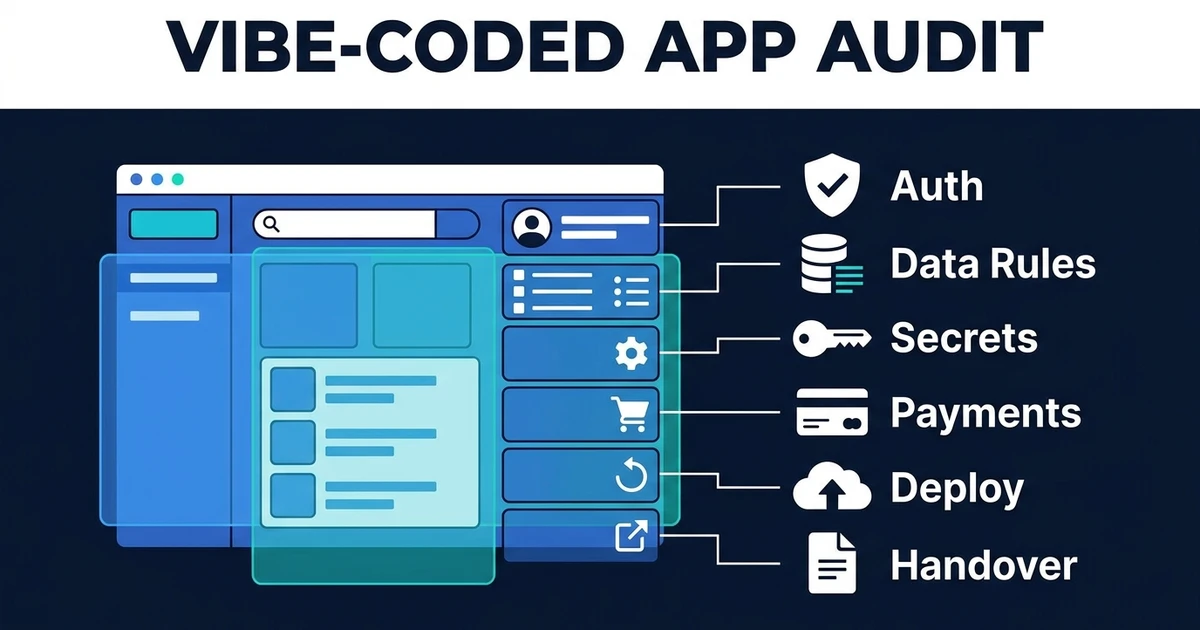
Ask the developer to check three things: every table has RLS policies, no secret key sits in the repository, and an unauthenticated request cannot reach private data. For a fuller view of what that review covers, see our vibe-coded app audit guide.
Step 6: Write a One-Page Handover Document
A short handover document saves the developer from reverse engineering decisions you already know, and it protects you if the team changes again.
GitHub’s guidance on READMEs says a README should explain what the project does, why it is useful, how to get started, where to get help, and who maintains it. Put that in the repository root, then add what is specific to a Lovable app:
- What the product does and who uses it, in plain language
- Which backend you use and where it lives
- The list of environment variable and secret names, and who holds the values
- Third-party services the app calls (payments, email, AI providers) and which account owns each
- Features you know are unfinished or fragile
- How a change currently gets from Lovable to production
Here is a skeleton you can paste into a README.md and fill in. Never write secret values into it, only the names and who holds them.
README for [Product name]

## What it does
[One paragraph: who uses it and what problem it solves]

## Where things live
- Code: [GitHub repository URL, branch Lovable syncs]
- Backend: [Lovable Cloud or your own Supabase project, and who owns the account]
- Hosting and domain: [where it is published, who owns the domain]

## Secrets and settings
- [NAME_OF_SECRET]: [what it is for, who holds the value]

## Outside services
- [Payments, email, AI provider]: [which account owns each]

## Known gaps
- [Unfinished features, fragile areas, things you want reviewed first]

## Who to ask
- [Name and contact for product questions]
You are the person who knows what the app is for. A developer can read code, but cannot read your intent from it.
Step 7: Transfer Ownership and Access
Finish by moving the accounts, so the new team is not dependent on your personal logins.
Inside Lovable, project settings include a transfer option under General > Project actions. The new owner must be an active workspace member with an owner, admin, or editor role. Business and Enterprise plans can also send a transfer request by email to someone outside the workspace, who must accept it. Know what changes on transfer: secrets you saved stay, but credentials stored by app connectors are removed and the email sender domain is disconnected, so both need re-adding.
If you only need a developer to work alongside you, sharing the project with an Admin or Can edit role is lighter than a transfer.
Confirm who pays for what. Lovable’s FAQ describes a credit-based plan where one balance covers building, hosting, the built-in backend, and AI features in the deployed app. If your app still depends on those, ask Lovable or your developer whether the subscription needs to continue after handover.
Handover Checklist
Copy this list into your handover document and tick it off with the developer.
- ☐ GitHub connected, repository private, new owner or organization named
- ☐ Developer invited to the repository
- ☐ Backend identified: Lovable Cloud or your own Supabase project
- ☐ Database, stored files, and users exported, or Supabase project transferred
- ☐ List of secret names written down, with values rotated or shared through a password manager
- ☐ Hosting decided, with environment variables set on the new host
- ☐ Domain records and sign-in redirect URLs updated
- ☐ Lovable quick and deep security scans run, with findings shared
- ☐ RLS policies checked on every table by a person
- ☐ README and handover document in the repository
- ☐ Project ownership, billing, and third-party accounts transferred
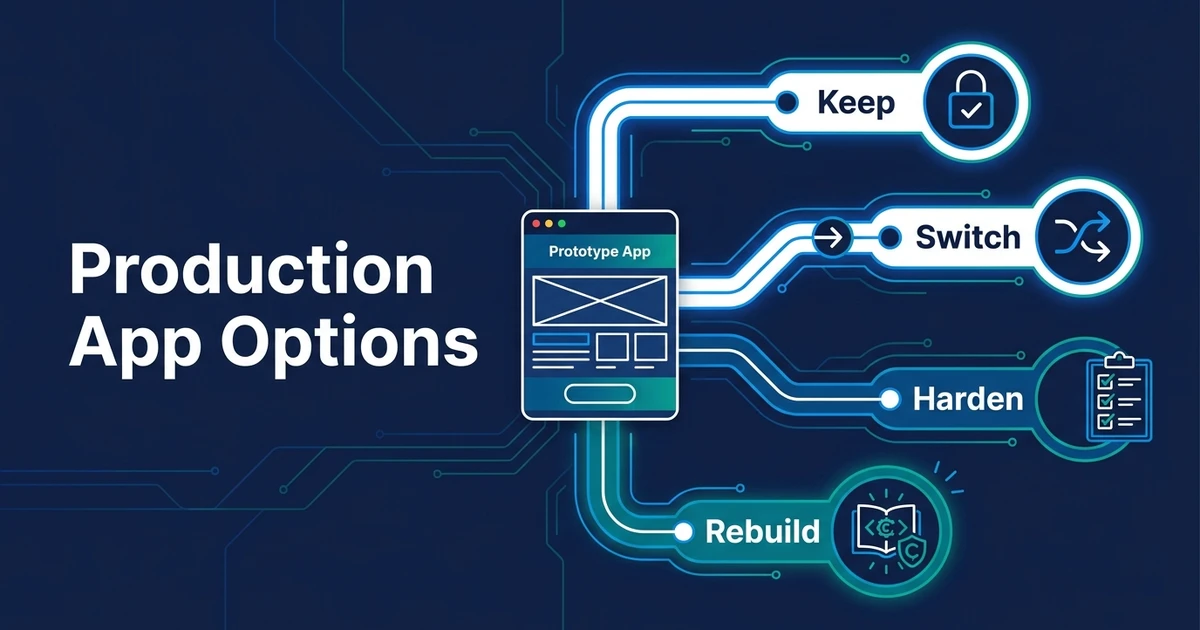
Should the Team Keep the Code, Fix It, or Rebuild?
Once the developer has the repository and a running copy, they can answer the question you probably care about most: is this a base to build on?
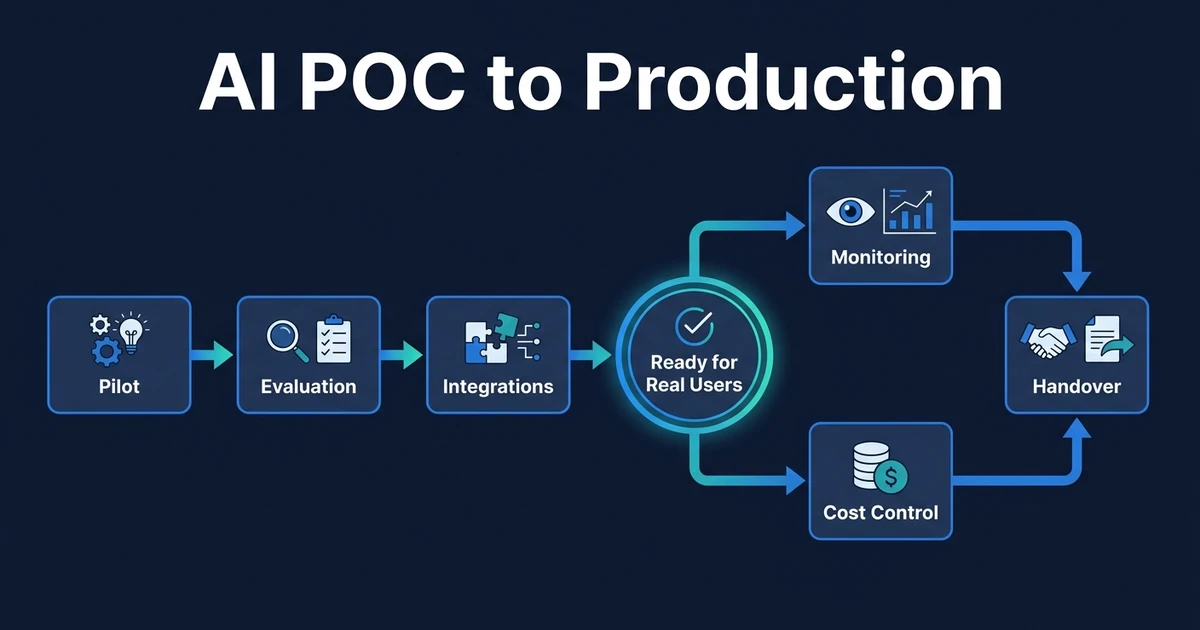
That is a judgment the developer makes after reading the code, not something a handover can settle. A sound data model and working screens may justify keeping and hardening the app. Weak access rules or a poorly shaped database may justify rebuilding that part. Our guide to choosing a path beyond Lovable for production compares those options, and our piece on moving an AI prototype to production covers what changes when real users arrive. Automiq AI’s vibe-coded to production service is built around this exact question: the existing code is inspected and tested before anyone promises a rewrite or a launch.
How Automiq AI Helps With a Lovable Handover
If you would rather not run the handover alone, Automiq AI can take the app on from where it is today. Our vibe-coded to production service treats AI-generated code as inherited software: we verify ownership, dependencies, security, data, architecture, testing, deployment, and recovery, then re-engineer only the parts that cannot safely support real users.
For a Lovable app, that work usually covers:
- Ownership: confirming who owns the repository, backend, hosting, and secrets, and moving them into accounts you control
- Review: checking database access rules, secrets handling, and the findings from Lovable’s own scans
- A decision: a clear call on what can ship, what needs hardening, and what should be rebuilt
- Handover documentation: a README and settings list your next developer can use
Want a sense of what that review involves first? Our vibe-coded app audit guide walks through it.
Frequently Asked Questions
Can I give a developer my Lovable login instead?
You can, but it is the weakest option. Invite them as a collaborator or transfer the project instead, so access is tied to their own account and can be revoked without changing your password.
Does GitHub sync include my database?
No. Lovable’s documentation says Git sync and the zip download include source code and migration files, not the data. Export the database and stored files separately.
Can I move my Lovable app to another host?
Yes for the frontend. Lovable’s deployment guide says the frontend can run on hosts such as Netlify, Cloudflare Pages, Vercel, or your own servers. Services that run through Lovable, such as AI features, connectors, and managed sign-in, need configuration or replacement.
Is a clean Lovable security scan enough before handover?
No. Lovable states that scans cannot guarantee complete security. Use them to surface known issues, then have an engineer verify database access rules and secret handling.
Hand Over the Whole System, Not Just the Code
A good handover answers one question for the next team: can they run, change, and secure this app without you? That means the repository, the backend and its data, the secrets list, and the accounts all move, each by its own route.
If you want a senior team to look at your app before you decide, book a 30-minute consultation and bring your repository details, your backend setup, and a list of what you know is unfinished. You can also read about Automiq AI or see how we approach custom software development.