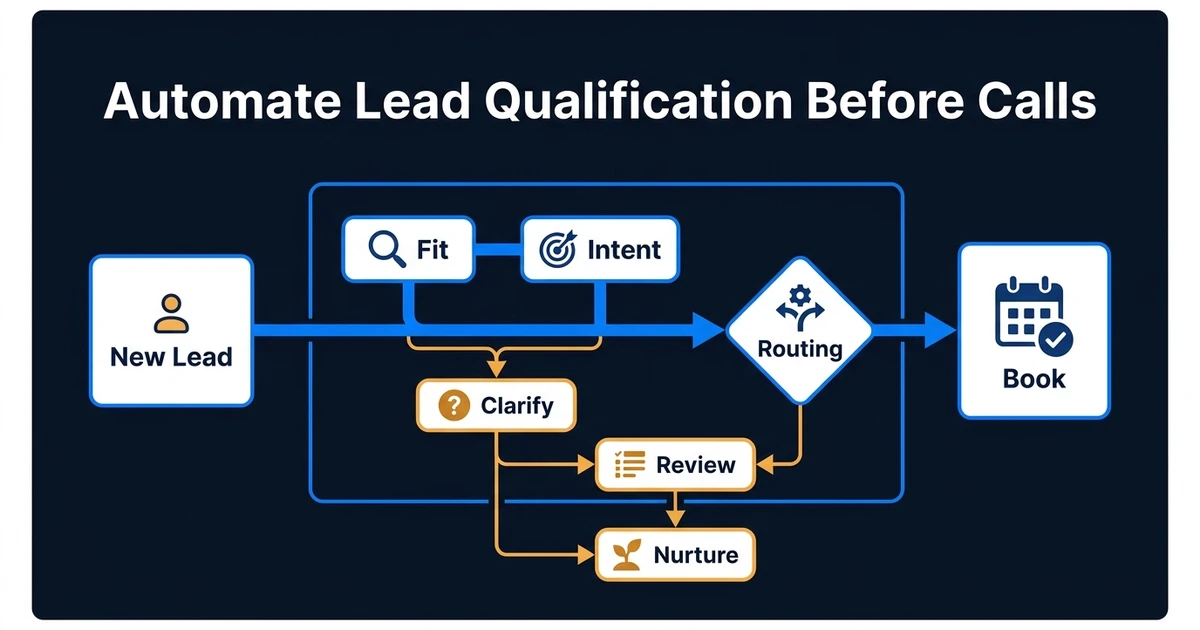
Quick Answer: Automate lead qualification before scheduling calls by separating four decisions: eligibility, fit, intent, and routing. Capture the minimum useful data, enrich missing context, score fit and intent independently, then use a decision matrix to offer the right calendar, ask a clarifying question, start nurture, or request human review. Keep explicit disqualifiers outside the AI model and audit false rejections as carefully as bad bookings.
A booking link is not a qualification system.
If every inbound lead sees the same calendar, sales time fills with poor-fit conversations. If the form asks twenty questions before showing availability, strong prospects leave. The useful middle ground is a workflow that makes a fast, explainable decision from the information already available.
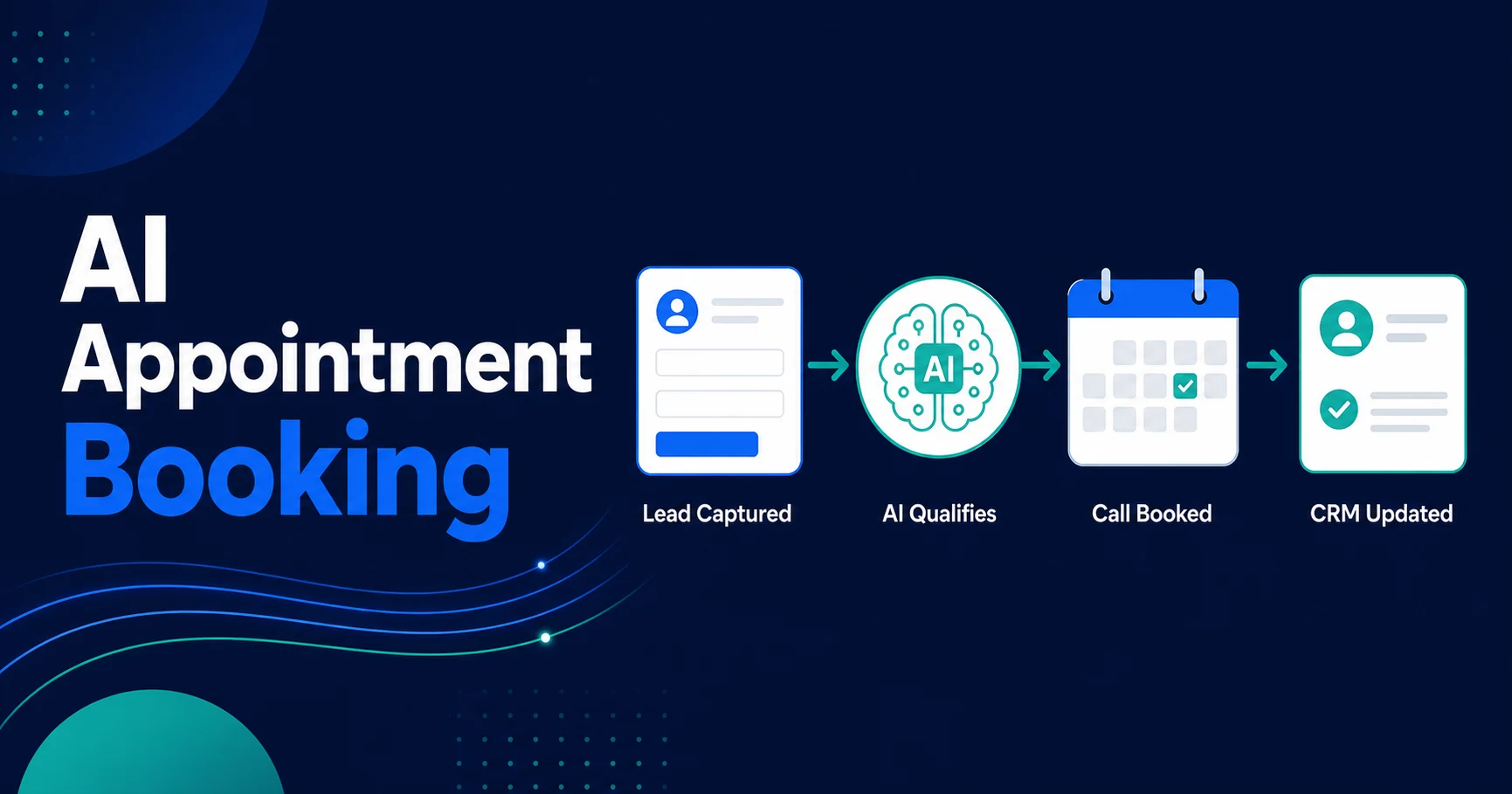
This article covers the pre-booking decision layer. For the scheduling, reminder, rescheduling, and CRM steps after qualification, use the separate AI appointment booking guide.
For Automiq AI, the useful distinction is whether this is a form rule or a production lead workflow. The second version has source-of-truth rules, CRM ownership, calendar routing, human review, observability, and a handover path your sales team can actually operate.
Separate Eligibility, Fit, Intent, and Routing
These terms are often collapsed into one score, but they answer different questions.
| Decision | Question | Typical inputs | Output |
|---|---|---|---|
| Eligibility | Can we serve this lead at all? | Geography, service type, compliance, minimum scope | Eligible, ineligible, review |
| Fit | Does this account resemble a good customer? | Industry, size, use case, systems, budget range | High, medium, low fit |
| Intent | Is the prospect ready for a sales conversation now? | Message, urgency, timeline, high-intent actions | High, medium, low intent |
| Routing | What should happen next? | Eligibility, fit, intent, ownership, capacity | Book, clarify, nurture, review, decline |
Keeping these dimensions separate prevents a common failure. A large company may be high fit but only researching. A smaller company with an urgent, well-defined request may show stronger intent. A lead can score highly on both and still fail a hard eligibility rule.
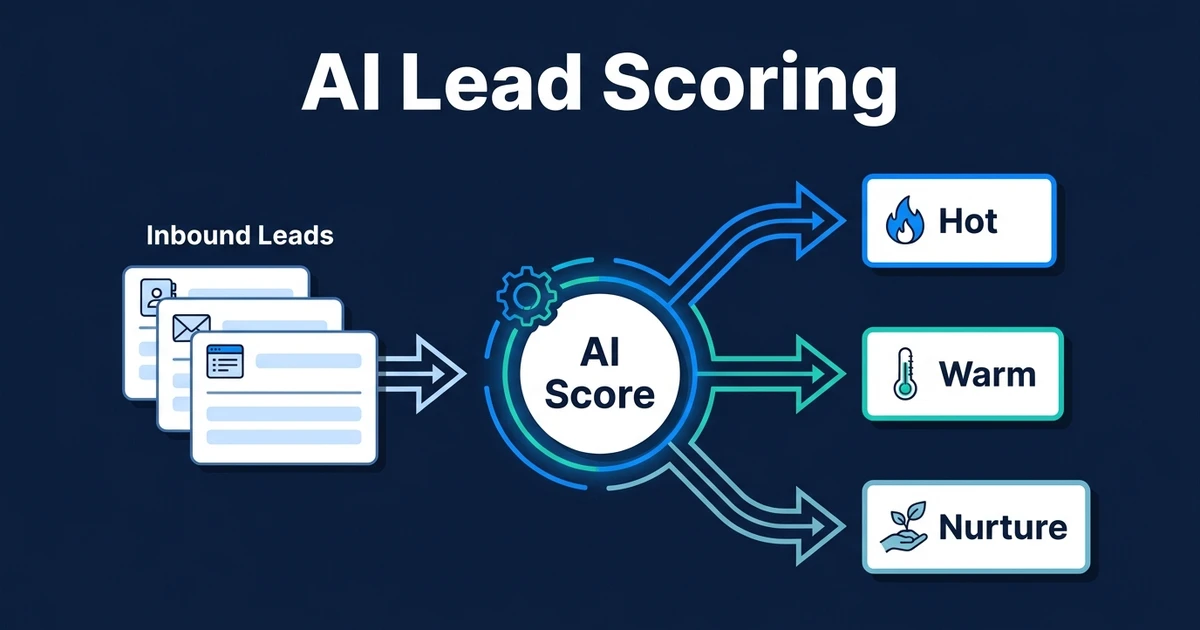
HubSpot’s current scoring model follows a similar distinction by supporting separate fit and engagement scores as well as combined scores. Its documentation also shows how score properties can trigger workflows and owner assignment. See the HubSpot lead scoring guide for the platform-specific implementation.
Start With the Decision, Not the Form
Before adding fields, write the routing outcomes you need.
For a typical B2B service company, the outcomes might be:
- Book now: clear service fit, acceptable geography and scope, high buying intent.
- Ask one question: good fit, but a required detail such as timeline or system is missing.
- Route for review: unusual, high-value, regulated, partner, or existing-customer request.
- Nurture: reasonable fit, but no active project or near-term timeline.
- Decline or redirect: outside service area, unsupported need, or explicit disqualifier.
Once the outcomes are clear, collect only the data needed to choose among them. Long forms reduce completion and often gather fields nobody uses.
When This Needs a Custom Qualification Layer
Native forms and CRM workflows are enough when the rule is simple: one audience, one service, one calendar, one owner. The work becomes custom implementation when the business needs qualification to coordinate several decisions at once.
That usually means:
- Different services need different questions, calendars, owners, and follow-up paths.
- Existing customers, partners, job seekers, and vendors must be routed differently from new prospects.
- Enrichment, scoring, intent detection, and account ownership need to agree before a meeting is offered.
- High-value or ambiguous requests should go to human review, not silent rejection.
- Sales needs the qualification evidence inside the CRM, not just a score.
This is where AI integration and AI workflow automation matter more than the booking link. The goal is not to block people from the calendar. It is to create a reliable operating path from first inquiry to the right next action.
Capture the Minimum Useful Qualification Data
A compact form usually needs contact details, company or website, requested service, and one free-text field. Add structured questions only when they directly change routing.
Useful inputs include:
- Service or problem category
- Company type or size band
- Country or service area
- Timeline
- Budget range when it materially affects eligibility
- Current tools or platform
- Free-text description of the need
The free-text message is where AI intent detection helps. It can extract the problem, urgency, requested outcome, named systems, and likely next step. The output should be structured fields that the routing logic can validate, not an untraceable “qualified” label.
Enrich Missing Context Without Making the Form Longer
If the lead provides a business email or domain, an enrichment step may add company name, industry, size, location, and existing CRM history. That can reduce form friction while giving the workflow better inputs.
Use enrichment only for fields that affect the decision. Store the source and timestamp. Do not overwrite customer-provided information without a clear rule. If the source conflicts with the form, flag the record for review.
The broader AI lead enrichment guide explains this preparation step. In the pre-call workflow, enrichment should finish before fit scoring and routing.
Build a Two-Axis Score Instead of One Mystery Number
One total score is easy to sort and hard to interpret. A fit-intent matrix produces clearer actions.
| Fit | Intent | Recommended next step |
|---|---|---|
| High | High | Offer the correct sales calendar and notify the owner |
| High | Medium or unclear | Ask one clarifying question or route for review |
| High | Low | Add to relevant nurture without interrupting sales |
| Low | High | Review for a different offer, partner, or polite redirect |
| Low | Low | Record and suppress unnecessary sales work |
Within each axis, combine strong and weak signals deliberately. A pricing-page visit or detailed project request can carry more weight than an email open. Old engagement should decay rather than remain permanently influential.
HubSpot’s scoring documentation supports positive and negative points, thresholds, and score decay. Its separate buying signals guidance also lists form submissions, marketing engagement, sales engagement, and research or visitor intent as distinct signals. The lesson is not to copy one vendor’s scoring model. It is to keep the meaning of each signal visible.
Detect Intent From the Inquiry Without Overreading It
AI can classify an inquiry into structured categories such as:
- Active project versus general research
- Immediate, quarterly, or undefined timeline
- Requested service
- Problem severity
- Decision-maker, evaluator, partner, vendor, or job seeker
- Pricing, integration, security, or capability question
Require the model to return an allowed category, evidence from the submitted text, and an uncertainty flag. The workflow should not infer sensitive traits or treat polished writing as higher intent.
When confidence is low, ask one useful question. Do not make the prospect complete the work the automation failed to do.
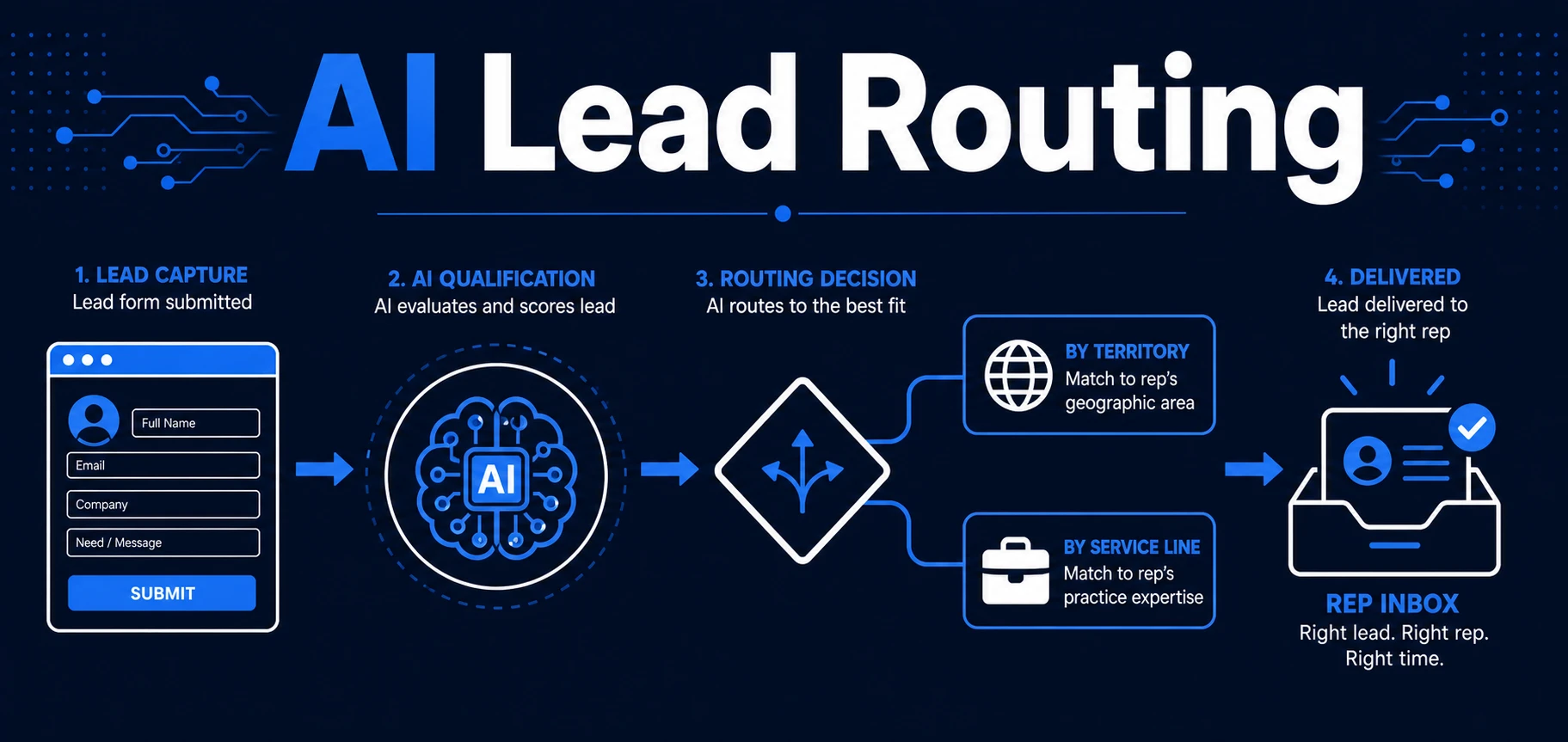
Route Qualified Leads to the Right Calendar
Qualification is useful only when it changes the next action.
A high-fit, high-intent lead should see the calendar that matches its service, region, account owner, or deal type. The booking step can create or update the CRM record, attach the qualification summary, and notify the owner.
Salesforce documents how assignment rules can route leads created manually, through web forms, or through imports. That is a good reminder to centralize routing rather than recreate it in every lead source. See the Salesforce assignment rule guidance for its native approach.
Your workflow should also define what happens if:
- The assigned rep has no near-term availability.
- The lead already belongs to another owner.
- The contact is an existing customer.
- The request spans multiple services.
- The lead books but later changes key qualification data.
Routing without ownership and fallback rules simply moves the bottleneck to the calendar.
Keep Human Review for Ambiguous or High-Impact Cases
Automation should accelerate obvious decisions and surface uncertain ones.
Use review when the lead is strategically important, the request is regulated, the data conflicts, the model has low confidence, or the action could damage a valuable relationship. Give the reviewer the original submission, enriched fields, score breakdown, model evidence, and recommended action in one place.
Do not silently reject ambiguous leads. False negatives are harder to notice than bad meetings because the missed opportunity never enters the pipeline.
Measure Qualification Quality After the Booking
The workflow needs feedback from downstream sales outcomes.
Track:
- Time to first useful response
- Qualified-to-booked rate
- Meeting show rate
- Sales acceptance rate
- Opportunity creation rate
- Conversion by fit-intent segment
- False rejection or manual rescue rate
- Percentage of records corrected by sales
- Calendar utilization by meeting type
Review rejected and nurtured leads that later convert. Review booked leads that sales immediately disqualifies. Those cases show where the rules or data are wrong.
Common Failure Modes
- Using one opaque score for fit, intent, and eligibility
- Treating weak engagement as strong buying intent
- Allowing the model to override a hard business rule
- Sending every qualified lead to the same calendar
- Rejecting uncertain leads instead of reviewing them
- Collecting fields that never affect a decision
- Failing to return sales outcomes to the scoring process
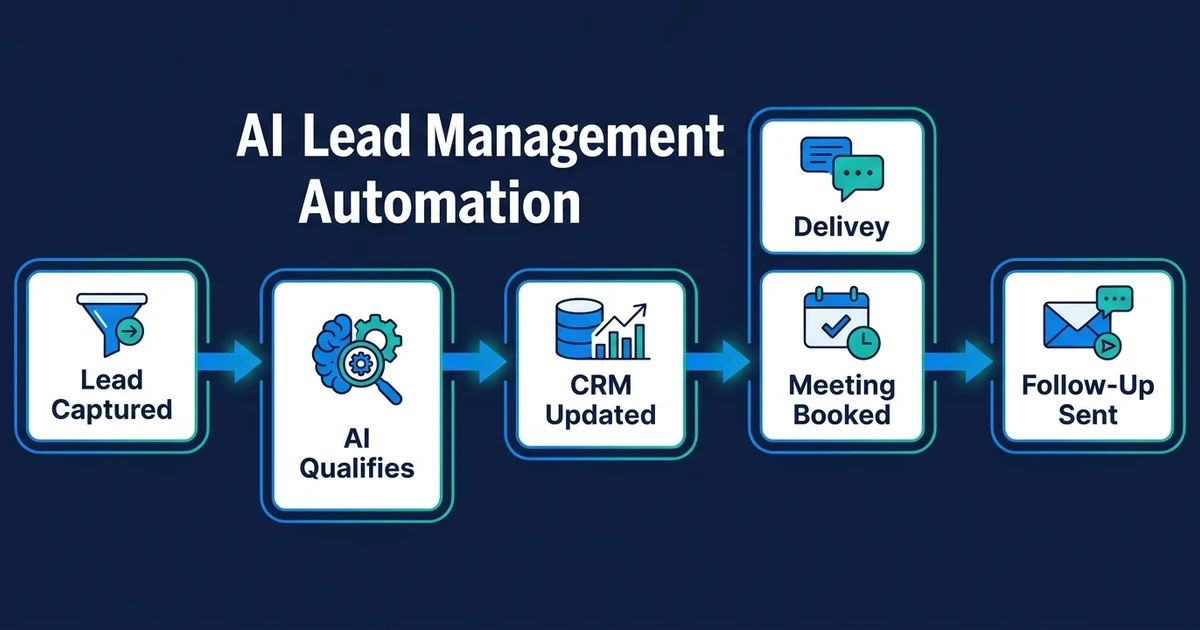
The AI lead qualification product is designed around this connected flow: enrich, evaluate, route, update the CRM, and trigger the next action.
Frequently Asked Questions
What is the best way to automate lead qualification before scheduling calls?
Capture the minimum useful data, enrich missing business context, score fit separately from intent, and use a routing matrix to decide whether to offer a booking link, ask a follow-up question, nurture the lead, or send it for human review.
What is the difference between lead scoring and lead qualification?
Scoring ranks signals with points or tiers. Qualification applies business rules to decide whether the lead should progress and what happens next. A high score should not automatically mean a meeting if a required eligibility rule fails.
Which intent signals should an automated workflow use?
Use explicit signals such as project need, urgency, timeline, budget range, requested service, and recent high-intent actions. Treat weak signals such as an email open or a single page view as supporting context rather than proof.
Should qualified leads book instantly?
Strong, clearly eligible leads can receive the correct booking link immediately. Ambiguous, regulated, high-value, or unusual requests should enter a human review queue.
How do you know whether the workflow is working?
Measure speed, qualified-to-booked rate, show rate, sales acceptance, opportunity creation, false rejection, and manual corrections. The goal is better sales conversations, not a higher average score.
Qualify for the Next Best Action
Pre-call qualification should make it easier for strong prospects to talk to the right person and harder for weak data to waste everyone’s time.
If your form, CRM, scoring rules, and calendar do not yet operate as one system, book a lead workflow scoping call with Automiq AI. We will map whether the right answer is CRM configuration, a custom qualification layer, or a broader sales automation your team can own.