EN
EN DE
DE ES
ES FR
FR NL
NL PT
PT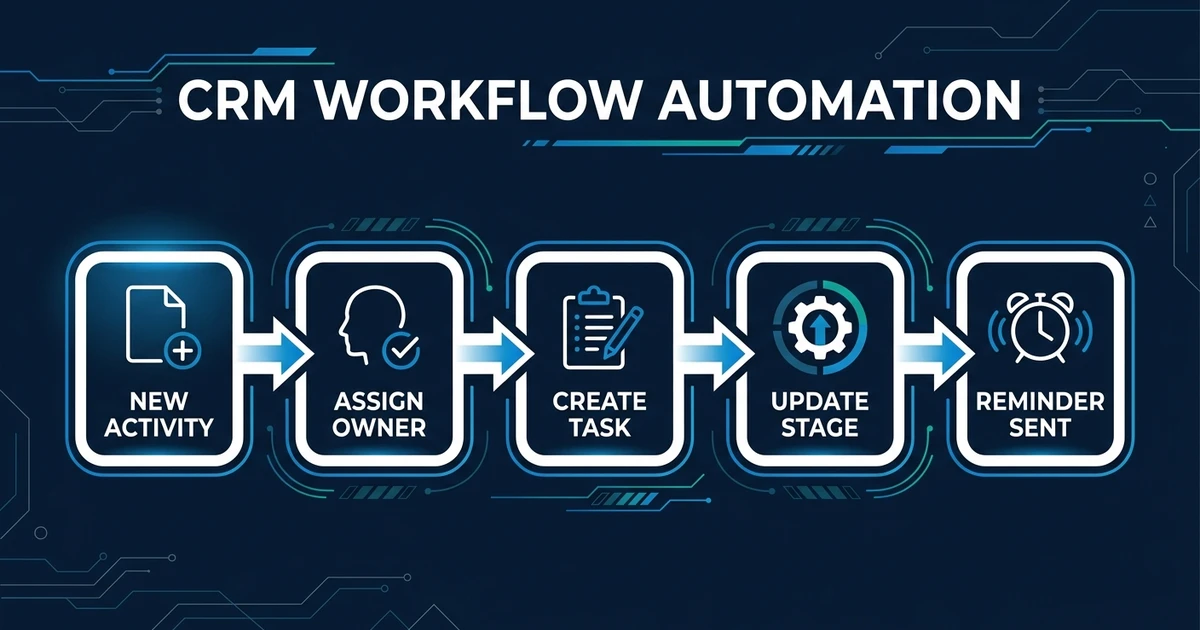
Quick Answer: CRM workflow automation connects CRM events to the next operational action: assign an owner, create a task, update a stage, send a reminder, enrich a record, or flag an exception. The best first workflow is usually the one that happens often, has clear rules, and currently creates missed follow-ups or stale records.
Automated CRM workflows are not about building a maze of rules. They are about making sure the next action happens without relying on memory.
Your CRM already contains the objects your team works with: contacts, companies, deals, tasks, notes, owners, and stages. Workflow automation connects changes in those objects to the actions that should follow.
When it is designed well, the CRM stops being a record your team updates later. It becomes the operating system for sales and customer work.
Why Automated CRM Workflows Should Start With the Bottleneck
The first workflow should not be the most impressive one. It should be the one that breaks most often and wastes the most attention.
For a small team, that might be owner assignment after a new enquiry. It might be follow-up task creation after a meeting. It might be stale deal reminders when no one has touched an opportunity.
Start with the bottleneck because it gives you a visible win. Your team sees the missed handoff disappear. They trust the workflow because it fixes a problem they already feel.
McKinsey reports that 92% of companies plan to increase AI investments, while only 1% say they are mature in deployment in its workplace AI report. The gap is a reminder: useful automation starts with practical workflows, not tool enthusiasm.
What Is CRM Workflow Automation?
This process triggers actions inside or around your CRM when something changes. A form arrives, a deal moves, a task completes, a meeting ends, or a record goes stale.
The workflow then does the next defined action. It might assign an owner, create a task, update a field, send a reminder, enrich a contact, notify a teammate, or flag a record for review.
This is narrower than AI workflow automation. That broader category can include documents, email, scheduling, voice agents, and cross-tool operations.
CRM process automation focuses on making your CRM objects reliable. Contacts, companies, deals, notes, tasks, stages, and owners should stay aligned with what your team needs to do next.
CRM Workflows You Should Automate First
The strongest first workflows are frequent, rule-based, and tied to revenue or customer experience. They should remove a task that someone currently repeats by hand.
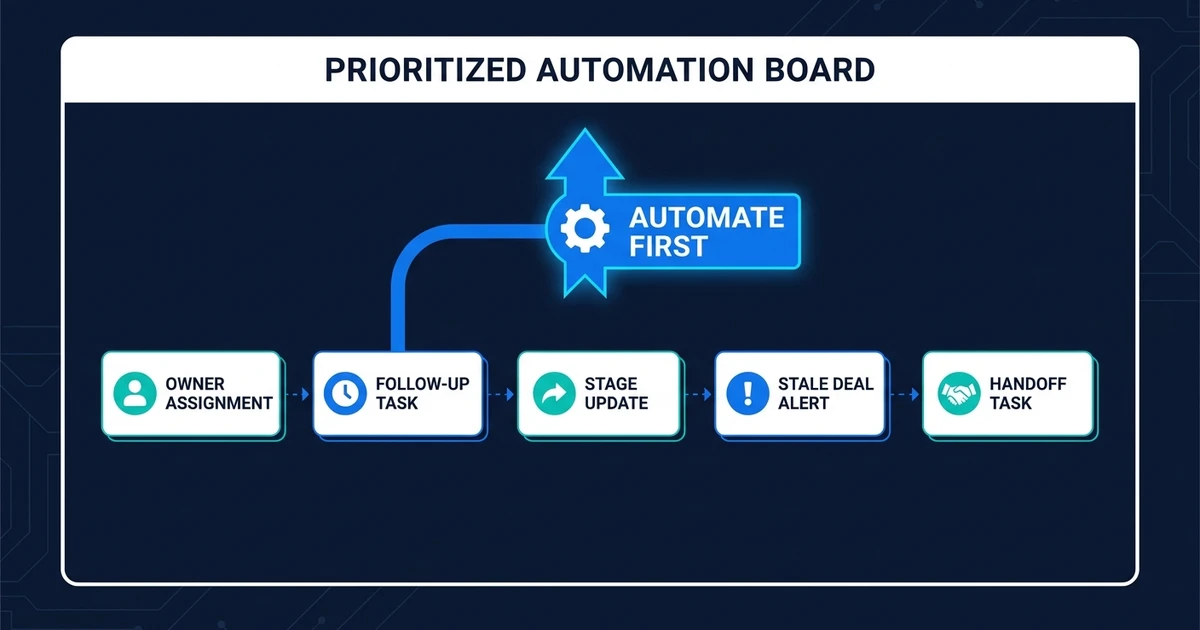
Good starting points include:
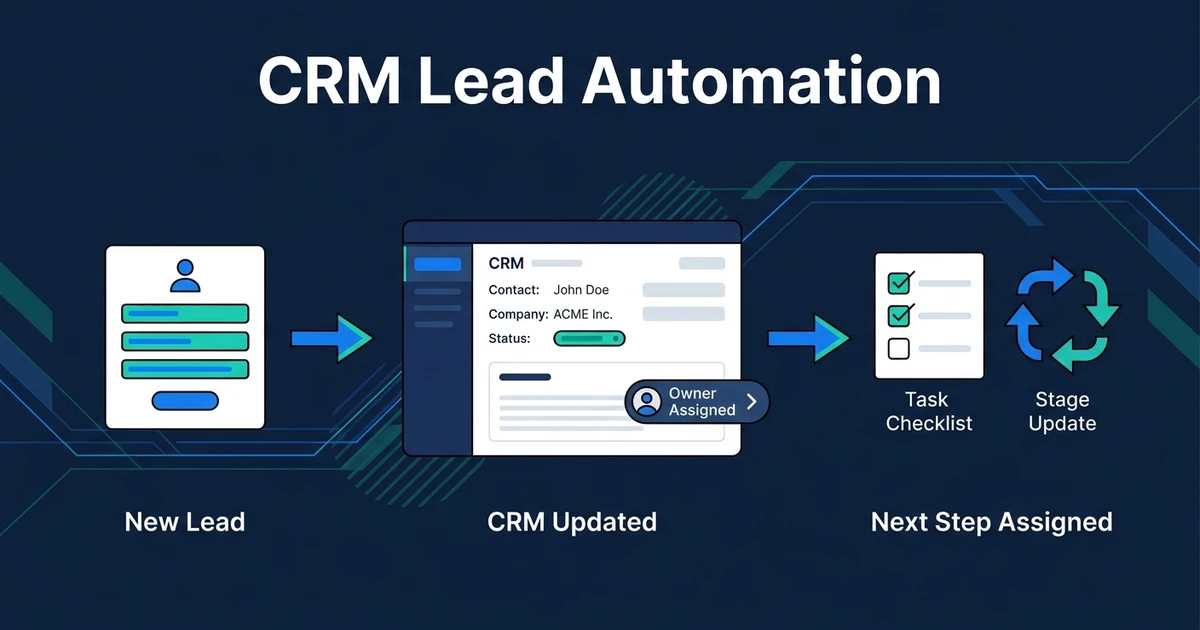
- Assigning owners after a new record is created
- Creating follow-up tasks after meetings
- Updating stage fields after clear activity
- Sending stale deal reminders
- Flagging missing required fields
- Routing service requests by type
- Creating internal handoff tasks after close
Avoid starting with a workflow that has too many exceptions. If your team cannot explain the rule clearly, the automation will be hard to trust.
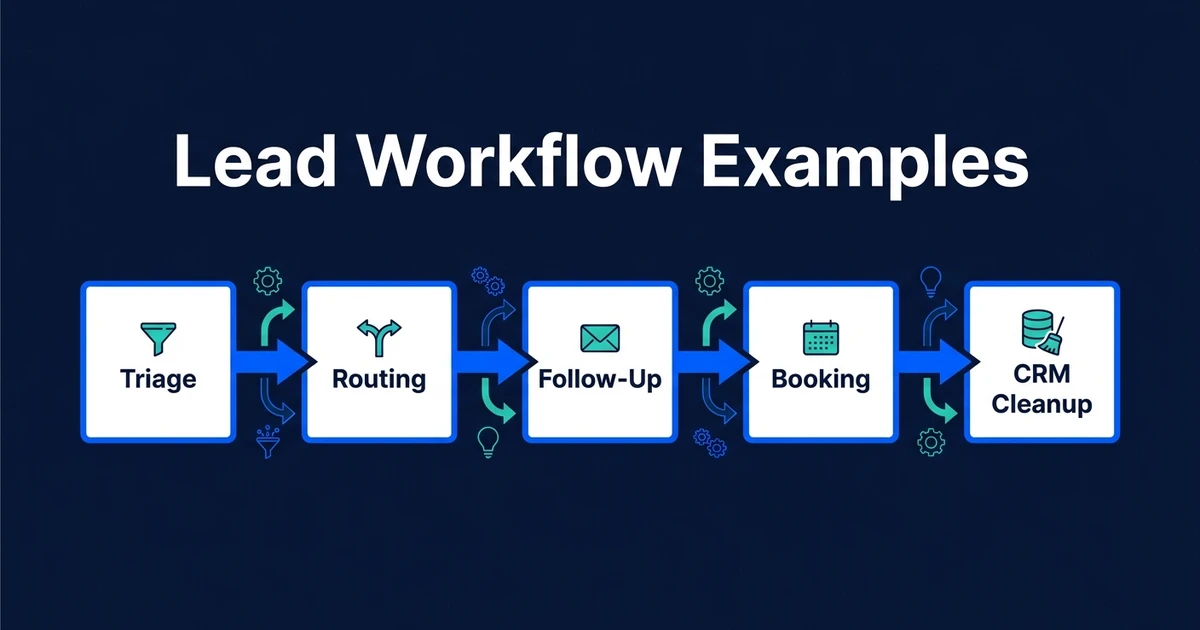
When you need examples outside the CRM itself, use lead management workflow examples as a related guide. Keep this CRM workflow focused on what should happen to CRM records and tasks.
When Simple CRM Rules Are Enough
Simple rules are enough when the input is structured and the outcome is predictable. If a form has a service type field and every “consultation” request should create the same task, you do not need AI.
Basic CRM rules are also useful for deadlines, reminders, owner assignment, and mandatory field checks. They are fast to build and easy to explain.
The decision comes down to input quality:
| Situation | Best Fit | Reason |
|---|---|---|
| Structured form field triggers one action | Basic rule | The logic is fixed |
| Email text changes the next action | AI-assisted workflow | The input needs interpretation |
| Stale deal reminder after no activity | Basic rule | Time-based trigger is clear |
| Meeting summary creates fields and tasks | AI-assisted workflow | Notes need extraction and judgment |
DIY tools can be fine for simple rules. If the workflow crosses multiple tools or needs review logic, AI workflow design becomes more important than the platform choice.
When AI Belongs in a CRM Workflow
AI belongs in the workflow when your CRM needs to understand text, not just react to fields. Emails, meeting notes, call summaries, intake messages, and service requests usually arrive with context hidden in plain language.
AI can classify that context, summarize it, suggest fields, draft tasks, and flag exceptions. The workflow around AI decides what gets written automatically and what needs review.
Deloitte reports that 30% of organizations are redesigning key processes around AI, while 37% are using AI at a more surface level in its enterprise AI report. Your CRM workflow should be in the first group: process redesign, not surface-level novelty.
That does not mean every workflow needs AI. Use AI where it reduces interpretation work. Use rules where the process is already clear.
A Practical CRM Workflow From New Activity to Next Task
Imagine a customer sends a detailed email after a sales call. The email includes a timeline, budget signal, preferred service, and a request for the next step.
Without workflow automation, someone reads the email, updates the CRM, creates a task, and maybe notifies another teammate. If they are busy, the CRM waits.
With an automated CRM workflow:
- The email is matched to the CRM contact.
- AI extracts the useful context.
- The workflow updates safe fields.
- A next-step task is created.
- A teammate is notified if the request needs handoff.
- Conflicting or uncertain data is flagged.
McKinsey found that about 75% of generative AI use-case value is concentrated across customer operations, marketing and sales, software engineering, and R&D in its generative AI research. Automated CRM workflows sit directly in that customer and sales operations zone.
If you know which CRM handoff keeps slipping, map your first CRM workflow with Automiq AI before you build rules around a broken process.
How to Evaluate Automated CRM Workflows Before You Build
Evaluate the workflow before the tool. A good workflow has a clear trigger, clear action, clear owner, clear exception path, and clear success measure.
Ask these questions:
- What event starts the workflow?
- What should happen next?
- Which CRM record changes?
- Which person owns the result?
- What should be reviewed?
- What happens when data is missing?
- How will the team know the workflow worked?
This prevents overbuilding. Many teams do not need a giant automation map. They need one reliable workflow that removes a recurring failure.
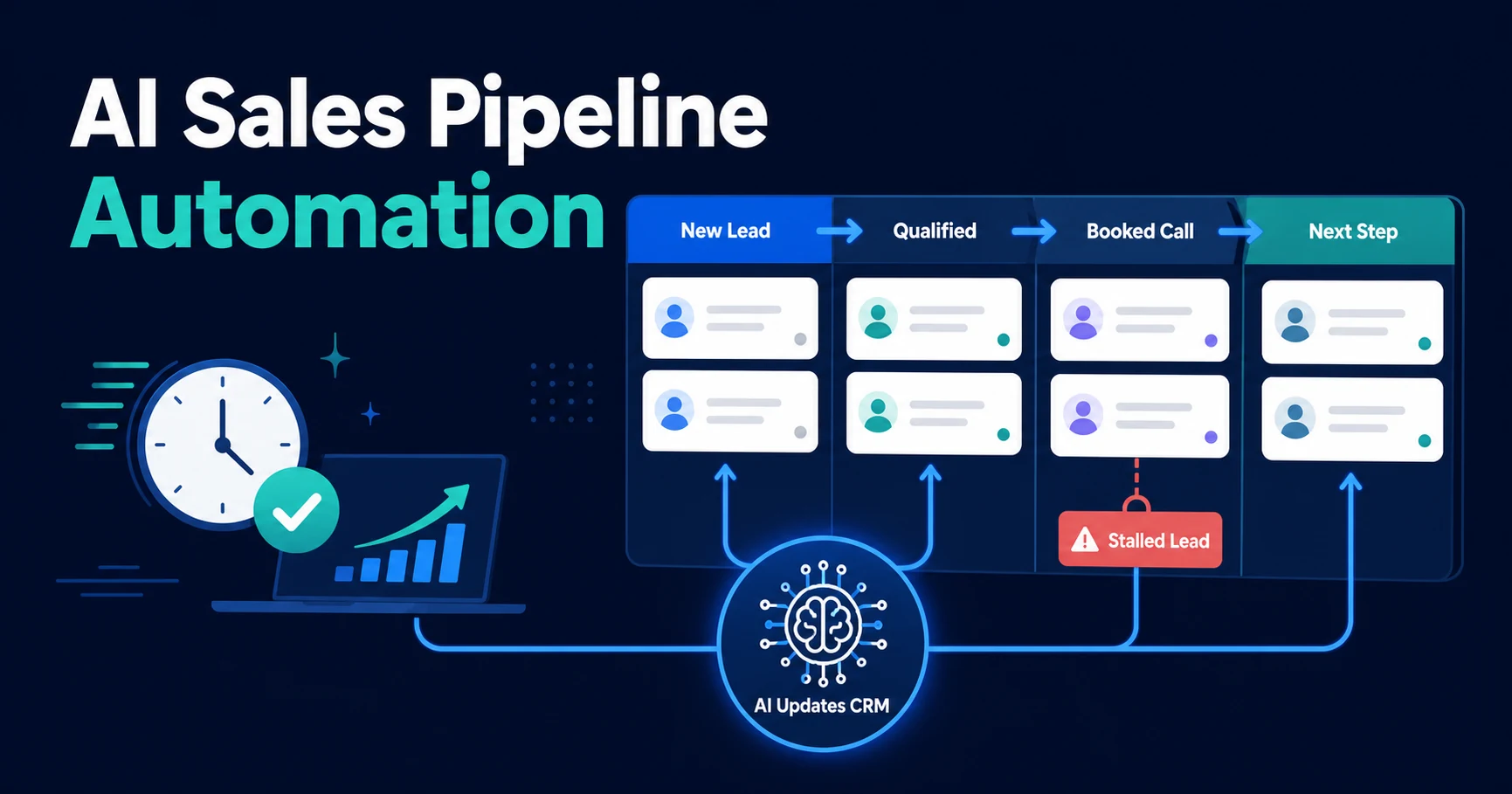
Once the first workflow works, you can connect it to AI sales pipeline automation or broader AI automation services if the CRM becomes part of a larger operating system.
Frequently Asked Questions
What is CRM process automation?
It connects CRM events to the next operational action. It can assign owners, create tasks, update fields, trigger reminders, flag exceptions, and keep customer work moving.
Which CRM workflow should I automate first?
Start with the workflow that happens often and creates missed follow-ups when it fails. For many teams, that is owner assignment, next-task creation, meeting follow-up, or stale deal reminders.
How is CRM process automation different from AI workflow automation?
AI workflow automation is a broad category that can cover many tools and processes. CRM process automation is narrower because it focuses on contacts, companies, deals, tasks, owners, notes, and pipeline rules inside your CRM.
Do I need AI for every CRM workflow?
No. Simple workflows can run on fixed rules. AI is useful when the workflow needs to interpret emails, notes, transcripts, forms, or other messy inputs.
Can automated CRM workflows work without changing CRMs?
Yes, if your CRM supports integrations, workflow tools, or API access. The best setup improves the system your team already uses instead of forcing a migration.
Turn Your CRM Into an Operating System
Your CRM should not just store what happened. It should trigger what needs to happen next.
Automated CRM workflows give your team that structure: owners assigned, tasks created, records updated, handoffs visible, and exceptions flagged.
If you want the first workflow built correctly before you scale the rest, see done-for-you automation package options. Automiq AI can design, build, and test the workflow inside the CRM you already use.