EN
EN DE
DE ES
ES FR
FR NL
NL PT
PT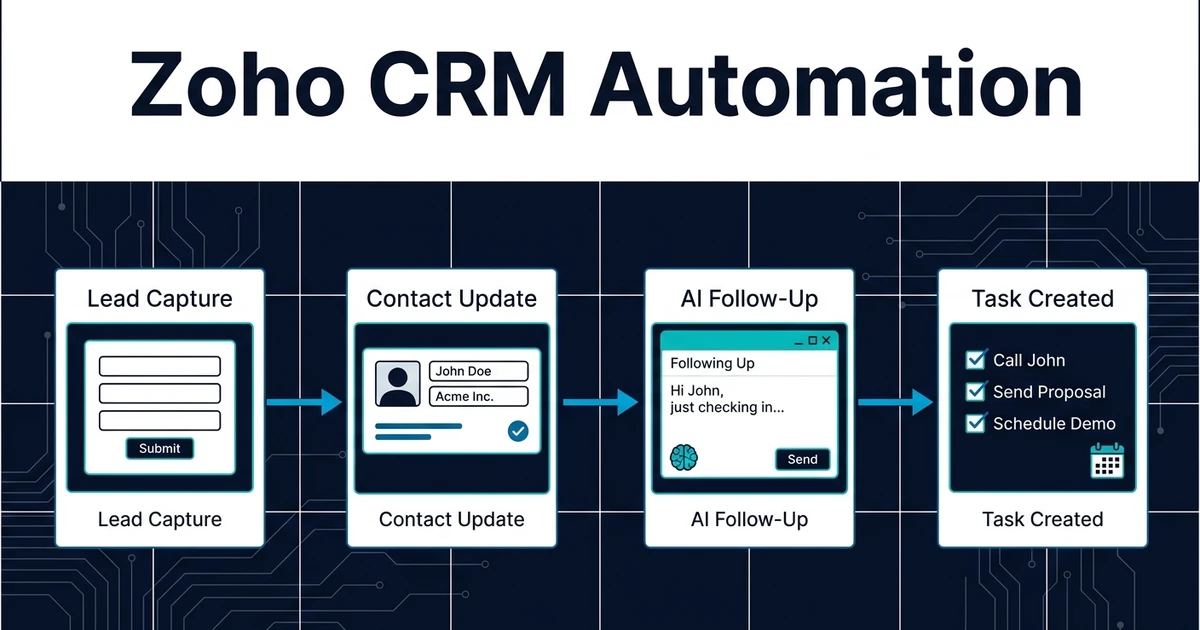
Quick Answer: Zoho CRM automation should start with repeated work around leads, contacts, modules, assignment rules, tasks, Blueprints, and follow-ups. AI can classify inquiries, update records, create next steps, and flag missing data while keeping human review for customer-facing decisions.
Zoho CRM automation is attractive because many small businesses choose Zoho for practical sales operations. They do not want a giant transformation project. They want fewer missed leads, cleaner contacts, better task follow-up, and less admin after every customer interaction.
That is where AI helps, if it is scoped correctly.
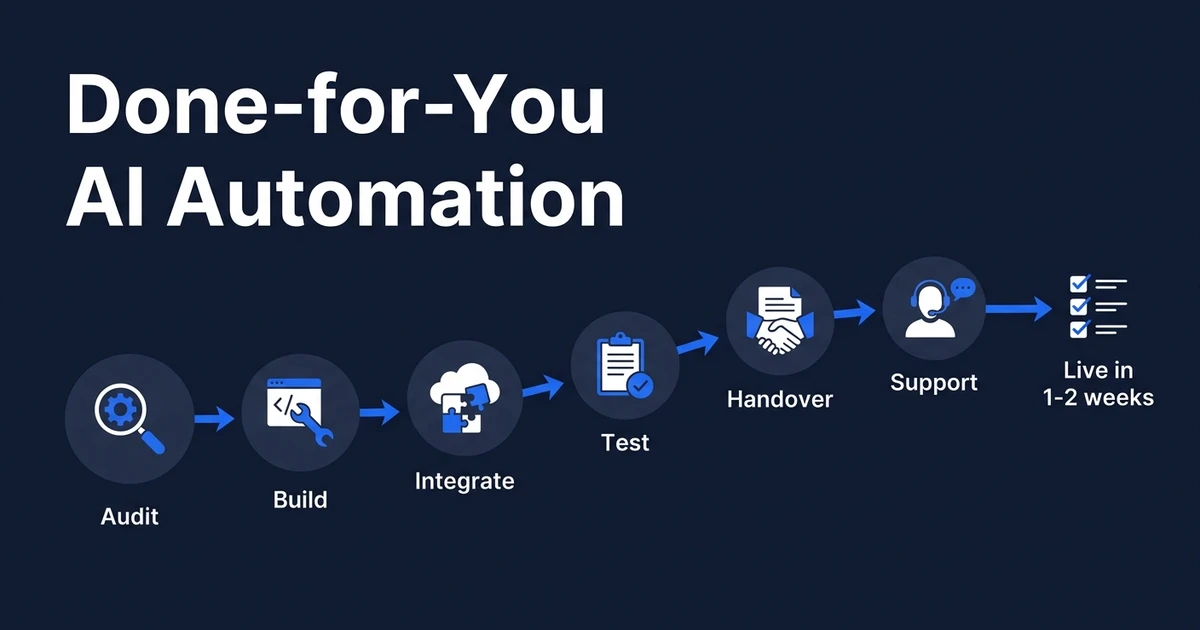
Automiq AI builds done-for-you workflows inside the tools you already use. For small CRM teams, the goal is simple: automate the repeated work without creating a system that only one technical person understands.
Why Zoho CRM Automation Works Best When It Starts Small
Small businesses do not need every process automated at once. They need one visible problem removed.
The safest first projects are narrow. Lead capture. Contact cleanup. Assignment rules. Follow-up reminders. Task creation. These workflows happen often, waste time, and are easy to verify.
McKinsey reported that more than two-thirds of surveyed organizations use AI in more than one business function, and 50% use AI in three or more functions in its 2025 State of AI research. Small businesses should take the opposite lesson from big-company AI programs: start with one workflow that clearly saves time.
The goal is not to make the CRM look advanced. The goal is to make the next action obvious.
That matters for teams where the same person handles sales, service, and admin. If the workflow removes one repeated step after every new inquiry, the owner feels the benefit quickly without asking the whole team to change how they work.
Which Zoho CRM Tasks Should You Automate First?
Start with the points where information enters the business. That is where manual errors and delays usually begin.
Useful first Zoho CRM workflows include:
- Creating leads from Zoho forms, inbox messages, or website inquiries
- Updating contact fields from new replies
- Flagging duplicate, incomplete, or stale records
- Assigning owners based on source, region, service need, or deal size
- Creating first-response tasks with clear due dates
- Moving records through Blueprint steps when the rule is clear
- Reminding the team when a lead has no next step
This supports the broader AI CRM automation guide while staying focused on the small-business layer: lead and contact operations that should not require daily cleanup.
If your CRM records are sparse, CRM contact enrichment is a strong companion workflow. Better context makes every follow-up more useful.
How AI Can Improve Zoho Follow-Up Without Losing Control
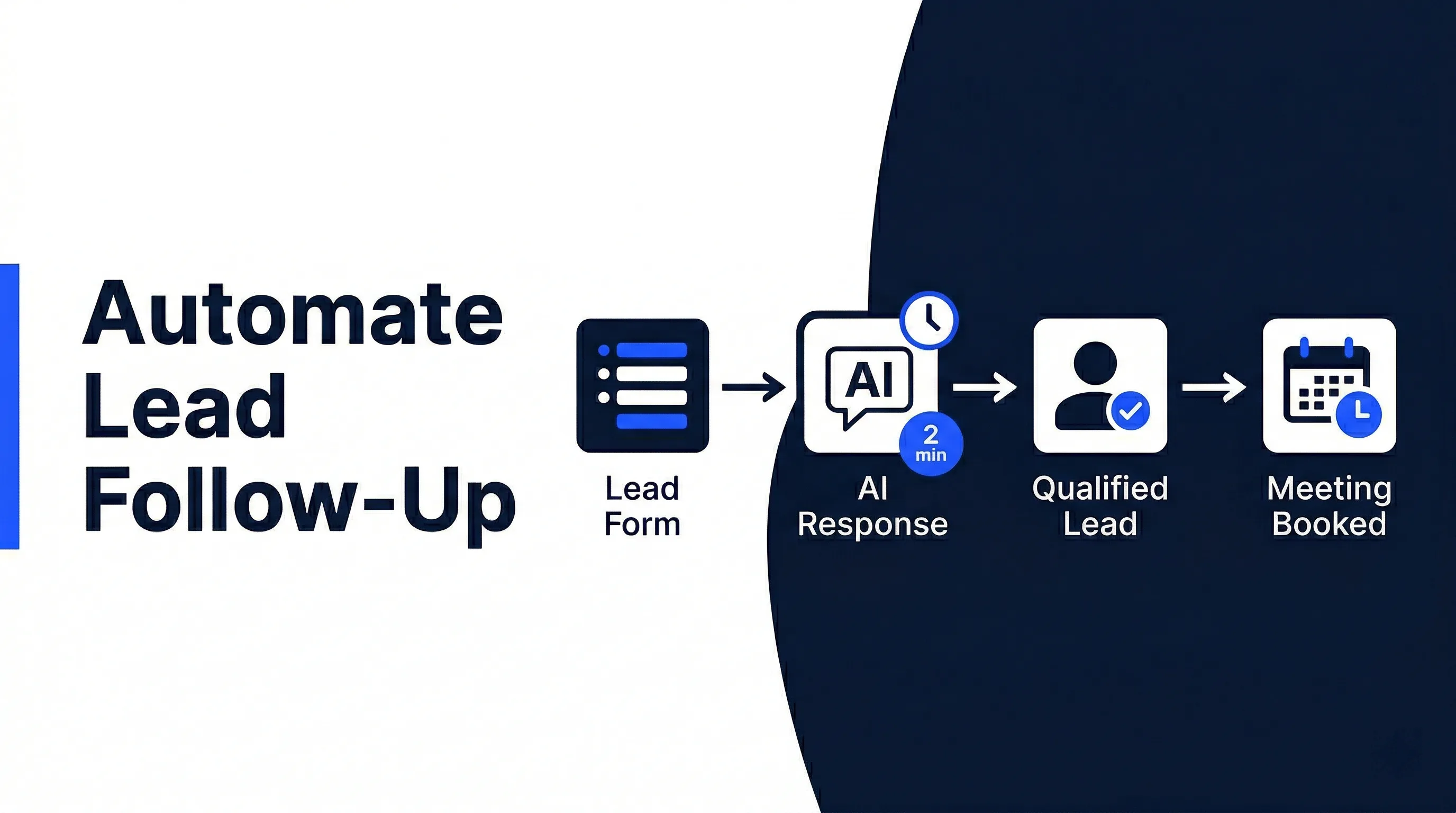
Follow-up is a good automation target because the rules are usually clear. If a lead asks a question, someone should respond. If a meeting happens, a next step should exist. If a lead goes quiet, the system should notice.
AI can read the latest message, summarize intent, draft a reply, update the Zoho record, and create a task. The human can review the message before it goes out.
That balance matters. Automation should reduce the time between interest and response, but it should not send confident replies about pricing, scope, or commitments without approval.
AI automation service becomes valuable when it turns that balance into a working system: automatic where the rule is safe, reviewed where the relationship matters.
What a Practical Zoho CRM Workflow Looks Like
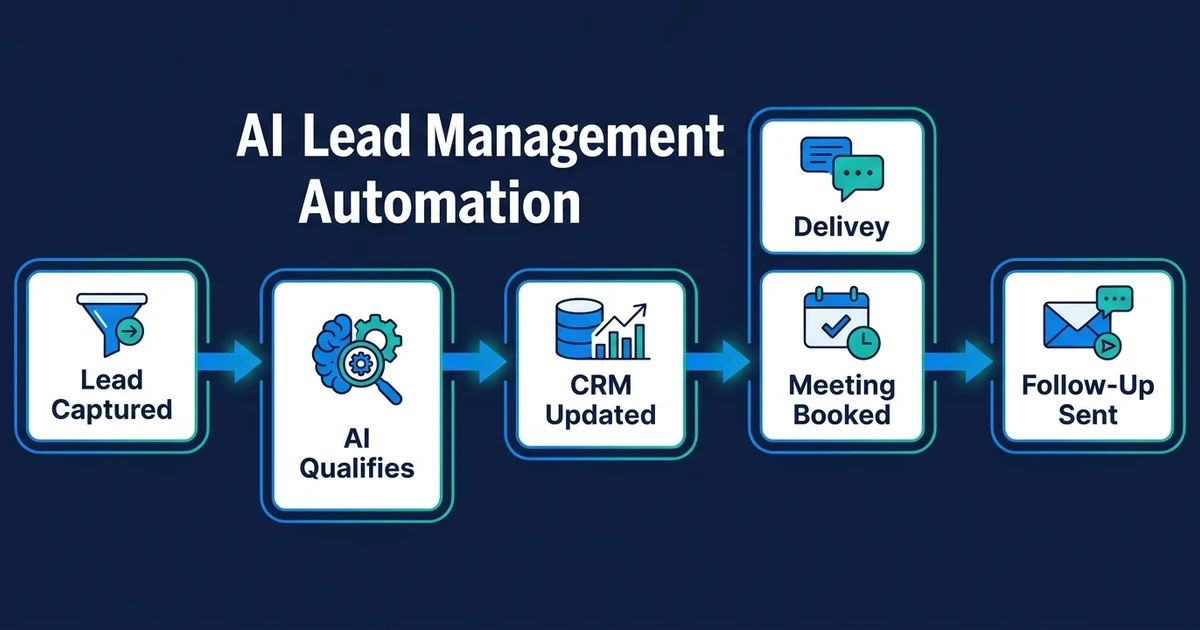
Imagine a website inquiry arrives from a prospect asking about a service. AI classifies the request, checks whether the person exists in Zoho CRM, creates or updates the lead, assigns the owner, and creates the first follow-up task.
If the prospect replies, AI summarizes the message, updates the Zoho note, and drafts a response. If the contact looks duplicated or incomplete, the workflow flags it instead of overwriting data.
If your Zoho leads and contacts only stay organized after manual cleanup, book a free automation discovery call. Automiq AI can help you choose one Zoho CRM workflow to automate without changing your whole system.
This keeps the system simple. Your team still owns the customer relationship, but the admin around that relationship shrinks.
Done-for-You vs DIY Automation vs Hiring Help
There is no single right path. The right choice depends on how much time the workflow wastes and how technical your team wants to be.
| Option | Best Fit | Tradeoff |
|---|---|---|
| DIY automation | Basic reminders or simple field rules | You own setup, testing, and fixes |
| Part-time help | Manual cleanup and routine admin | Work still depends on a person doing it |
| Done-for-you build | Repeated CRM work with clear rules | Best when you want the workflow built for you |
DIY can work for small rules. But once the workflow includes AI summaries, email context, Zoho task creation, duplicate checks, assignment rules, Blueprint steps, and review paths, the setup needs more care.
Hiring help can also work, but it does not remove the process. It moves the work to another person.
A done-for-you build is strongest when the process is already painful but not strategic enough to justify hiring. You keep the CRM your team knows, and the automation removes the repeated work around it.
How to Evaluate Your CRM Before Adding AI
Before building anything, check the health of the process. A messy CRM can still be automated, but the first workflow should improve data quality instead of depending on perfect data.
Ask:
- Where do new leads enter?
- What information is always needed in each Zoho module?
- Which fields are often missing?
- Who owns the first reply?
- What makes a lead stale?
- Which messages require human approval?
Deloitte found that 66% of organizations report productivity and efficiency gains from enterprise AI adoption, but 37% use AI at a surface level with little or no process change in its State of AI in the Enterprise research. That warning applies to small businesses too.
AI features do not matter if the workflow still depends on manual cleanup.
Frequently Asked Questions
What does CRM automation do for small businesses?
Zoho CRM automation uses rules and AI-assisted workflows around leads, contacts, modules, assignment rules, tasks, Blueprints, and follow-ups. The best setup starts small and adds review points for anything customer-facing.
Can AI help with lead follow-up?
Yes. AI can classify new inquiries, summarize messages, create follow-up tasks, draft replies, and flag leads that need attention.
Which CRM tasks should small businesses automate first?
Start with lead capture, contact updates, duplicate checks, missing field alerts, owner assignment, Blueprint step reminders, task creation, and follow-up reminders. These tasks are repetitive and easy to review.
Will CRM automation make my system too complicated?
It can if you automate too broadly. A better approach is to automate one repeated workflow first, confirm that the team trusts it, and then expand.
How does Automiq AI help with small business CRM automation?
Automiq AI designs and builds the workflow inside your existing tools, including Zoho CRM, email, calendar, and forms. You get the operational benefit without learning workflow software.
Automate CRM Work Without Creating a Bigger System
Small business CRM automation should make work lighter, not heavier. Start with one repeated workflow, add review where judgment matters, and expand only after the team trusts the result.
Automiq AI builds that first workflow for you. Book a free automation discovery call and we will help identify the Zoho lead, contact, task, or follow-up process worth automating first.