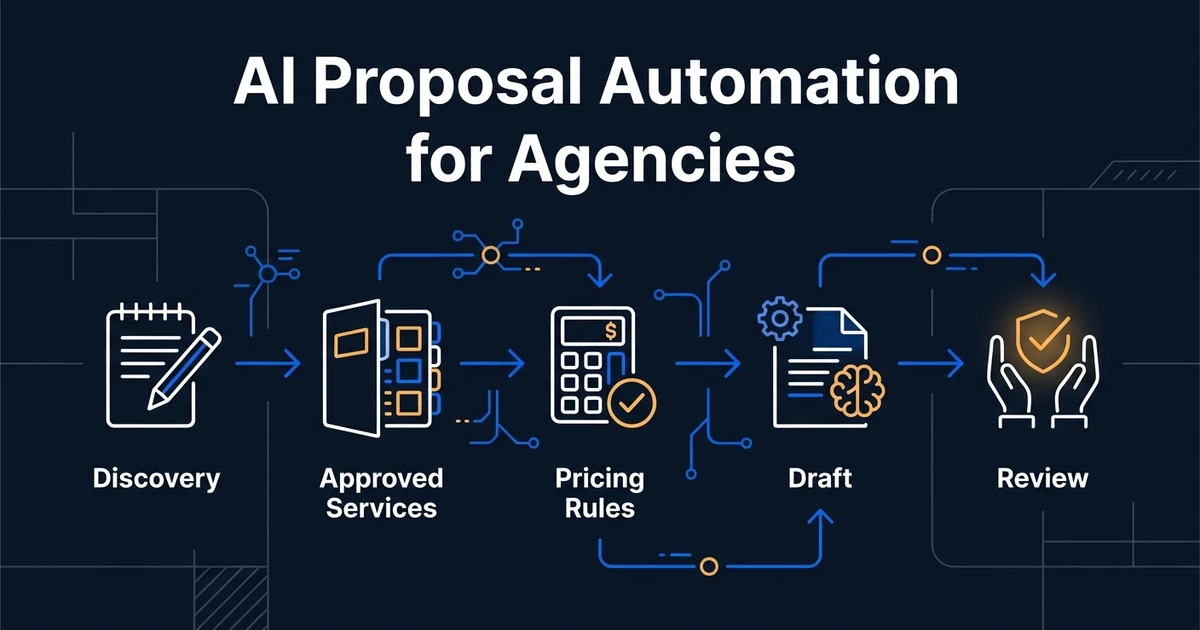
Quick Answer: The most reliable AI proposal automation for agencies connects five controlled sources: discovery notes, CRM data, an approved service catalog, pricing rules, and a case-study library. AI drafts the narrative and maps needs to approved content. Deterministic checks validate names, scope, price, totals, and required clauses. A responsible owner reviews the commercial document before it reaches the client.
Agency proposals are repetitive without being identical. The structure, services, proof, and terms repeat. The client’s goals, context, scope, timeline, and emphasis change.
That combination makes proposal creation a strong automation candidate. It also makes an unrestricted prompt a risky solution. A fluent draft with the wrong scope or price is worse than a slow draft.
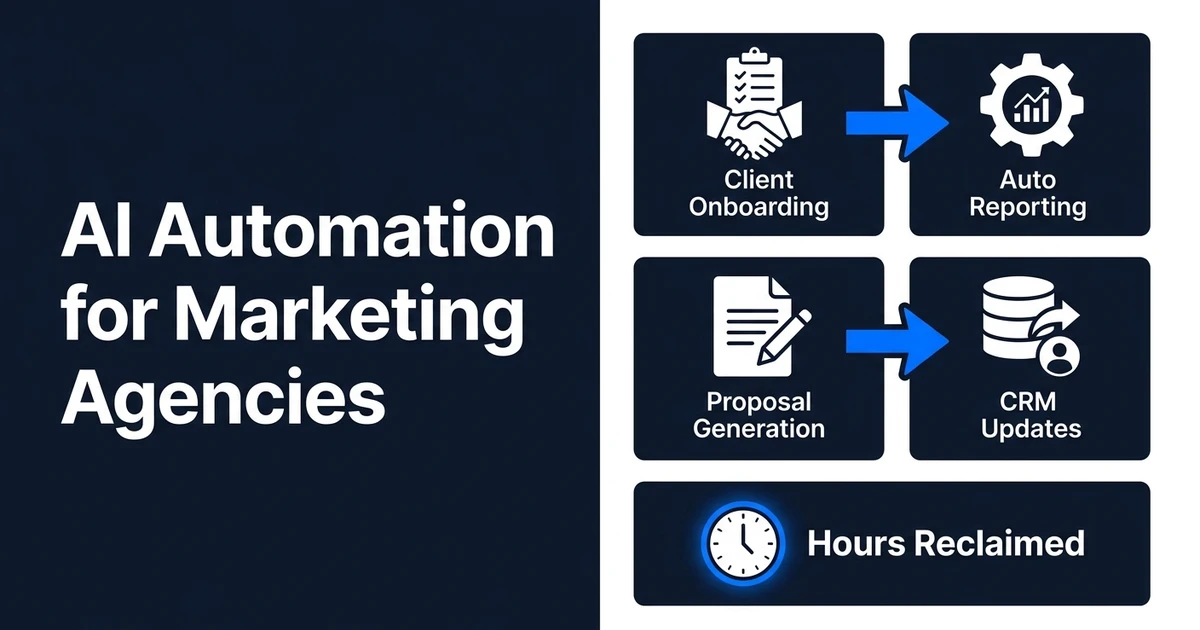
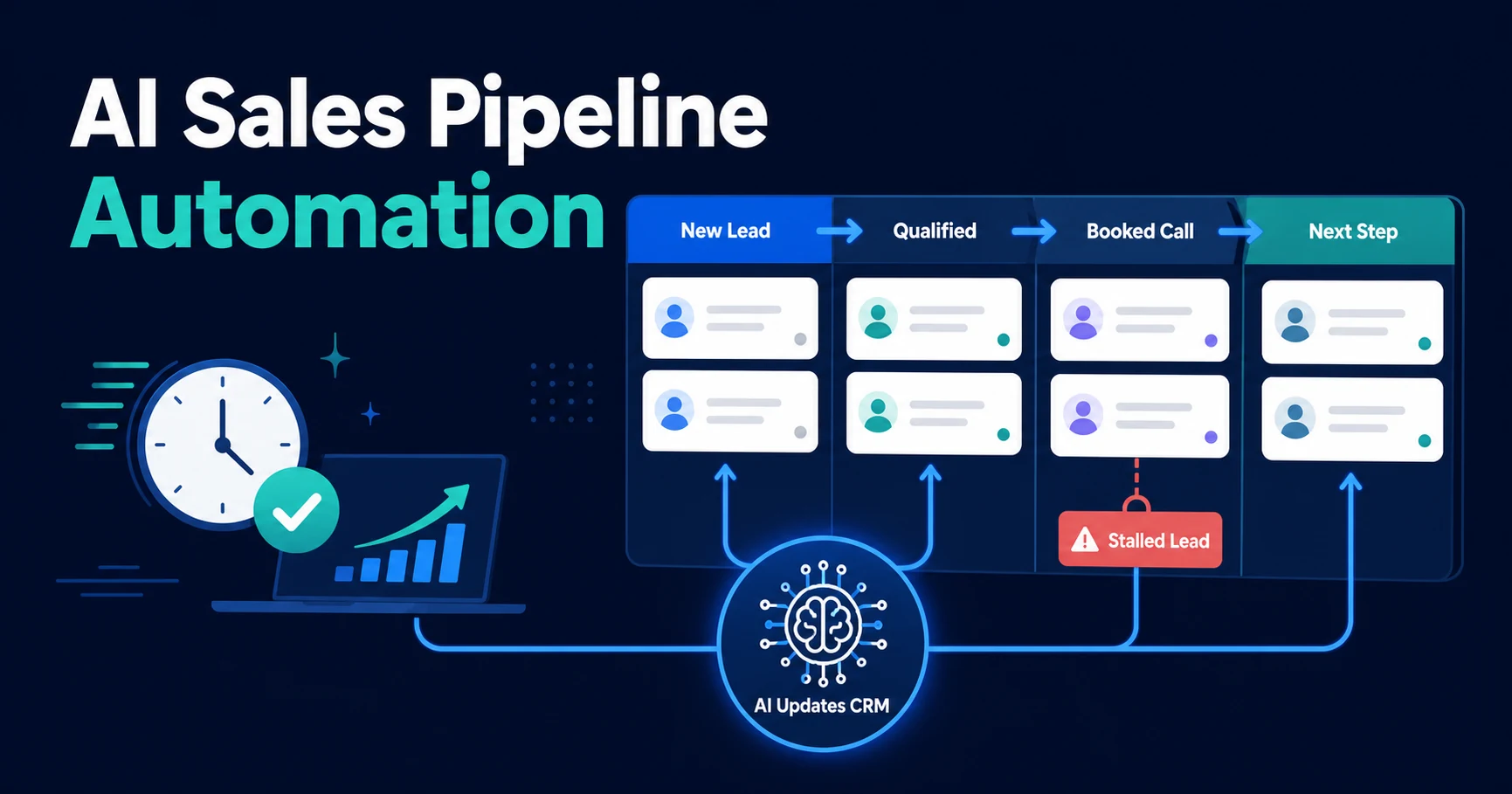
This guide covers the proposal workflow itself. For lead qualification, reporting, CRM updates, and other agency processes, see AI marketing automation.
For Automiq AI, proposal automation is not a document trick. It is a production workflow that connects the agency’s sales process, approved commercial model, delivery capability, and CRM history so the draft is faster without weakening accountability.
Choose the Right Level of Proposal Automation
Agencies have three practical options.
| Approach | Best fit | Main limitation |
|---|---|---|
| Native CRM or proposal tool | Standard packages and simple field merge | Limited use of discovery context |
| Connected AI drafting workflow | Existing CRM, notes, templates, and approval process | Requires source design and validation |
| Custom proposal system | Complex services, pricing, approvals, or integrations | Higher implementation and maintenance effort |
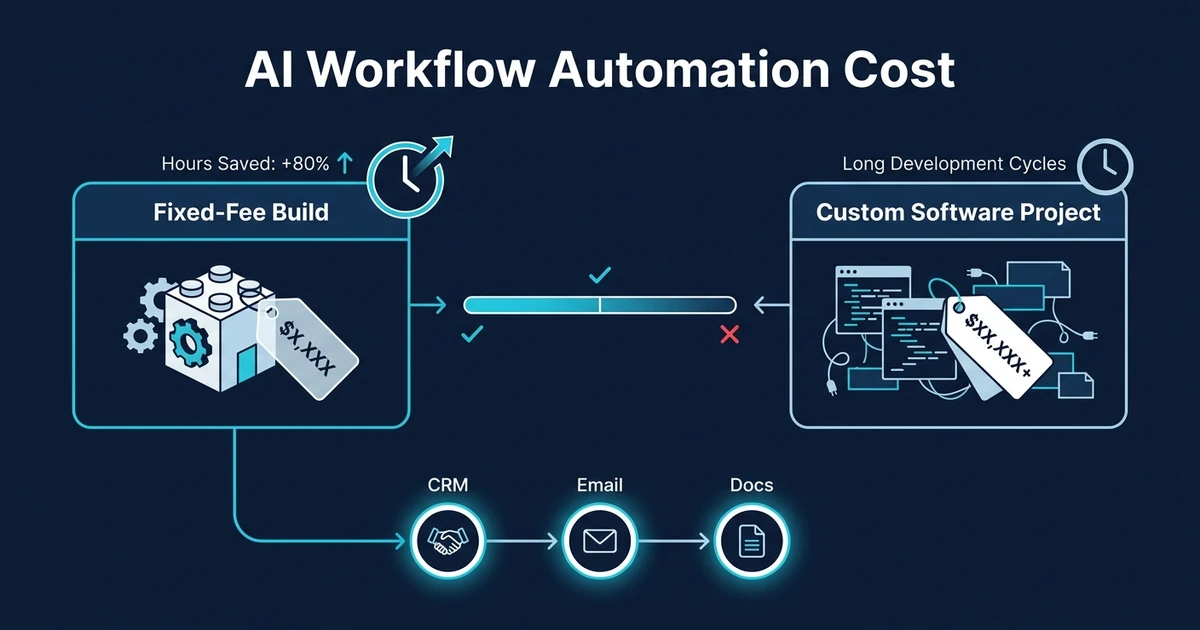
Start with the smallest option that removes the actual bottleneck. If the team only retypes names and dates, field merge may be enough. If strategists spend hours turning discovery calls into tailored scope and proof, a connected AI workflow is more useful.
When Agencies Need a Custom Proposal System
Most agencies should not start by building a full proposal platform. A custom system becomes sensible when proposals depend on logic that ordinary templates cannot safely express.
That includes cases where:
- Services are modular and the allowed combinations depend on discovery answers.
- Pricing, discounts, retainers, currencies, taxes, or validity periods need deterministic rules.
- Case studies must be selected from an approved evidence library.
- Several people need to approve strategy, commercial terms, legal language, or delivery capacity.
- The final document must write back to the CRM, create follow-up tasks, and preserve the source snapshot.
In those situations, the automation is closer to custom software development than a prompt connected to a document. The build may still use your existing CRM and proposal tool, but the control layer around approved content, validation, review, and handover needs engineering discipline.
Define the Proposal Data Model First
Do not start with a prompt. Start with the information every valid proposal needs.
A practical model includes:
- Client legal and trading name
- Client contacts and decision-makers
- Business goal and current problem
- Current systems or channels
- Requested and recommended services
- Deliverables and exclusions
- Dependencies and client responsibilities
- Timeline and milestones
- Pricing model, currency, tax treatment, and validity period
- Relevant case studies or proof
- Approval owner and legal terms version
Each field needs an owner. CRM data may own account details. Discovery notes own the client’s stated goals. The service catalog owns deliverable definitions. The pricing system owns rates. The template owns fixed legal text.
The model should never invent a missing commercial input. Missing price, currency, approver, or scope should stop the document from reaching send-ready status.
Standardize Discovery Without Making Calls Robotic
Proposal quality depends on discovery quality. The workflow needs enough structure to find the facts without forcing every conversation into a script.
After the call, extract a structured record containing:
- Desired outcome
- Present process and pain points
- Success measure
- Required services
- Constraints and risks
- Timeline
- Stakeholders
- Budget or procurement context when discussed
- Unresolved questions
Keep the transcript or original notes linked to the record. If the summary is wrong, a reviewer should be able to trace the claim back to the source.
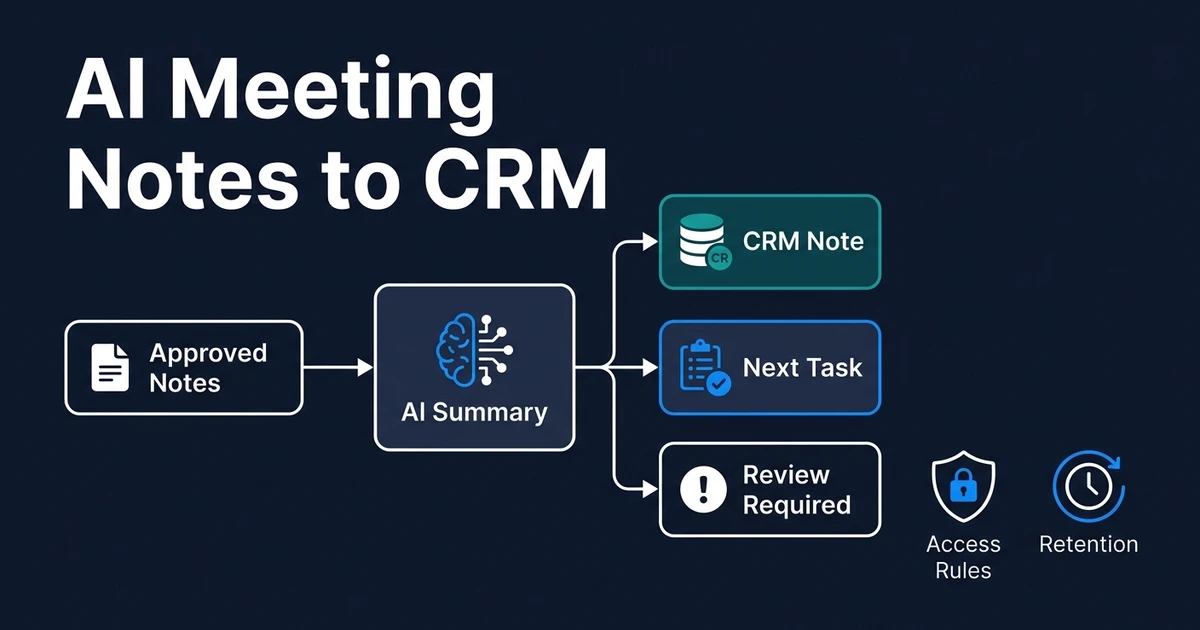
The meeting notes to CRM workflow provides the preparation layer. Proposal automation should consume an approved discovery summary rather than rely on an unreviewed transcript alone.
Build Approved Content Libraries
Reliable proposal generation uses controlled building blocks.
Service catalog
For each service, store the name, approved description, deliverables, options, exclusions, dependencies, typical timeline, and pricing key. Give every version an identifier so an old proposal cannot silently use a retired package.
Case-study library
Store industry, problem, service, result, evidence source, approval status, and permitted claims. Select case studies by relevance. Do not let the model improve a weak result or imply a client relationship that is not approved for use.
Boilerplate and legal content
Keep company information, validity language, payment terms, confidentiality wording, and legal sections outside free-form generation. They should come from the current approved version.
Template system
Microsoft Word supports content controls and reusable template elements for structured documents. Its Word template guidance describes text, dropdown, date, image, and building-block controls that can keep the document layout stable while variable content changes.
The same principle applies whether the output is Word, Google Docs, PandaDoc, or another proposal platform: lock stable content and populate only intended variables.
Generate Structured Content Before Rendering the Document
Ask the AI layer for a structured object, not a finished PDF. A proposal draft might return:
- Executive summary
- Restated client objectives
- Recommended service IDs
- Rationale for each service
- Deliverable IDs
- Timeline option
- Selected case-study IDs
- Assumptions and open questions
- Risk or review flags
Structured output lets the workflow validate references before it creates the polished document. OpenAI’s current API documentation supports schema-constrained outputs for models that offer the feature. See the Structured Outputs guide for one implementation approach.
Schema compliance does not prove the content is commercially correct. It makes automated validation possible.
Validate Every Commercial Field
Before rendering, the workflow should confirm:
- Client and contact names match the CRM.
- Every service ID exists and is active.
- Every deliverable belongs to the selected service.
- Pricing comes from the approved source.
- Quantity, rate, discount, tax, and total reconcile.
- Currency is explicit.
- Timeline respects service dependencies.
- Case-study claims match approved evidence.
- Required exclusions and legal sections are present.
- Open questions remain visible rather than being guessed.
Use deterministic calculations for money. The model may recommend an approved package, but it should not calculate or invent the final price in prose.
Put Human Review Where Judgment Matters
The review should be short because the workflow has already checked the mechanics. The reviewer focuses on judgment:
- Is this the right solution for the client’s stated need?
- Does the scope reflect what was discussed?
- Are the assumptions and exclusions clear?
- Is the evidence genuinely relevant?
- Are the commercial terms acceptable?
- Is there any promise the delivery team cannot support?
NIST’s Generative AI Profile frames testing, evaluation, verification, and validation as part of managing generative AI risk across the lifecycle. The NIST AI Risk Management Framework resources are a useful reference for teams building higher-impact document workflows.
For proposals, human review is not an admission that automation failed. It is the appropriate control for a client-facing commercial commitment.
Connect Approval, Sending, and CRM Updates
Once approved, the workflow can:
- Render the proposal in the agency template.
- Store the final version and source snapshot.
- Attach it to the CRM deal.
- Send it through the normal proposal or e-signature tool.
- Update the deal stage and next-action date.
- Notify the account owner.
- Create a follow-up task if no response arrives.
Do not let the workflow send automatically until the agency has proven that validation and approval work reliably. “Draft ready” and “client sent” should be separate states.
The AI proposal generation product is built around that connected flow from approved inputs to reviewed document.
Measure More Than Drafting Speed
Time saved matters, but quality and commercial outcomes matter more.
Track:
- Time from discovery completion to first draft
- Reviewer edit rate by section
- Pricing and scope correction rate
- Percentage of drafts blocked for missing inputs
- Approval turnaround time
- Proposal-to-close conversion
- Time from proposal to decision
- Scope changes or disputes after signature
- Case-study and service-selection accuracy
High edit rates in one section point to a source or prompt problem. Repeated pricing corrections point to a validation problem. A faster proposal with more post-signature disputes is not an improvement.
Common Proposal Automation Mistakes
- Generating from a transcript without an approved discovery summary
- Letting the model invent services, proof, pricing, or timelines
- Mixing current and retired package language
- Rendering the document before validating structured fields
- Hiding missing information behind plausible prose
- Auto-sending before the review process is proven
- Measuring only hours saved
The safest workflow is conservative with facts and generous with review context.
Frequently Asked Questions
What AI proposal automation solutions are available for agencies?
Agencies can use native CRM and document tools, connect an AI drafting layer to existing templates, or commission a custom workflow that joins call notes, CRM data, approved services, pricing, case studies, review, and e-signature.
What parts of a proposal should AI automate?
AI can summarize discovery, map needs to approved services, draft problem and approach sections, select relevant approved evidence, and populate structured fields. Pricing, legal terms, promises, exclusions, and final approval should remain controlled.
How do you stop AI from inventing scope?
Generate from an approved service catalog, require structured output, validate every service and price against source data, and fail the workflow when a required input is missing.
Can proposal automation use an existing template?
Yes. Keep layout, branding, boilerplate, and legal sections fixed, then populate controlled content blocks and variables from the CRM and discovery record.
Which metrics show whether it works?
Track turnaround time, reviewer edit rate, pricing corrections, approval time, proposal-to-close conversion, scope changes after signature, and workflow exception rates.
Automate the Draft Without Automating Accountability
Proposal automation should make the agency faster while keeping scope, proof, pricing, and promises under control.
If discovery notes, CRM fields, service packages, case studies, and document templates still live in separate places, book a proposal workflow scoping call with Automiq AI. We will map whether you need CRM configuration, an AI workflow, or a custom proposal system with validation, approvals, and handover built in.