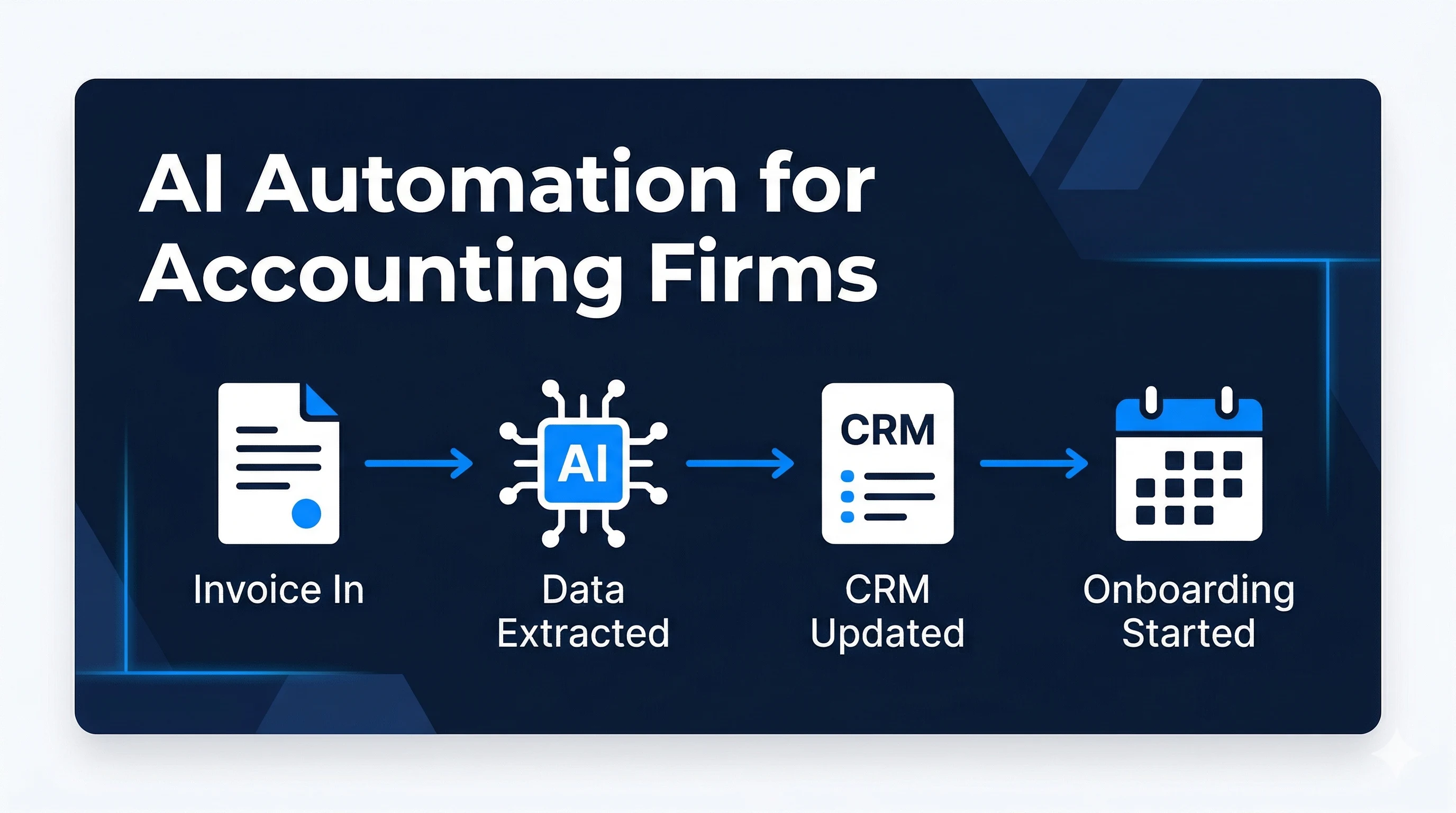
Quick Answer: Accounting document automation should do more than read an invoice. For a growing firm, the production system must preserve the original file, extract a defined schema, validate calculations and duplicates, route approvals, write safely to the accounting platform, expose exceptions, and keep an audit trail. Start with one high-value workflow, but design its identity, permissions, monitoring, and handover so it can become part of a larger finance operation.
Copying invoice fields into accounting software looks like one task. Operationally, it is a chain of decisions: Is the file readable? Is the supplier known? Do the totals reconcile? Is this a duplicate? Does the purchase order match? Who can approve the amount? Did the accounting platform accept the record?
That is why the useful unit of automation is not optical character recognition alone. It is the entire document workflow.
This guide is written for accounting practices and finance teams that have moved beyond a simple inbox rule: several entities or clients, disconnected tools, increasing document volume, non-technical operators, and no internal engineering team available to own a fragile integration. The decision is no longer which OCR subscription to buy. It is whether to configure an existing product, connect the current stack, or build a controlled software layer around the way the business actually works.
This guide focuses on invoices, bills, and receipts, but the same design can support statements, engagement letters, tax documents, and client intake files. For the broader firm-wide use cases, see AI automation for accounting firms.
What Accounting Document Automation Includes
An end-to-end workflow usually has seven stages:
| Stage | Automation job | Control that matters |
|---|---|---|
| Intake | Receive email attachments, uploads, scans, or API files | Allowed channel, sender, file type, and size |
| Classification | Identify invoice, receipt, statement, or other document | Confidence threshold and unsupported-type route |
| Extraction | Return required fields in a fixed schema | Field evidence and original value |
| Validation | Normalize values and test business rules | Totals, supplier, tax, dates, currency, and duplicates |
| Approval | Route the item to the correct reviewer | Amount, cost centre, project, and policy |
| Posting | Create or update the target record | Idempotency, API response, and source ownership |
| Storage | Retain the source and decision history | Access, retention, and searchable identifiers |
Each stage should produce a visible status. “The AI processed it” is not an operational status. Awaiting supplier match, Needs amount approval, or Posting failed tells a person what to do next.
Decide Whether to Buy, Integrate, or Build
Do not commission custom software when a well-supported accounting or document product already handles the requirement cleanly. Buy the product when one entity, one approval path, standard document formats, and supported native integrations cover most of the work.
A custom integration or application layer becomes credible when:
- Documents arrive through several controlled channels and must share one status model.
- Multiple accounting entities, client environments, or approval matrices need different rules.
- The firm repeatedly exports data or rekeys it because systems do not agree.
- Exceptions require a reviewer interface rather than another email notification.
- Audit evidence, permissions, reconciliation, or retention cannot be represented in a no-code flow.
- The workflow is a differentiating operating process the firm intends to keep and improve.
For a growing firm without an internal software team, the first engagement should still be bounded: one document type, one destination, representative examples, named reviewers, measurable acceptance, and a production ownership plan. That creates working software and operational evidence without pretending the entire finance function can be specified on day one.
Start With One Document Type and One Destination
The fastest way to make this project unreliable is to begin with every file your finance team receives.
Choose one repeated flow, such as supplier invoices arriving in a shared inbox and becoming draft bills. Document:
- Accepted file types and intake channels
- Required fields and optional fields
- The accounting platform and target object
- Approval rules by amount, entity, project, or cost centre
- Duplicate logic
- What must always receive human review
- Where the original file and audit history will live
This becomes the workflow contract. It also prevents a model or integration from inventing fields that the accounting system cannot accept.
If the current process is inconsistent, map it before automating it. AI workflow design can be more valuable than adding another extraction tool to an undefined process.
Capture the Original Before Transforming Anything
Preserve the source document exactly as received and assign a stable internal ID. Store its sender or upload source, arrival time, file hash, and processing version.
That source record matters when a value is disputed or the extraction logic changes. It also gives the workflow a stable reference across email, storage, approvals, and accounting software.
In the United States, the IRS explains that electronic recordkeeping systems should follow the same basic recordkeeping principles as hard-copy systems and lists invoices, paid bills, receipts, deposit information, and similar supporting documents among common business records. Retention requirements depend on the record and jurisdiction, so define policy with your accountant or legal adviser rather than letting an automation delete files on a generic schedule. See the IRS recordkeeping guidance.
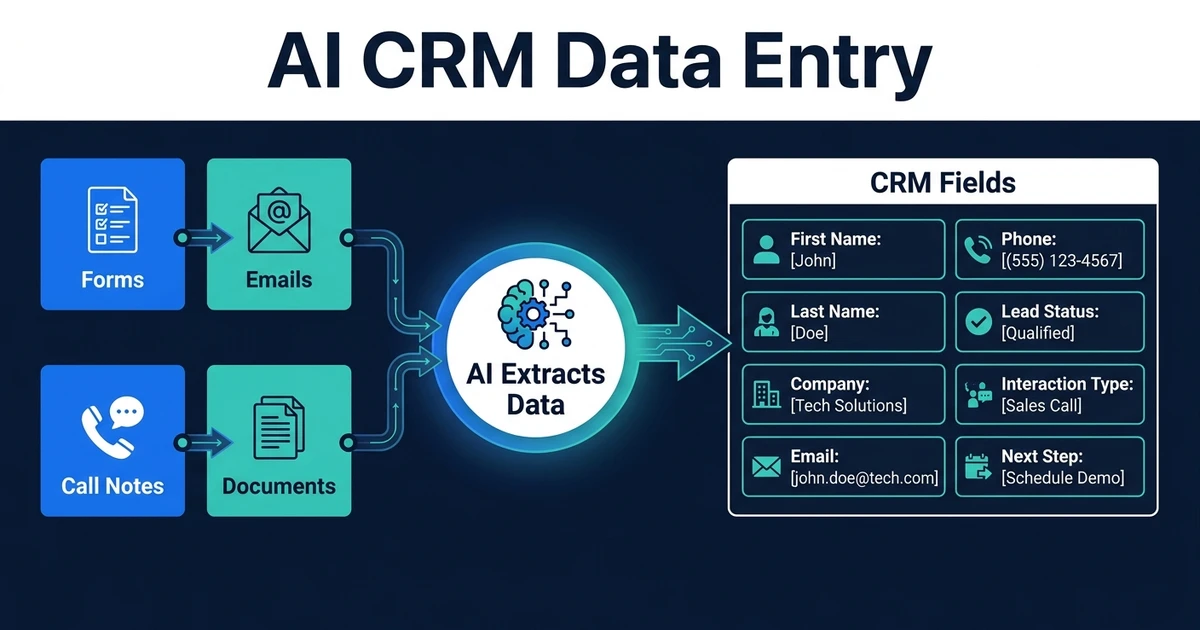
Extract a Fixed Schema With Evidence
Do not ask an AI system to “understand this invoice” and return free-form text. Define the schema the next step needs.
A supplier-invoice schema might include:
- Supplier legal name and internal supplier ID
- Invoice number, date, and due date
- Currency, subtotal, tax, and total
- Purchase-order or project reference
- Line description, quantity, unit price, tax code, and account suggestion
- Payment details, captured separately for verification
- Confidence and source location for every extracted field
Keep the original text beside the normalized value. For example, the source may say 04/11/26; the workflow may normalize it to an ISO date only after applying the supplier and locale rules. Ambiguous dates should be reviewed, not guessed.
The AI document processing service is most useful when extraction is tied to these downstream controls.
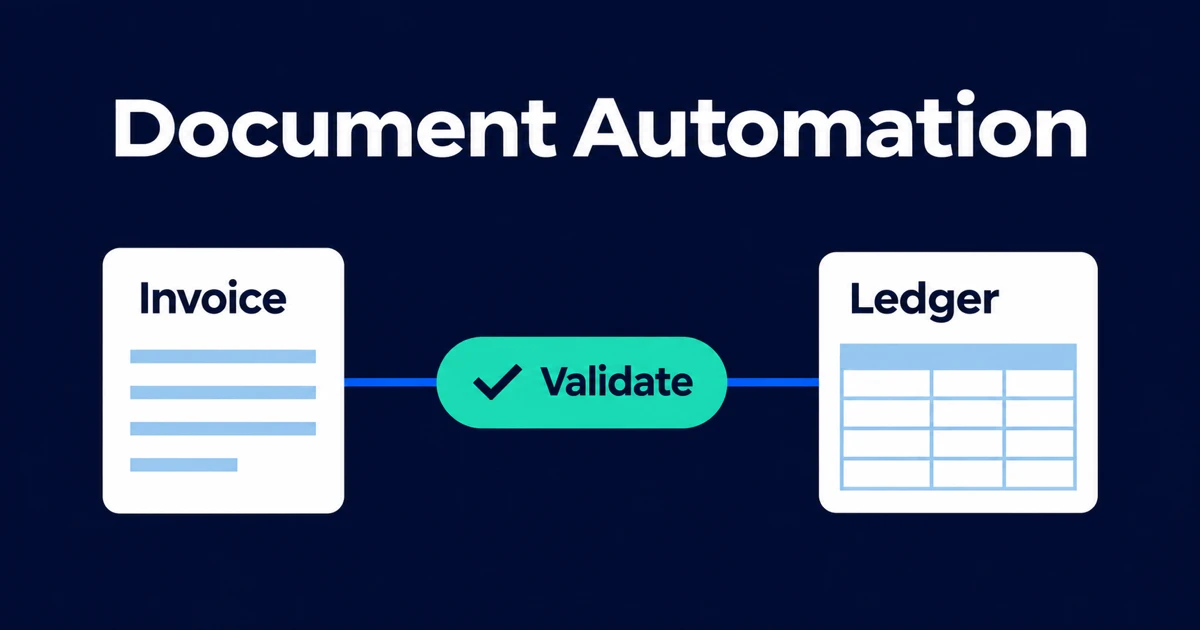
Validate Before Creating an Accounting Record
Validation should combine deterministic checks, reference data, and human review.
Useful checks include:
- Arithmetic: line totals, subtotal, tax, and grand total reconcile within an approved tolerance.
- Supplier match: the supplier exists, is active, and maps to one internal ID.
- Duplicate detection: supplier, invoice number, amount, date, and file hash do not match a prior item.
- Purchase-order match: supplier, items, quantity, price, and receipt status meet the policy.
- Bank-detail change: new or changed payment instructions enter a separate verification process.
- Coding: suggested ledger, tax, project, and cost-centre values are allowed for that entity.
A confidence score cannot replace these tests. A model can be confident and wrong; a valid invoice can also have low extraction confidence because of scan quality.
Use Risk-Based Approval Paths
Not every document needs the same review. Define explicit routes such as:
- Known supplier, valid purchase-order match, low amount, and high extraction confidence: create a draft automatically.
- Known supplier but missing purchase-order reference: send to the requester.
- New supplier or changed bank details: require independent verification.
- High amount, unusual tax, calculation mismatch, or possible duplicate: send to finance review.
- Unreadable or unsupported file: request a replacement or route to manual processing.
Begin with draft creation even if the long-term goal is straight-through processing. Compare automated output with approved human decisions, then expand the low-risk path based on evidence.
Post Through the Supported Interface and Check the Result
Use the accounting platform’s supported API or integration layer, not fragile browser automation when an API exists. Make every create operation idempotent: retrying the same job should return the existing result rather than create a second bill.
The integration must inspect the platform response. Xero’s current Accounting API documentation, for example, supports creating and updating invoices or purchase bills, attaching source files, and returning validation errors. Its guidance also says integrations should check responses rather than assume a request succeeded. Review the Xero invoice API documentation for that platform’s exact capabilities.
After posting, store:
- Internal workflow ID
- Accounting-system record ID and status
- Source-document link
- Extracted values and validation results
- Approver and approval time
- API response, warnings, and retry history
- Workflow and model version
Then reconcile. A successful HTTP response does not necessarily mean every business field is correct, and a later edit in the accounting system may create drift.
Design the Exception Queue as a Product
The exception path is where most document automations succeed or fail. Reviewers need the original document, highlighted evidence, proposed values, failed rules, and a small set of actions in one place.
A useful queue supports:
- Approve, correct, reject, request information, or reassign
- Clear ownership and due time
- A reason code for every correction
- Safe replay after a failed integration
- Search by supplier, invoice, workflow status, and accounting ID
Corrections should improve rules only through a controlled review process. Do not automatically train on every user edit; some edits are one-off decisions rather than reusable truth.
Metrics That Show Whether the Workflow Works
Measure the full flow, not only extraction accuracy:
- Percentage processed without manual correction
- Accuracy by critical field, especially amount, supplier, tax, and bank details
- Exception rate and top exception reasons
- Median time from receipt to approved record
- Approval ageing by owner
- Duplicate invoices blocked
- Failed or retried accounting writes
- Records changed after automation
- Documents with missing source or audit evidence
Segment the results by supplier, file type, intake channel, and document template. An average can hide one supplier format causing most exceptions.
What a Production Engineering Partner Should Deliver
The deliverable is not a workflow screenshot or an impressive extraction demo. Ask for the production system around it:
- A documented current-state and target workflow
- A data contract, ownership map, and permission model
- Representative extraction and validation evaluations
- Supported accounting and storage integrations
- A review queue for exceptions and corrections
- Idempotency, retries, reconciliation, monitoring, and alerts
- Separate development and production configuration
- Customer-controlled accounts, agreed source code, documentation, and runbooks
- Launch acceptance, rollback, training, and post-release responsibility
That is the same diligence a buyer should apply when comparing senior software and AI partners. If Kumo is on the shortlist, the Automiq AI vs Kumo comparison provides a neutral framework for checking scope, people, production controls, ownership, support, and handover. Automiq’s own engagement models begin with evidence and a bounded production outcome rather than a generic low-cost automation package.
Frequently Asked Questions
What is accounting document automation?
Accounting document automation captures files, extracts required data, validates it, routes approvals or exceptions, and creates a traceable record in the accounting system.
Can the workflow post invoices without review?
It can for carefully defined low-risk cases after testing. Many teams begin by creating drafts and retain approval for new suppliers, high amounts, mismatches, changed payment details, and uncertain data.
Which fields should invoice automation extract?
Usually supplier, invoice number, dates, currency, totals, tax, purchase-order reference, line items, and any downstream coding fields. The accounting schema and policy should determine the final list.
How should duplicate invoices be handled?
Compare several identifiers and hold likely duplicates for review. Do not rely on invoice number alone and do not silently delete a suspected duplicate.
How do you measure accounting document automation?
Track straight-through processing, critical-field accuracy, exception volume, approval time, duplicate prevention, integration failures, and later manual corrections.
When does accounting document automation need custom software?
Use an existing product when it fits the workflow. Consider a custom layer when several systems, entities, approval policies, exception paths, or proprietary processes must behave as one owned and maintainable operation.
Build the Controlled Workflow, Not Just the Extractor
The best accounting automation is deliberately unremarkable: every document has a status, every value has a source, every exception has an owner, and every system write can be traced and reconciled. It should also be maintainable by the business after launch, with clear documentation and no dependency on one hidden automation account.
Book a 30-minute call with Automiq AI to scope the smallest production accounting workflow worth building across your current inbox, storage, approval policy, and accounting platform.