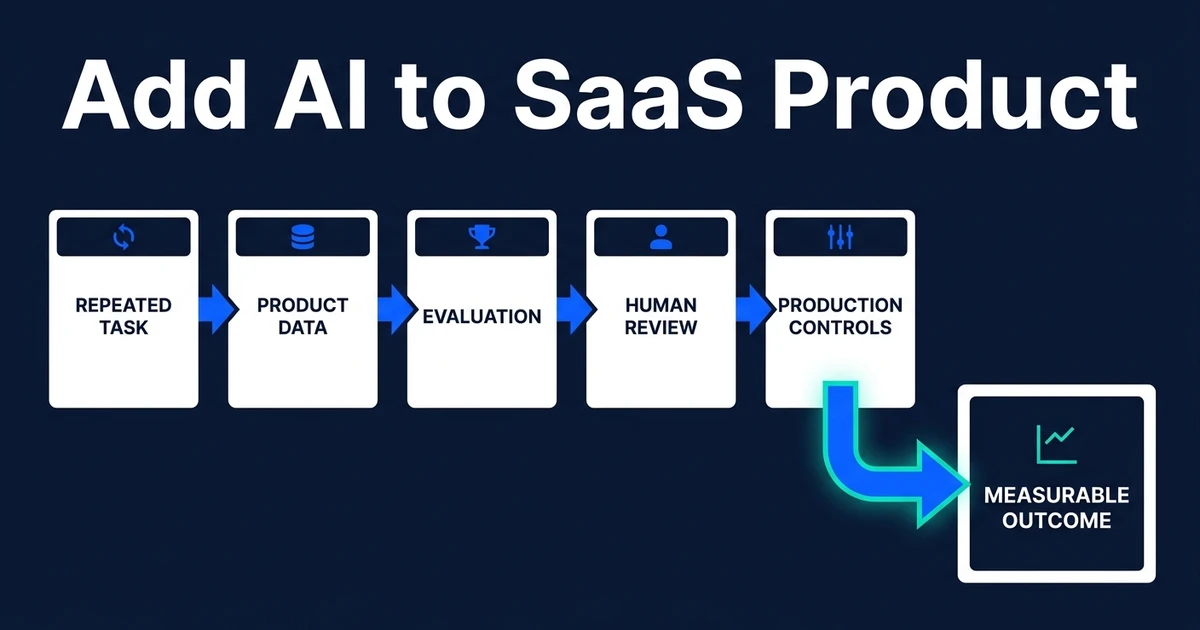
Quick Answer: To add AI to SaaS product workflows, start with a repeated user task where your product already has useful data, the result can be evaluated, and the business outcome is measurable. Avoid generic chatbots, vague copilots, and “AI everywhere” roadmaps before the workflow earns it. The first AI feature should make one valuable job faster, safer, or easier to trust.
Your users do not need an AI label. They need a better product outcome.
That is the core discipline when you add AI to SaaS product roadmaps. Automiq AI sees this pressure often: competitors announce AI, investors ask about AI, and customers start expecting smarter workflows. The worst response is to bolt on a feature nobody can measure.
The Wrong Way to Add AI to SaaS Product Roadmaps
The wrong way starts with the technology. A team decides it needs a chatbot, copilot, agent, or summary feature before deciding which user problem deserves the extra complexity.
That approach creates impressive demos and weak adoption. Users try the feature once, decide it is not part of their real workflow, and return to the habits that already help them get work done.
McKinsey’s 2026 State of AI survey captures the gap. It found that eight in ten respondents say AI has improved their own productivity, while 37 percent report that AI has contributed positively to their organizations’ EBIT.
That is the warning for SaaS teams. AI usage is not the same as product value. Your roadmap needs a feature that changes user behavior, retention, revenue, support cost, or workflow completion.
Start With the Workflow Your Users Already Repeat
The best first AI feature usually lives inside an existing loop. Users search the same records, classify the same issues, draft the same updates, compare the same documents, or make the same routing decision again and again.
That repetition is useful because it gives you a baseline. You can measure time spent, errors, edits, skipped steps, and downstream outcomes before AI enters the workflow.
It also gives the model context. A SaaS product with customer history, account state, permission rules, usage data, and workflow events can produce a much better AI feature than a blank chat window.
This is why AI integration for existing products should start with workflow selection, not model selection.
The First AI Feature Should Pass These Five Tests
Before you fund the build, make the feature pass five tests.
| Test | Pass signal | Fail signal |
|---|---|---|
| Proprietary context | Your product has data competitors cannot see | The feature only uses generic prompts |
| Repeat frequency | Users do the task often enough to notice | The task happens rarely |
| Measurable outcome | You can track time, adoption, quality, or revenue | Success is “users like it” |
| Trust boundary | A user can review or override high-impact output | The AI takes risky action silently |
| Production feasibility | Permissions, cost, latency, and evaluation are solvable | The demo ignores real product constraints |
If the idea fails three of these tests, it is probably not the first feature. It may still belong in the backlog, but it should not lead the AI roadmap.
Scope the first AI feature around a workflow your users already repeat. Automiq AI can help you decide what to build, what to postpone, and how to test whether the feature is worth shipping.
Four AI Feature Patterns Worth Considering
Semantic search is often a strong first feature when users spend time digging through records, tickets, documents, or account history. It is useful because the user already wants an answer and the product already contains the context.
Workflow recommendations work when the product sees enough events to suggest a next step. The feature should recommend, not pretend to manage the business.
Drafted output with review is useful when users write repeatable messages, notes, summaries, proposals, or support replies. The review step protects trust while still removing blank-page work.
Risk or anomaly flagging fits products that already process enough events to spot unusual behavior. The value is not that the AI sounds smart. The value is that a user sees the issue before it becomes expensive.
What to Avoid Before You Fund the Build
Do not add AI where a deterministic rule solves the problem. If the correct answer is “if status is overdue, show alert,” a rules engine beats a model.
Do not add AI where users do not trust the underlying data. A model summarizing stale records only turns bad data into confident prose.
Do not add AI where the output cannot be evaluated. If your team cannot define good, bad, risky, and acceptable, it cannot test the feature before release.
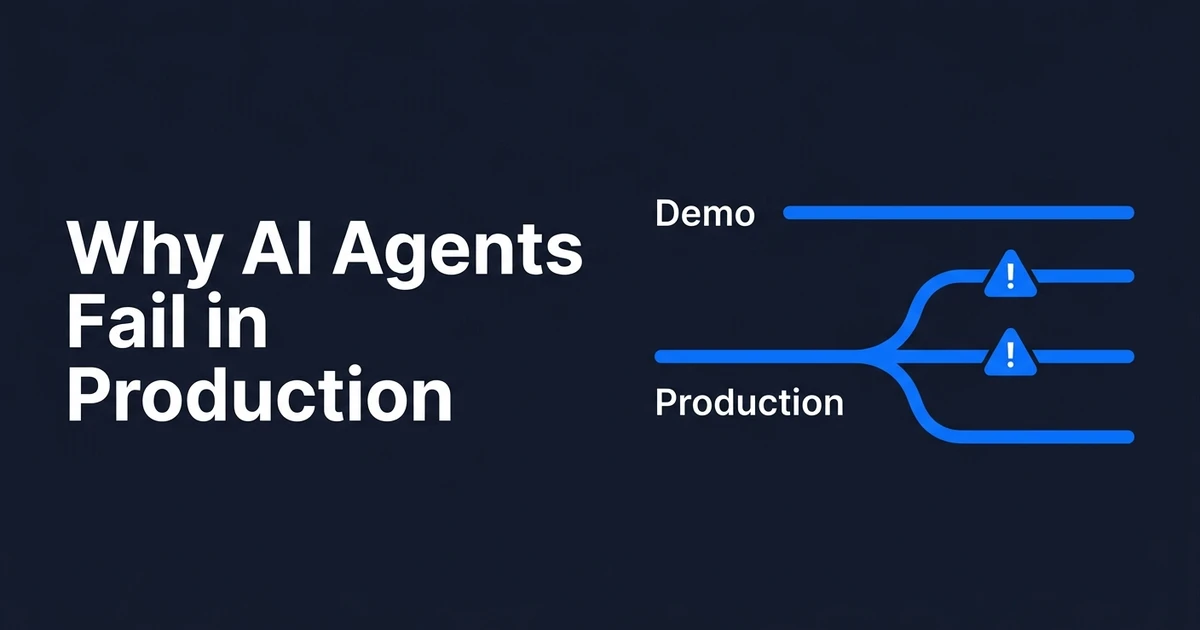
Do not start with a high-autonomy agent unless the workflow already has strong permissions, logs, and rollback. The production failure modes are well documented in our guide to AI production failure modes.
How to Build the Production Layer Behind the Feature
The product work does not end when the model returns a useful answer. A production AI feature needs retrieval, permissions, evaluation, model routing, logging, feedback capture, cost attribution, and handover.
Stack Overflow’s 2025 Developer Survey gives one reason review boundaries matter. It found that more developers actively distrust the accuracy of AI tools, at 46 percent, than trust it, at 33 percent.
NIST’s Generative AI Profile frames the same issue as a lifecycle responsibility. It says the AI RMF is intended to help organizations incorporate trustworthiness considerations into the design, development, use, and evaluation of AI products, services, and systems.
For a SaaS feature, that means your release plan should include evaluation cases, correction tracking, user feedback, cost per workflow, and a fallback path when the AI is wrong or unavailable.
How Automiq AI Helps SaaS Teams Ship Useful AI
Automiq AI starts with your product workflow and user data. We identify where AI can change a metric your team already cares about, then design the smallest useful feature that can prove it.
That can mean search, summarization, drafting, recommendation, classification, or agentic workflows. The choice follows the workflow, not the trend.
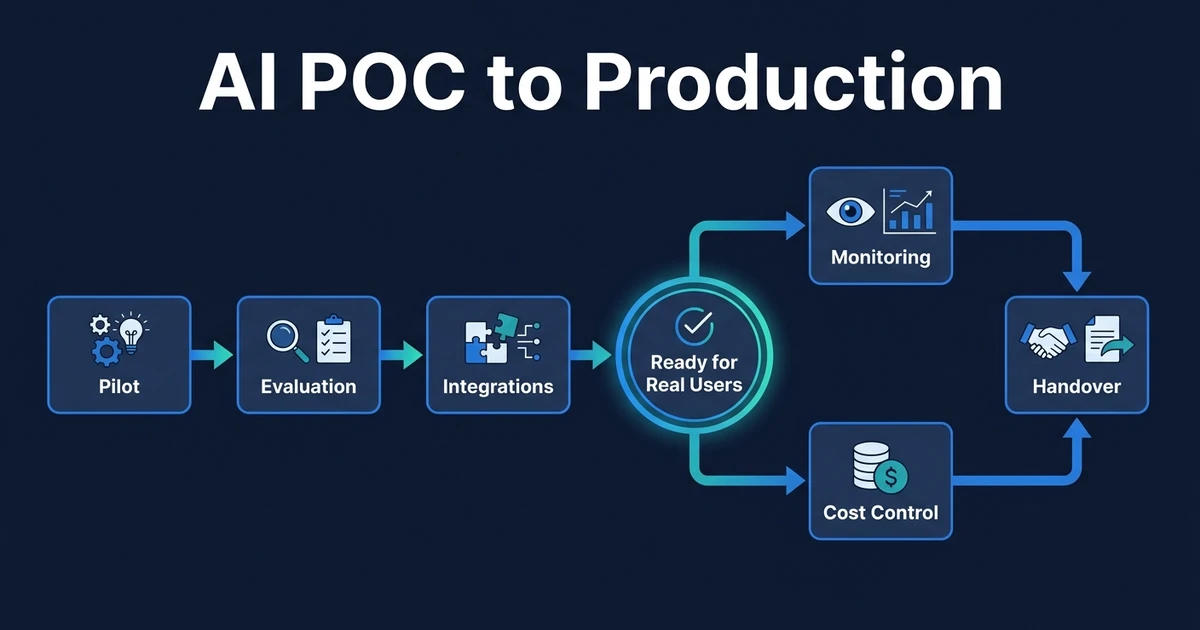
Then we build the production layer: integrations, permissions, evaluation, observability, model routing, cost controls, and handover. For teams moving from pilot to rollout, AI pilot to production engineering is the operating frame.
The goal is simple: useful AI inside your product, owned by your team, with enough engineering underneath that customers can trust it.
Frequently Asked Questions
What is the best first AI feature for a SaaS product?
The best first AI feature usually sits inside a workflow your users already repeat and where your product already has useful context. Good candidates include semantic search, drafted outputs with review, workflow recommendations, and risk or anomaly flags.
Do I need to train a custom model for SaaS workflows?
Usually no. Most first AI features can start with existing models, strong data retrieval, clear permissions, and an evaluation set. Custom training should come later, once you know the feature creates measurable user value.
How do I know users will trust an AI SaaS feature?
Users trust AI when the feature works inside a familiar workflow, explains enough of its reasoning, and gives them control over final action. If the output is high impact, keep a human review step until the system proves reliability.
Can AI be added to an existing SaaS product?
Yes. The safest route is to add AI around one bounded workflow rather than redesigning the whole product at once. The integration should respect existing permissions, data boundaries, user roles, and product analytics.
How should a production AI feature be evaluated?
Evaluate it against a fixed set of real cases with acceptance criteria your team is willing to block release on. Track adoption, correction rate, failure paths, latency, cost per workflow, and whether the feature changes the metric it was built to improve.
Conclusion: Build the AI Feature Users Can Measure
The best first AI feature is rarely the flashiest one. It is the one that sits inside a real user workflow, uses context your product already has, and changes a metric your team can measure.
Start there. Then build the production layer that keeps the feature reliable, observable, and owned.
Book an AI feature scoping call and Automiq AI will help you decide what to build first, what to postpone, and what production controls are needed before launch.