Quick Answer: Airtable to custom app migration makes sense when your ops database has become the system your business depends on, and now needs stronger permissions, cleaner workflows, customer-facing access, reporting, integrations, or owned code. The work is not a simple export. A good migration preserves the useful data and business logic, rebuilds the workflows that matter, and leaves behind the mess that only existed because the first system was moving fast.
Your ops database probably started as a smart workaround. A few tables, some linked records, a form, maybe a dashboard for the team.
Then it became the way work happens. That is the moment Automiq AI sees most Airtable to custom app migration projects begin: not because the old tool was bad, but because the business has outgrown the shape of the first system.
When an Ops Database Becomes a Business-Critical App
The warning sign is not mess. Every useful operating system gets messy before it gets important.
The real warning sign is dependency. Your team cannot ship projects, update customers, approve requests, manage inventory, route work, or report on delivery without the base being correct.
That is where the limits start to hurt. Views get slow. Permission workarounds multiply. Reports move through exports. Teams duplicate bases because one structure no longer serves everyone. Someone becomes the unofficial system administrator because only they know which fields are safe to touch.
Low-code and no-code tools are still valuable here. A 2026 Wiley systematic mapping study found that LC/NC tools simplify certain tasks, but do not replace professional developers for complex technical challenges, change management, and system integration.
The Custom App Migration Questions to Answer First
The first milestone is not design. It is deciding what job the new system must do better than the old one.
Start with these questions:
| Question | Good answer | Risky answer |
|---|---|---|
| Who owns the system? | A named business owner can make scope calls | Everyone has opinions, nobody owns tradeoffs |
| Which workflows must survive launch? | Revenue, delivery, finance, or customer workflows are named | ”Everything in the base” |
| Which data can be trusted? | Fields, owners, statuses, and duplicates are known | The team assumes the export is clean |
| What permissions are real? | Roles map to actual responsibilities | Views are being used as security |
| What should handover include? | Repo, docs, environments, deployment, and runbooks | A working app with no operating path |
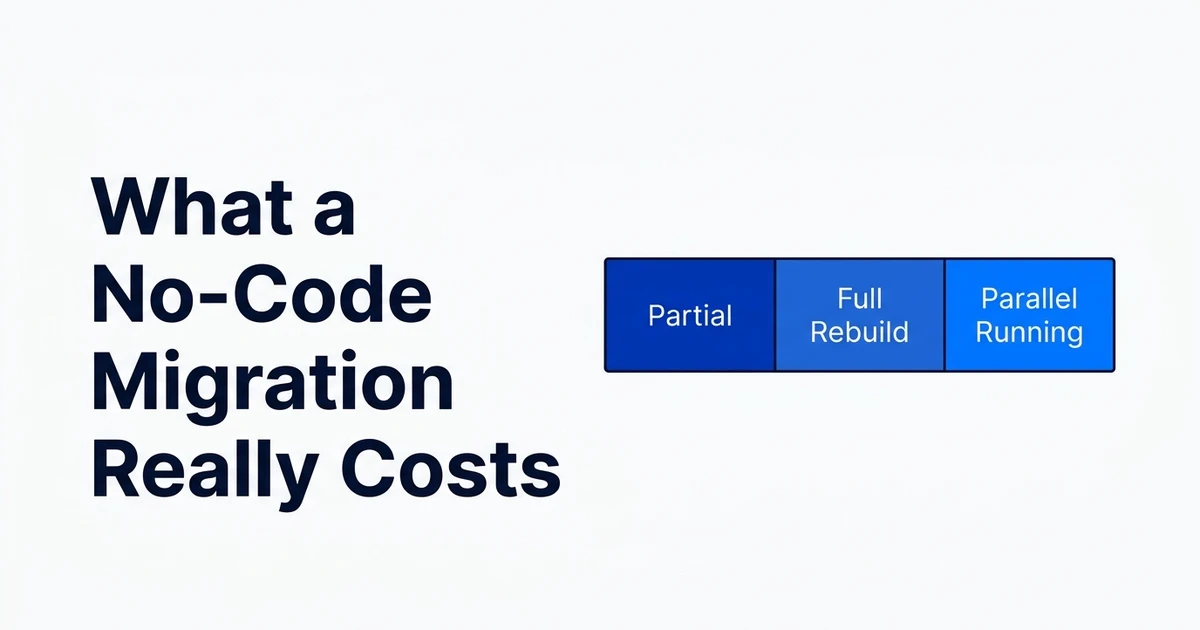
This is also the moment to decide whether the project is a full rebuild or a focused migration. A business-critical delivery workflow deserves different treatment from an admin view someone opens once a month.
What Moves: Data, Views, Workflows, Permissions, and Integrations
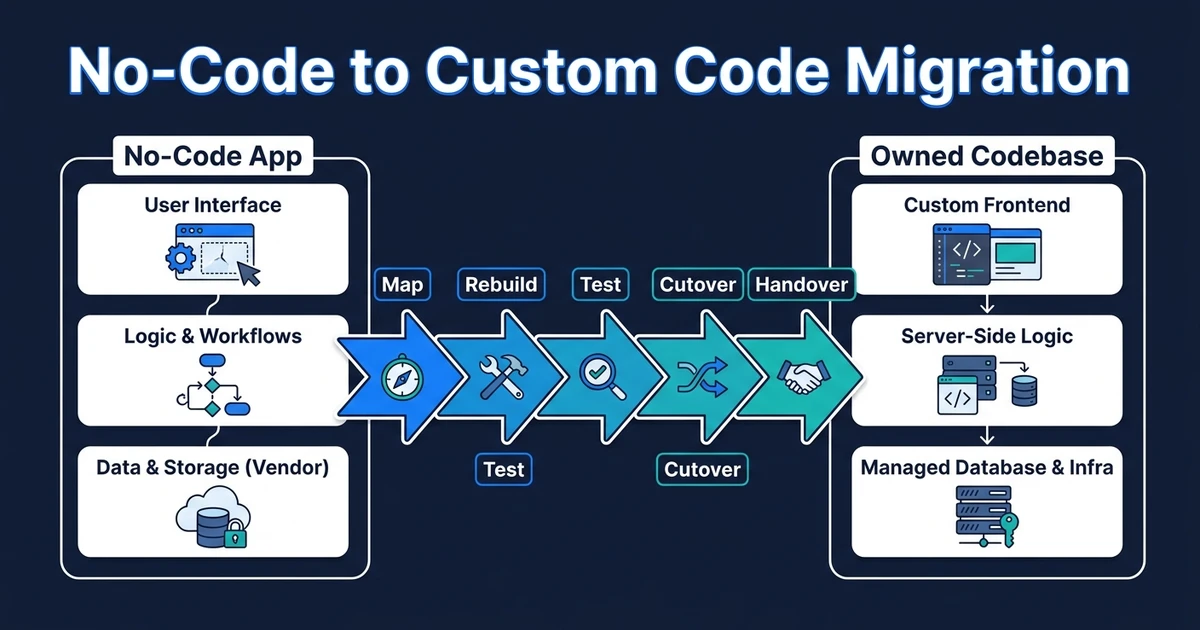
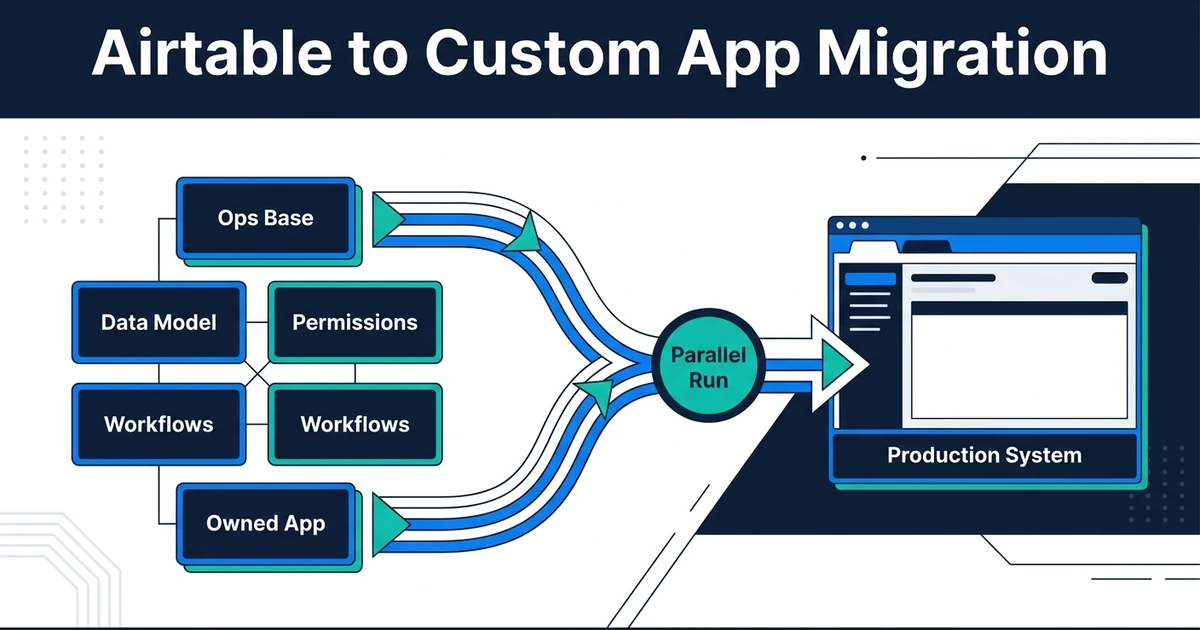
Data moves, but the data model should not always move unchanged. Tables, linked records, formulas, attachments, and statuses need to be translated into a schema that can support the next version of the business.
Views usually become product screens. Forms become intake flows. Automations become backend jobs or services. Integrations become explicit API boundaries rather than a chain of fragile triggers.
Permissions are often the biggest hidden change. In a custom app, permissions should be role-based and enforced by the system. A filtered view is not the same thing as access control when customer data, contractor records, or financial details are involved.
That is why no-code to custom migration should be scoped around business continuity. The goal is to keep work moving while replacing the parts that now create risk.
Scope a no-code to custom migration before the old base becomes harder to unwind. Automiq AI can help you preserve the workflows that matter and avoid rebuilding the workarounds that do not.
What Should Not Be Rebuilt From the Old Base
Do not copy every field. Some fields only exist because the original structure was missing a better relationship.
Do not copy every status. Duplicate statuses usually hide disagreements between teams, not genuine workflow states.
Do not copy zombie views. If nobody owns a view and nobody can explain a decision it supports, it should be challenged before it enters the new build.
Do not copy manual exception paths without asking why they exist. A custom app can remove entire categories of manual repair if the domain model is redesigned properly.
How to Phase the Migration Without Freezing Operations
Imagine a services company running project delivery, contractors, invoices, and customer updates from one operations base. A risky migration tries to rebuild the whole system in one pass.
A better plan starts with the delivery workflow. That is where late updates, unclear ownership, and missed status changes hurt the business fastest. Reporting comes next, because leaders need confidence that the new system matches reality.
Customer-facing access can wait until the core workflow is stable. That sequence protects operations while still moving toward owned software.
McKinsey’s technical debt research is a useful warning here. It says technical debt accounts for about 40 percent of IT balance sheets, and companies with severe tech debt are 40 percent more likely to have incomplete or canceled IT modernizations.
When You Should Not Migrate Yet
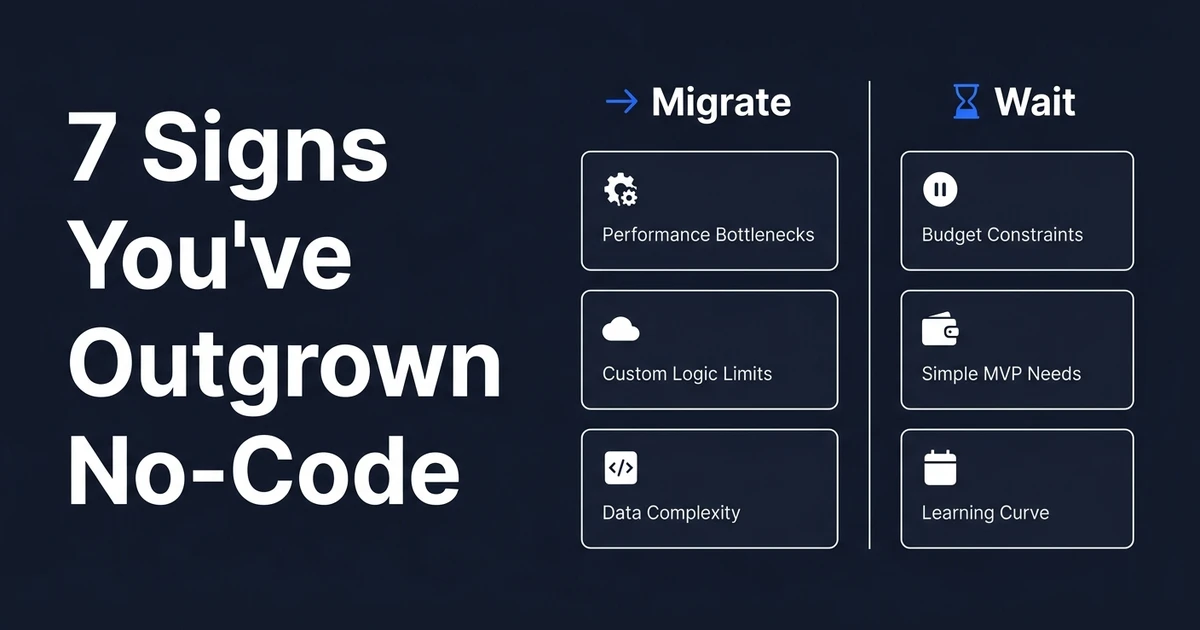
Do not migrate if the system is still changing every week. Custom software can change, but it should not be used to freeze a workflow your team still does not understand.
Do not migrate if the data cannot be trusted. A custom app built on duplicated records, unclear owners, and inconsistent statuses will only make bad information feel more official.
Do not migrate if cleanup would solve most of the pain. Sometimes better naming, fewer views, stricter permissions, and a clearer owner buy enough time to make the later migration cheaper and calmer.
For the earlier decision point, use the guide on signs you have outgrown no-code. Migration should follow evidence, not irritation.
How Automiq AI Builds Owned Operations Software
Automiq AI starts with the current operating system: data, users, permissions, workflows, reports, integrations, and the manual fixes people do around the tool.
Then we define the migration path. That can mean rebuilding one workflow first, replacing the reporting layer, creating a customer portal, or moving the whole system into owned custom software development.
Deloitte’s modernization guidance fits this decision. It says modernization choices should consider customization level, data control, and cost, while reengineering applications and platforms should cover modern architecture, containers, and integrations.
The handover is part of the build. You should own the repository, environment setup, deployment notes, documentation, and operating knowledge when the migration is done.
Frequently Asked Questions
When should an ops database move to custom software?
Move when the system has become business-critical and now needs stronger permissions, customer-facing access, reporting, scale, or integrations the current setup cannot support cleanly. Do not move only because the base is messy. Clean design comes before migration.
Can data be preserved during an ops database migration?
Yes, but preservation needs planning. The migration should map tables, linked records, attachments, formulas, statuses, owners, and historical records before a new schema is finalized. The safest projects rehearse export and import before the launch window.
What happens to automations in a custom app migration?
Automations usually become backend workflows, jobs, or event-driven services. The migration should keep the business rule, but it should not blindly copy every trigger and workaround from the old base.
Should customer portals be rebuilt first?
Only if customer access is already business-critical or blocking revenue. If the internal workflow is the real source of risk, rebuild the operational core first and add customer-facing access once the data and permissions are stable.
Is custom software always better than staying no-code?
No. If the workflow is still changing weekly, the data is untrusted, or the current setup can be fixed with better structure and permissions, staying no-code for another cycle may be the smarter move.
Conclusion: Move the System When the Business Depends on It
A messy ops database is not automatically a migration case. A business-critical ops database with weak permissions, brittle workflows, manual reporting, and scaling pain usually is.
The best migration protects the work your team already depends on. Then it turns that work into software your business can own.
Book a migration scoping call and get an honest read on whether to migrate now, clean up the current system first, or rebuild only the workflows that justify custom software.