Quick Answer: Construction office admin automation connects the handoffs between enquiries, estimates, project setup, field documents, invoices, and closeout. For a growing contractor, the production system needs one project identity, supported integrations, mobile-friendly intake, role-based approvals, visible exceptions, monitoring, and a handover path. Automate the copying and chasing; keep scope, cost, schedule, contract, and safety decisions with authorized people.
Construction administration rarely breaks because a team cannot complete one task. It breaks at the handoffs: an enquiry arrives without site details, an accepted estimate is not reflected in the job system, a field photo stays in a message thread, or an invoice waits because nobody can find the supporting record.
Office automation should close those gaps without asking field teams to become data-entry specialists.
This guide is for construction businesses that have outgrown isolated forms and one-step automations: more jobs, more office coordination, several operational tools, and no internal product team to connect them. These buyers are not looking for another dashboard. They need a senior software and AI partner to decide what to keep, what to integrate, and where a custom field or office experience creates enough operational value to build.
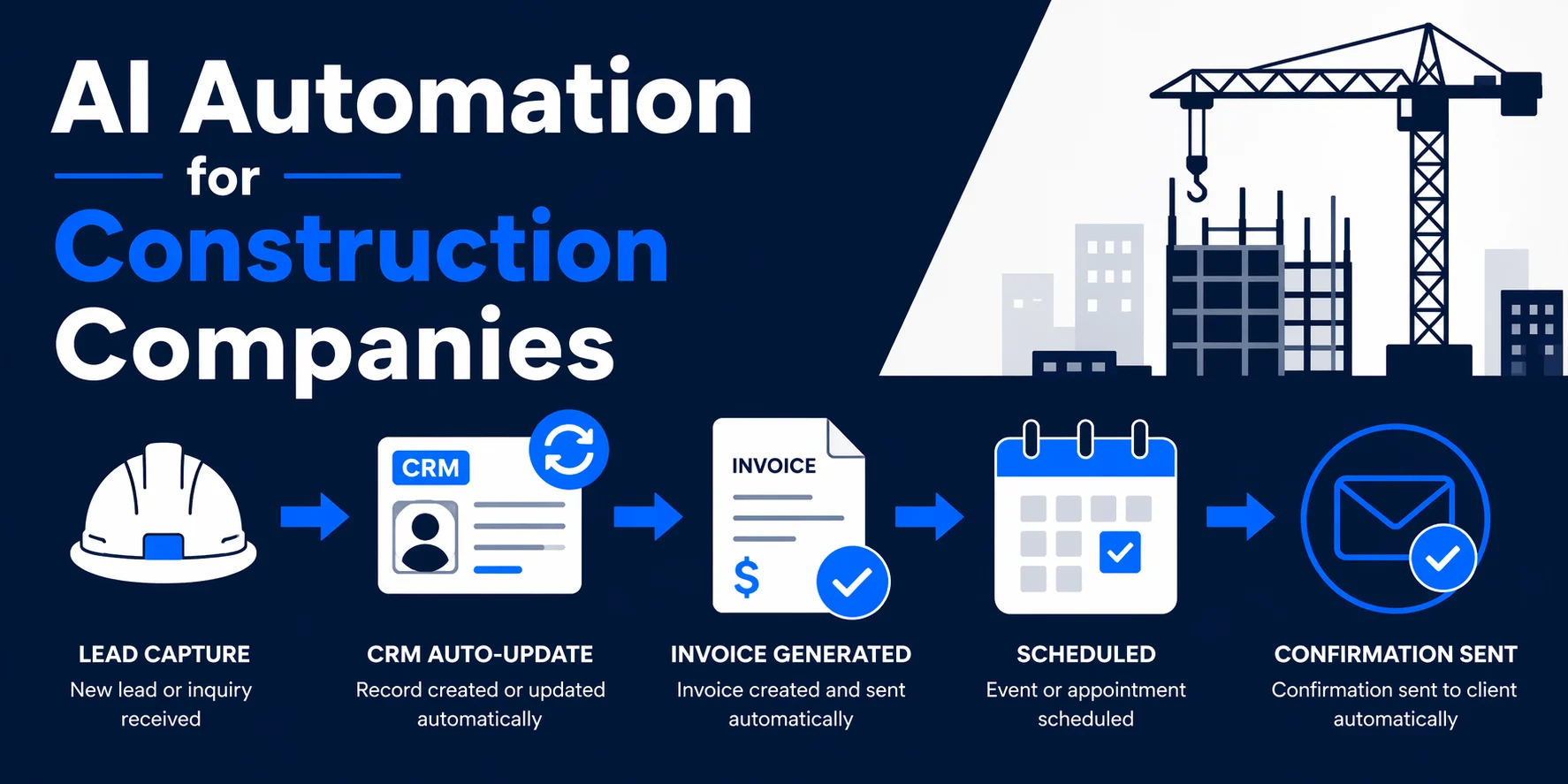
This guide covers the operating design. For a wider list of construction use cases, read AI automation for construction companies.
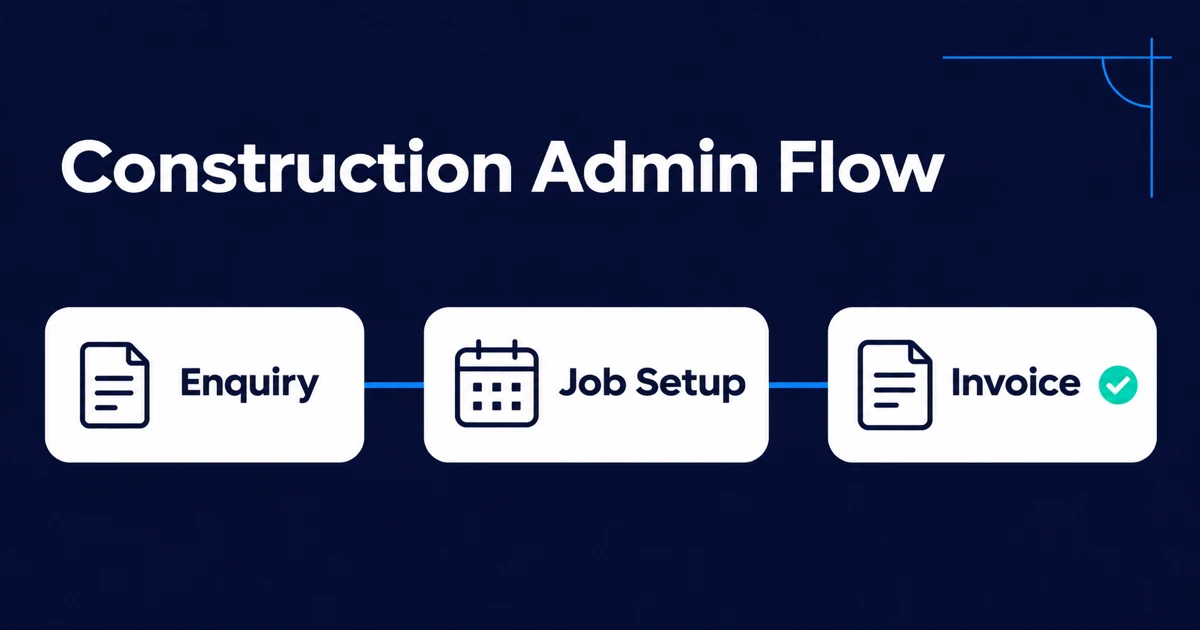
Map the Construction Admin Lifecycle
A practical project lifecycle may include:
| Phase | Repeated admin | Useful automation output |
|---|---|---|
| Enquiry | Capture contact, site, work type, timing, and source | Qualified job record and assigned follow-up |
| Estimate | Gather scope, plans, photos, supplier inputs, and assumptions | Draft estimate package and approval task |
| Award | Convert accepted scope into a live job | Project ID, folder structure, stakeholders, and kickoff checklist |
| Delivery | Process daily reports, RFIs, photos, changes, and subcontractor documents | Indexed project records and alerts |
| Billing | Match progress, approvals, invoices, and supporting evidence | Review-ready billing or payable record |
| Closeout | Collect warranties, manuals, certificates, photos, and final approvals | Complete, searchable handover pack |
Do not automate the full lifecycle at once. Choose one handoff that is frequent, measurable, and governed by rules your team already agrees on.
Decide Whether to Configure, Connect, or Build
Use standard construction software when it fits the job lifecycle and the team can operate it without extensive workarounds. Configure first when the requirement is mainly fields, permissions, forms, templates, and supported rules. Integrate when two strong systems need reliable data movement. Build a custom layer only when the workflow or user experience is materially different from what available tools support.
Signals that a production build may be justified include:
- Staff re-enter accepted estimate data to create every job.
- Field teams avoid the current system because its mobile workflow does not match site conditions.
- Project, document, and accounting tools disagree with no reliable reconciliation.
- A distinctive estimating, change, compliance, or client process is part of how the contractor competes.
- The business is paying for several tools but still runs core control through spreadsheets and inboxes.
- No-code workflows have become difficult to test, secure, or hand over as volume grows.
The first build should solve one end-to-end handoff in production, not attempt to replace the full construction stack. Define the users, project types, integrations, field conditions, exception cases, acceptance, and the operational owner after launch.
Establish One Project Identity
Construction teams often use several systems: CRM, estimating, project management, accounting, cloud storage, email, and messaging. The integration needs a stable project ID that links records across them.
Define which system owns each field:
- CRM owns the pre-sale contact and lead source.
- Estimating owns estimate versions and assumptions.
- Project management owns live scope status, tasks, RFIs, and field records.
- Accounting owns approved financial transactions and payment status.
- Document storage owns original files and controlled deliverables.
Ownership does not mean other systems cannot display the value. It means updates have a defined direction and conflicts have a resolution rule. Without that, two-way synchronization can repeatedly overwrite the correct information.
Workflow 1: Enquiry to Estimate
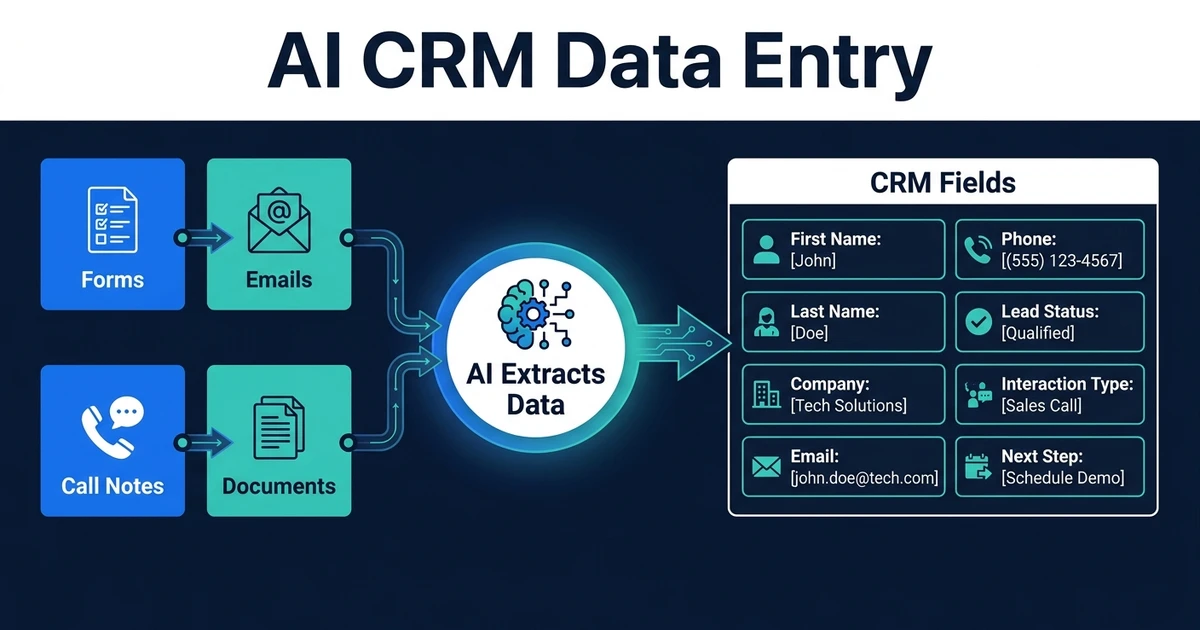
An enquiry workflow can capture the customer, site address, project type, desired timing, source, message, and attachments from a website form, email, or call summary. It then checks for an existing customer or project, assigns an owner, and requests missing information.
AI can classify the work type and summarize a free-text request, but eligibility and routing rules should remain explicit. Ambiguous scope, unsupported work, or an existing active project should enter review.
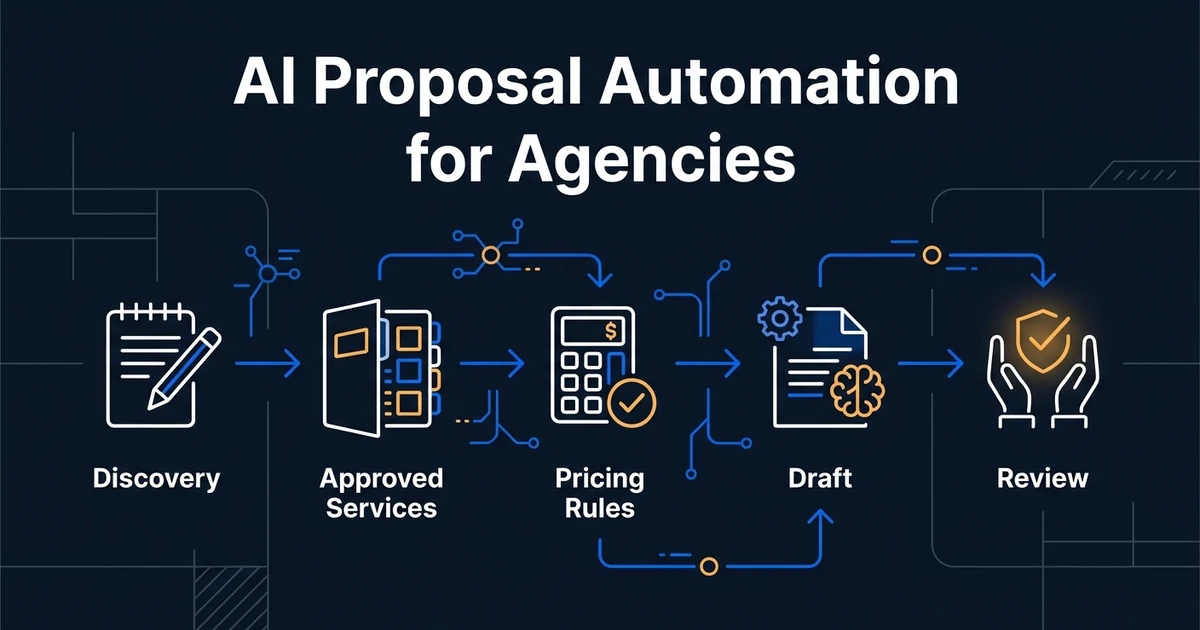
Once the minimum information is complete, the workflow can create an estimating task, assemble source material, and prepare a proposal shell. The estimator still owns quantities, assumptions, pricing, exclusions, and final issue. AI proposal generation should reduce document assembly, not make an unapproved commercial commitment.
Workflow 2: Accepted Estimate to Job Setup
When an estimate is accepted, a job-setup workflow can:
- Confirm the accepted estimate version and approval evidence.
- Create the project using a stable ID and naming convention.
- Create the approved folder structure and permissions.
- Copy customer, site, scope, value, dates, and stakeholders into allowed systems.
- Assign the project manager and office owner.
- Generate the kickoff and compliance checklists.
- Notify finance of the billing structure and required references.
The accepted estimate should be treated as a controlled input. If a later scope change arrives, create a change event rather than quietly editing the original values.
Workflow 3: Field Updates to Searchable Project Records
Field adoption depends on low-friction capture. Let a supervisor submit an approved mobile form, email, or upload with project ID, date, work completed, blockers, labour or plant notes, photos, and required acknowledgements.
The workflow can then:
- Confirm the project and submitter.
- Check required fields.
- Classify photos and documents without discarding originals.
- Create the daily record in the project system.
- Link attachments to the correct job and date.
- Flag mentions of delay, damage, missing material, inspection, incident, or change.
- Notify the office role responsible for follow-up.
AI-generated summaries should link back to the original report and photos. A summary is a navigation aid, not the official project record.
Workflow 4: RFIs, Submittals, and Change Events
Document-driven coordination needs a state machine, not a shared inbox.
For each item, record:
- Project and unique sequence number
- Type, discipline, location, and related drawing or specification
- Requester, responsible party, watchers, and due date
- Current revision and linked files
- Status such as draft, issued, answered, superseded, approved, or closed
- Cost or schedule impact requiring separate approval
Automation can classify an incoming email, suggest the project, extract a requested response date, create a draft record, and send reminders. It should not infer that a response changes scope or authorizes cost. Those consequences require the contract-defined process and authorized people.
Workflow 5: Invoice and Supporting-Document Routing
Incoming supplier and subcontractor invoices can be captured, classified, and matched to vendor, project, purchase order, commitment, delivery record, or approved progress information.
Route exceptions when:
- The project or supplier cannot be matched.
- The amount exceeds the remaining commitment.
- Supporting documents are missing.
- The invoice number appears to be a duplicate.
- Retention, tax, or payment details are inconsistent.
- Approval authority is unclear.
The original invoice and matching evidence should travel together. The office should not have to search three systems to understand why a payment is waiting. See AI document processing for the extraction layer behind this workflow.
Treat Safety Records as a Controlled Process
Automation may help capture a report, preserve evidence, notify the responsible person, and track required follow-up. It should not decide whether an event is recordable, replace an investigation, or make a legal conclusion.
For U.S. federal requirements, OSHA provides Forms 300, 300A, and 301 and explains that equivalent forms can be used when they contain the required information. Coverage, exemptions, electronic-submission duties, and state-plan rules vary. Use the current OSHA recordkeeping resources and qualified safety or legal guidance for your organization and location.
Design implications include:
- Limit access to incident information.
- Preserve the original report and later amendments.
- Separate the notification workflow from the recordability decision.
- Log who reviewed, changed, and submitted each record.
- Maintain an offline or manual fallback for field conditions.
Build for Real Field Conditions
A workflow that assumes perfect connectivity and desktop use will fail on site. Decide what happens when a person is offline, uploads large media, submits the wrong project, or closes the app before synchronization completes.
Useful field behavior includes:
- A short form with defaults and scan-friendly labels
- Draft saving and visible upload status
- Compression that preserves the original when required
- Duplicate submission protection
- A queue for failed synchronization
- Clear confirmation that the office received the record
- A correction path that preserves prior versions
The best intake method is the one the team can use consistently with gloves, poor signal, and limited time.
Add Approvals at the Consequence Boundary
Require human approval when the workflow would:
- Commit price, scope, or schedule
- Issue a contract notice or client-facing statement
- Accept or reject a change
- Approve a high-value invoice or new supplier
- Make a safety or compliance determination
- Delete, supersede, or materially alter a controlled record
For lower-impact work, such as filing a validated daily report or creating a draft task, automation can proceed and leave a complete activity log.
Measure the Workflow, Not the Number of Automations
Useful measures include:
- Time from enquiry to assigned follow-up
- Time from complete scope to issued estimate
- Jobs created with missing customer, site, or accepted-scope data
- Field reports received and processed by the deadline
- Overdue RFI, submittal, and change responses
- Invoice exception and duplicate rates
- Approval ageing by role
- Failed integrations and manual re-entry
- Closeout packages complete at handover
Review exception reasons monthly. If users repeatedly correct the same mapping or cannot choose the right project, repair the workflow rather than asking them to work around it.
What to Expect From a Production Partner
A serious construction workflow engagement should produce more than configured automations. Ask for:
- Site and office user journeys based on actual work conditions
- A project identity and data-ownership model across systems
- Supported CRM, project, document, accounting, and communication integrations
- Mobile, low-connectivity, media, and failed-sync behavior
- Permission, approval, and controlled-record rules
- Tests using representative projects, documents, and exception cases
- Monitoring, reconciliation, incident ownership, and rollback
- Customer-controlled infrastructure and repositories where agreed
- Documentation, training, runbooks, and an explicit support or transition plan
This is also the right comparison frame for external engineering firms. Buyers evaluating Kumo alongside Automiq can use the Automiq AI vs Kumo comparison to verify the actual team, scope, production responsibility, IP, support, and handover in each proposal. The custom software development guide explains how Automiq approaches build-versus-buy and bounded production delivery.
Frequently Asked Questions
What is construction office admin automation?
It connects repeated office tasks across sales, estimates, projects, documents, finance, and closeout while retaining clear ownership and approval.
Which task should be automated first?
Choose a high-volume handoff with stable rules and a measurable delay, such as enquiry intake, job setup, field report filing, document collection, or invoice routing.
Can it process field photos and PDFs?
Yes. Preserve the originals, validate project identity, and route unreadable, ambiguous, contractual, or safety-critical material for review.
Does automation replace the project manager?
No. It removes administrative handoffs. Authorized people remain responsible for scope, cost, schedule, safety, contracts, and client decisions.
How should results be measured?
Track cycle times, completeness, corrections, late approvals, exceptions, failed system writes, and whether project closeout records are complete.
When does a contractor need custom construction software?
Keep standard software when it fits. Consider a custom integration or application when disconnected systems, a distinctive operating process, field usability, scale, or control requirements create repeated workarounds that configuration cannot solve.
Automate the Handoff Without Hiding the Work
Construction office automation works when field and office teams can see the same project state, supporting records remain accessible, and every exception has a responsible owner.
Book a 30-minute call with Automiq AI to define one construction administration milestone that can ship as owned, production software across the tools your team already uses.