Quick Answer: Choose among Softr alternatives for client portals by mapping who can see and change each record across every customer organization. Keep the current portal if its access rules can be configured and tested cleanly; switch tools when another product fits the same model better; build custom software when tenant boundaries, approvals, or integrations become part of your business-critical product.
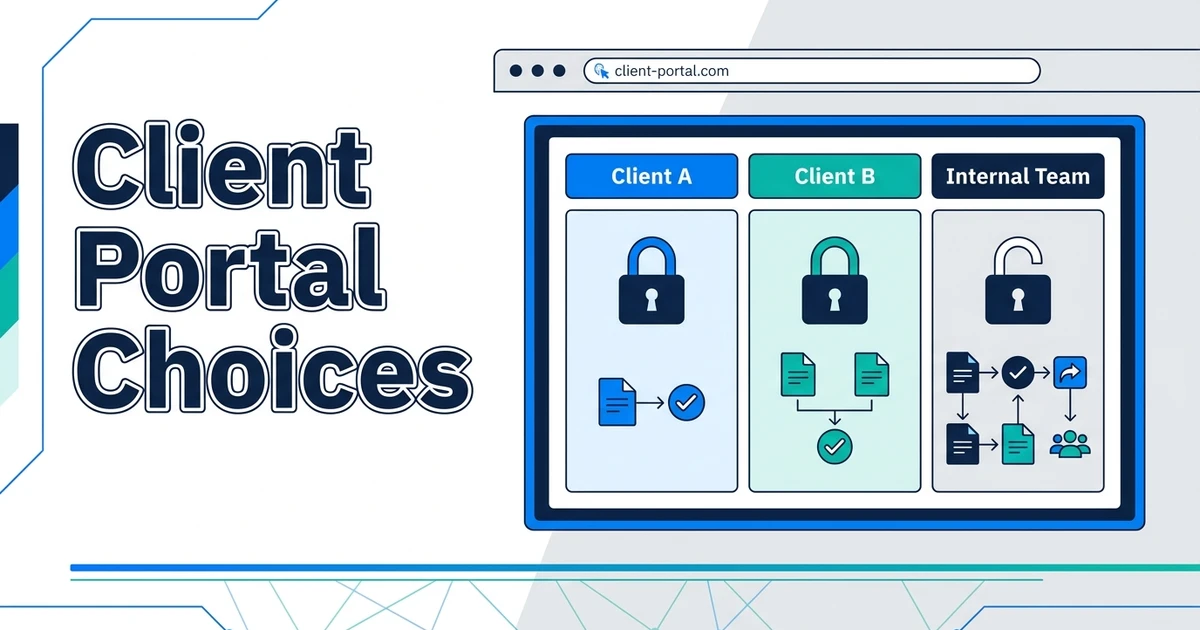
A client portal becomes hard to manage when the same screen must show different records to different companies, roles, and account managers. One misplaced link or stale permission can turn an ordinary update into a disclosure or a week of manual repair.
That is the real decision behind Softr alternatives for client portals. Automiq AI would start with the access model, not a gallery of templates. If your current setup can enforce and maintain that model, moving platforms adds work without solving the underlying problem.
What Breaks When a Client Portal Serves Multiple Organizations?
The first portal often starts with a simple promise: clients log in and see project status, shared files, and invoices. Then the business adds parent companies, several locations, finance-only contacts, contractors, and internal reviewers. The original “client” role is no longer enough.
Teams respond with copied views, duplicated data, manual filters, and special links. Those shortcuts may work for a while. They become risky when a project changes owner, an employee leaves, or a new client needs a different approval path. The issue is less about visual design than about whether the portal can express the business’s real access rules.
Do not assume a platform has a security defect because your portal needs redesign. The safer question is whether your current configuration and data source can enforce the rules you now need, with tests your team can repeat.
Who Can View, Edit, Approve, and Export Each Record?
Put the answer in a matrix before asking for another portal. Use real roles, not broad labels such as “admin” and “user.” Then test every action that could expose data or change a business state.

| Role | Projects | Invoices | Files | Approvals |
|---|---|---|---|---|
| Client admin | View own organization; manage team access | View and export own invoices | View and upload approved files | Approve designated milestones |
| Client member | View assigned work | No access unless granted | View files for assigned work | Comment, but not approve |
| Account manager | View assigned client accounts | View status, not edit amounts | Share reviewed files | Request approval |
| Finance | View billing references | Create, correct, and reconcile | View billing evidence | Confirm payment state |
This is an example, not a universal permissions policy. Your business may need different scopes. The point is to expose exceptions: Can a client admin invite a member from another company? Can a former account manager still export files? Does a search result reveal a document even when its detail page is blocked?
Authentication establishes who signed in. Authorization decides what that person can do. NIST’s 2025 digital identity guidance explains how identity providers can supply authentication and attributes to relying parties. It does not replace your portal’s record-level access design. Treat SSO and tenant isolation as separate tests.
Which Client Portal Alternative Fits the Access Model?
The matrix gives you a way to compare options without assuming custom software wins. Run the same sample accounts and records through each candidate.
| Path | Fits when | Decision test |
|---|---|---|
| Improve the current portal | Roles and records can be modeled cleanly with existing configuration | Can every matrix cell be enforced and retested? |
| Move to another portal product | A different product supports the access model with less operational work | Can data, logins, and approvals move without losing history? |
| Build a custom portal | Permissions and workflows are central to your service delivery | Can the business own the code, data, tests, and support process? |
Softr already documents user groups and record-level restrictions, so test the current configuration first. Noloco documents role and record permissions, and Glide documents Row Owners for restricting which rows a user can access. These are candidates to trial, not automatic security upgrades. Use the same role matrix and test files, search, exports, approvals, and any backend rules before choosing a move.
Check the data location and integration path as closely as the portal UI. If client access depends on an operations database, billing system, and document store, a screen-level switch may leave the hardest rules scattered across tools. A custom backend can centralize them, but it also creates software you must maintain.
Credential security belongs in the decision. Verizon’s 2025 DBIR research says compromised credentials were an initial access vector in 22% of the breaches it reviewed. That is not a finding about portal builders. It is a reason to test account recovery, revocation, and authorization after login.
If the matrix reveals rules your current stack cannot enforce, book a client-portal scoping call. Bring representative roles and records so the first outcome is a keep, configure, or migrate decision.
How Would a Service Firm Move Without Exposing Client Data?
Imagine a service firm with several client organizations, two account managers, and a finance team. Its portal contains project milestones, contracts, and invoices. Some clients have several subsidiaries, each with different users. This is an illustrative scenario, not a customer claim.
Before a move, inventory the records and their owners. Map every file to an organization and project. Identify historical approvals and comments that users still need. Create test accounts for each role, then rehearse the import into an isolated environment. A successful data import is not enough if a client can see a record that belongs to another subsidiary.
Plan the cutover in stages. Let internal staff test first, then a small client group with explicit consent and support. Keep the old portal available in a controlled way until logins, permissions, and critical workflows pass. Document how to roll back a failed release and who answers a client who cannot find a file.
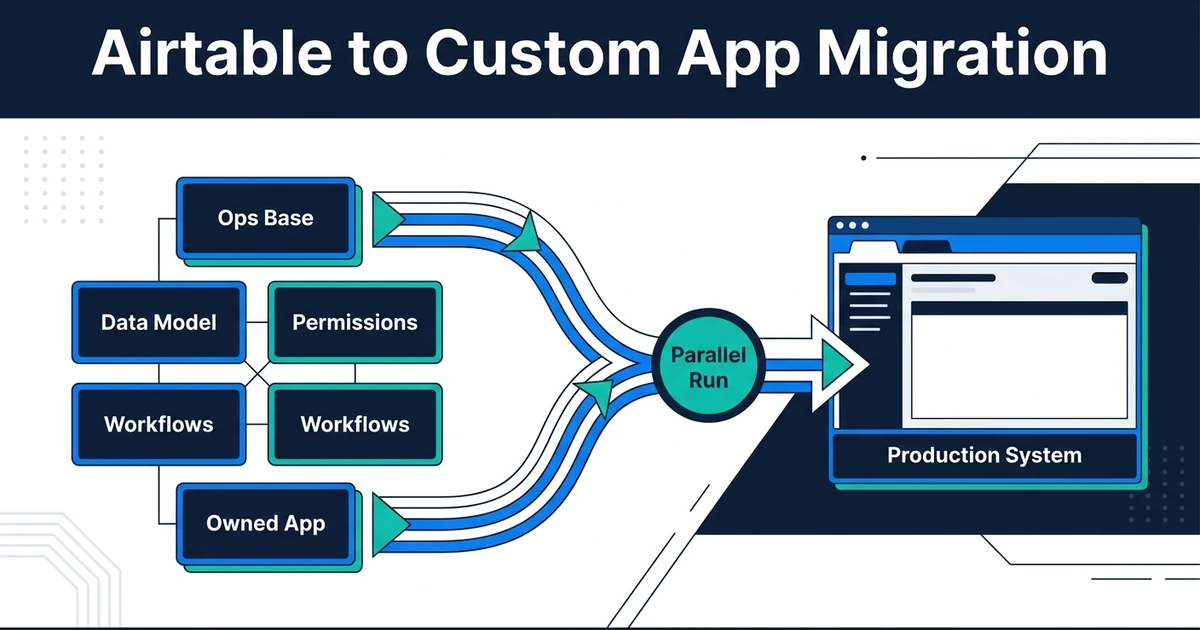
This is where phased no-code to custom migration differs from copying screens. The migration has to preserve the business’s operating memory, not just current records.
When Should You Improve the Existing Portal Instead?
Stay if the access matrix can be implemented and tested in the current portal and data source. A cleanup of user groups, duplicated views, and stale records may remove the problem at lower risk than a migration.
Stay if your team has not agreed who owns project and billing data. A new portal will inherit conflicting definitions. Fix the source of truth first, then decide whether the interface still needs to change.
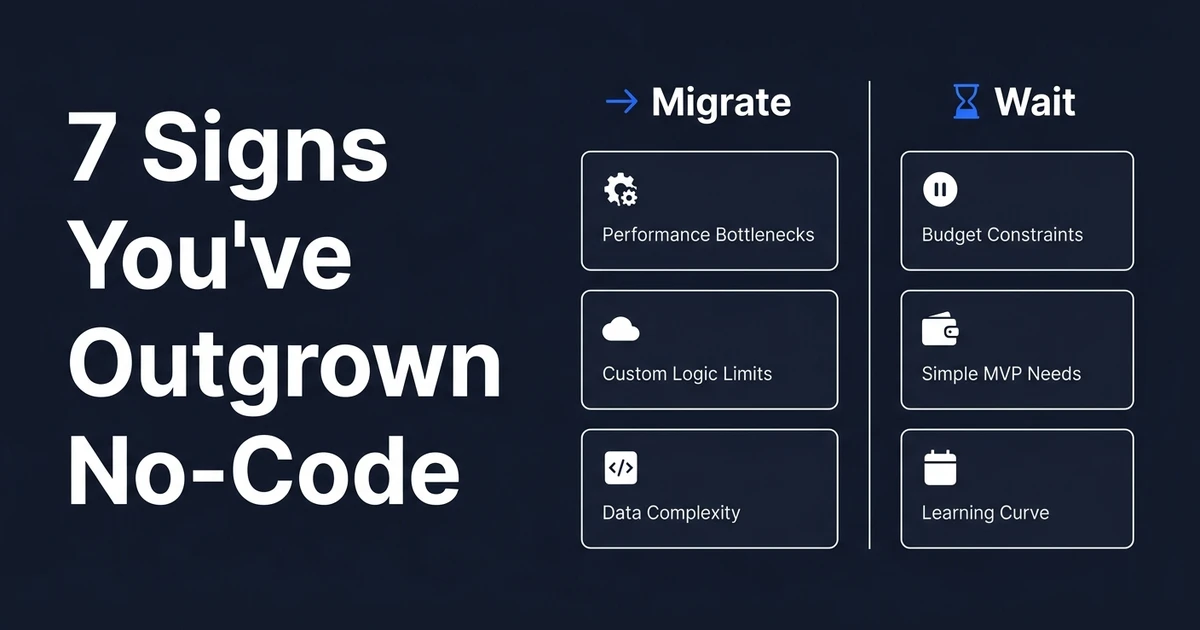
Stay if only the design feels dated while clients finish their tasks without confusion or security workarounds. Prioritize the client journey and signs that a no-code setup has reached its limit, not a visual comparison. A custom build makes sense when access and workflow constraints are durable, measured, and important to your service.
How Do You Evaluate the Team Building or Configuring It?
Ask every candidate to demonstrate one difficult matrix cell. A portal-platform specialist should show the configuration and its limits. For a freelancer-led proposal, ask who reviews the data model and supports it later. An in-house team can own the roadmap if it has capacity for access testing and releases.
A senior engineering partner should take responsibility for roles, data migration, integration, testing, and handover. For a larger development team, ask which named person owns the permission model and signs off on cutover. Compare answers with the same scenario and acceptance tests.
Automiq AI’s custom software development route applies when your portal has become a product your operations and clients rely on. The deliverable should include code and data ownership, access tests, deployment documentation, and a handover your team can operate. The scope drivers in a no-code migration help you ask for a meaningful quote without reducing the project to screen count.
Frequently Asked Questions
What are the main client portal alternatives?
Improve the existing portal, move to another configurable product, or commission a custom application. The right path depends on your roles, record access, integrations, and support capacity. Test the hardest permission rule first.
When does a client portal need a custom backend?
Consider one when critical permissions, approvals, or transactions cannot be maintained safely in the current configuration. A custom backend gives more control but adds an operating responsibility. Keep the present tool if it can pass the same access tests.
How do we prevent one client from seeing another client’s records?
Enforce organization ownership in the data access layer, not only by hiding UI links. Test read, edit, export, search, and file routes with accounts from different clients. Repeat the checks when roles change.
Can historical client documents move to a new portal?
Yes, after you inventory files, owners, versions, and retention needs. Rehearse the mapping and verify access with representative client accounts. Keep a recovery path until the new portal is proven.
Do we need single sign-on for a client portal?
Only if the clients or security model require it. Decide who provides identity and who assigns portal permissions. Signing in and being allowed to see a record are different controls.
Conclusion: Let the Access Model Drive the Platform Choice
A portal is successful when each client sees the right work and your team can change access without fear. Map roles and records first. Then keep, configure, or migrate based on what the tests show.
Book a portal scoping call with your access matrix, data sources, and highest-risk client flow. Automiq AI can turn those into a tested platform decision and, if needed, a client-safe migration scope.