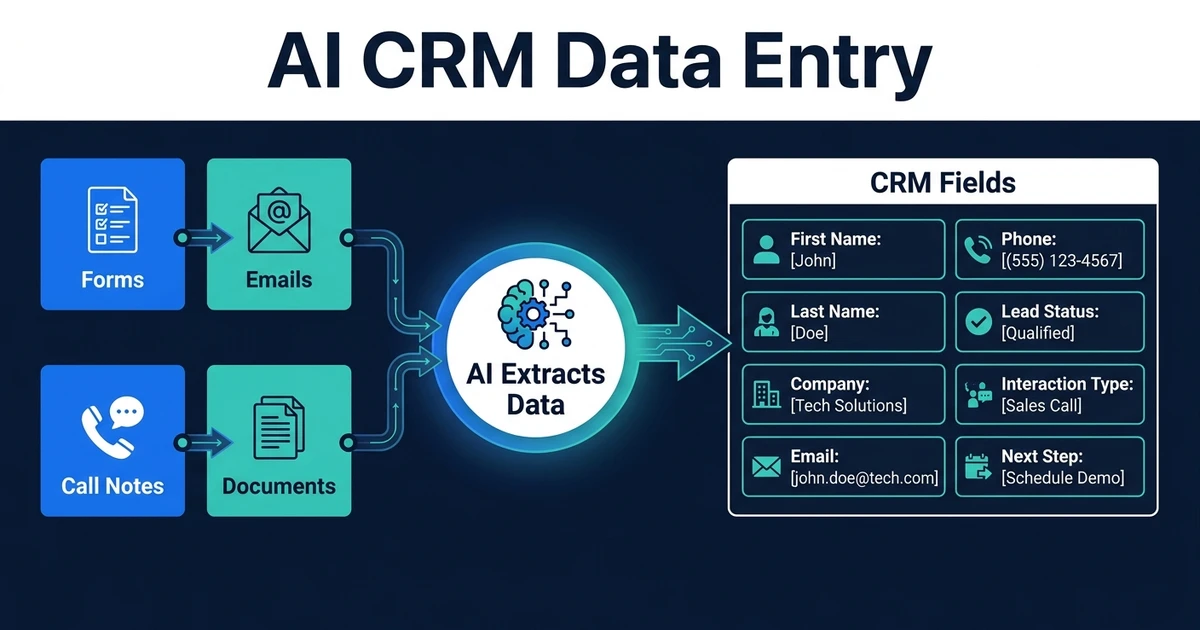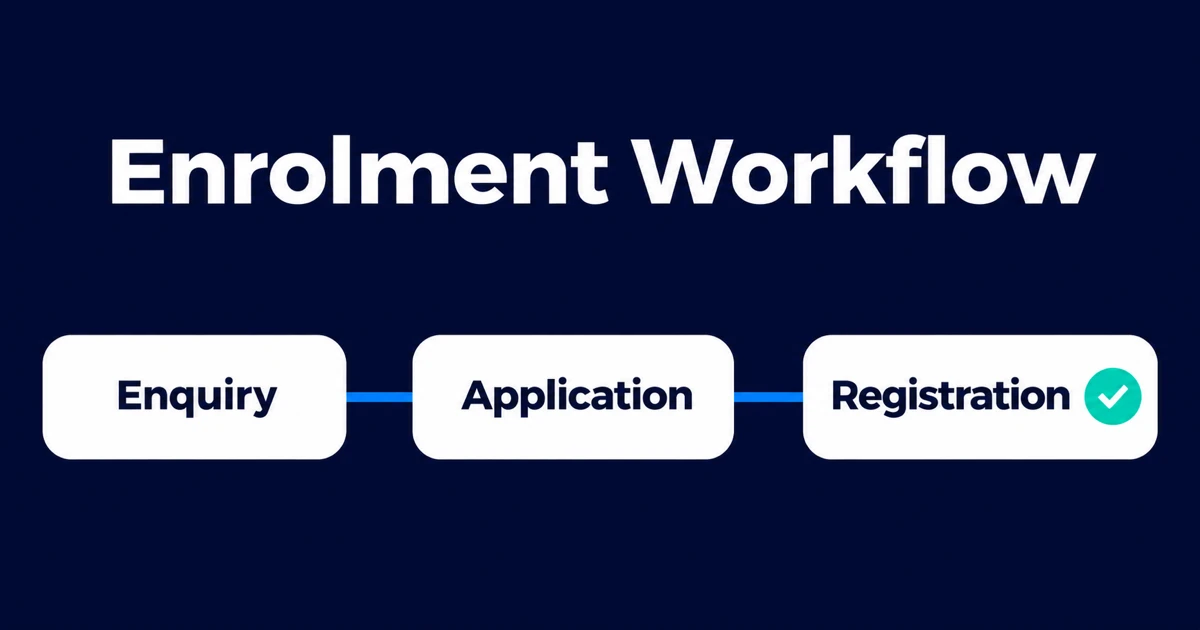
Quick Answer: Student enrolment automation connects enquiry capture, applications, document collection, review, registration, and onboarding. For a growing education provider, the production system also needs stable identity, accessible applicant experiences, supported CRM and student-system integrations, privacy controls, visible exceptions, monitoring, and handover. Every message should reflect an authoritative application status, not a model’s guess.
Applicants experience enrolment as one journey. Institutions often operate it across a website, inbox, CRM, application portal, student information system, payment platform, document storage, and departmental spreadsheets.
The result is repetitive data entry and a familiar set of questions: Did you receive my document? What is missing? Who is reviewing my application? What happens next?
Automation can answer those operational questions and move records between stages. It should not conceal decision criteria, reduce accessibility, or turn an uncertain model output into an admissions decision.
This guide is for institutions, training providers, and education companies that have outgrown a collection of forms, inboxes, spreadsheets, and loosely connected SaaS tools. They may not have an internal software team, but they need a production applicant journey that staff can operate, leadership can measure, and a future internal team or partner can extend. The decision is not automatically to replace the student information system. It is to decide what should remain, what should integrate, and where a custom experience removes a material barrier.
This article uses enrolment, the spelling common in British English and many international searches. Enrollment is the standard U.S. spelling; both describe the same workflow.
Map the Journey Before Choosing Tools
A useful enrolment map includes:
| Stage | Applicant need | Institution workflow |
|---|---|---|
| Enquiry | Relevant program, dates, fees, and requirements | Capture interest, answer approved questions, assign follow-up |
| Application | A clear, accessible form that can be saved | Validate required fields and create one application ID |
| Documents | A precise checklist and receipt confirmation | Classify, validate, and route exceptions |
| Review | Transparent status and next steps | Assign reviewers, record evidence, and manage service targets |
| Decision | Authoritative, accessible communication | Apply approved decision and communication controls |
| Registration | Tasks, payment, identity, and timetable guidance | Create or update student records and verify completion |
| Onboarding | A coordinated start | Trigger orientation, access, support, and reminders |
For each stage, define the official system, owner, entry criteria, exit criteria, required evidence, and maximum waiting time. If different programs have different requirements, model those differences explicitly.
The broader AI for education page covers other institutional workflows. Here the focus is the applicant-to-registration path.
Decide Whether to Configure, Integrate, or Build
Keep the current admissions, CRM, and student platforms when configuration can provide the required journey. Existing products usually offer a better foundation for standard records, permissions, and vendor-supported upgrades than a replacement built from scratch.
Integration or custom software becomes credible when:
- Applicants repeat the same data across enquiry, application, payment, and registration systems.
- Program-specific rules cannot be represented without spreadsheets and manual checks.
- Staff cannot see one trustworthy application and document status.
- Accessibility, mobile, language, agent, or guardian journeys need a different experience.
- Several systems must share identity and state with reliable reconciliation.
- A growing provider needs a differentiated applicant or partner portal.
- No-code flows have become difficult to test, secure, observe, or transfer to another owner.
Start with one applicant group, program, or intake. Define the systems that remain authoritative, real application examples, accessibility acceptance, privacy responsibilities, exception owners, rollout, and support. The first milestone should deliver a usable production journey—not only a prototype or discovery deck—unless the evidence shows that building is the wrong decision.
Use One Application Identity
Create a durable application ID early and link every form submission, file, task, message, payment reference, and downstream student record to it.
Email is useful for communication but weak as a primary identifier. Addresses change, parents or agents may communicate on an applicant’s behalf, and one applicant may submit to more than one program.
Define rules for:
- Duplicate applications
- Multiple programs or intakes
- Returning students
- Applicants represented by a parent, guardian, counsellor, or agent
- Name changes and alternate scripts
- Conversion from applicant ID to student ID
Uncertain identity matches should enter review. Never merge people on name or email similarity alone.
Automate Enquiry Capture and Approved Answers
An enquiry workflow can capture program interest, intended intake, location, applicant type, preferred channel, and the applicant’s question. It can then check approved content and provide a sourced answer or create a task for the right admissions team.
Keep dates, fees, entry requirements, visa guidance, scholarships, and policy statements in governed content with owners and review dates. AI may retrieve and summarize that material, but it should not invent a deadline or promise eligibility.
The workflow should disclose when a response is automated, offer a person or accessible alternative, and preserve the conversation against the applicant record when permitted.
AI email response automation is most useful when it is grounded in approved institutional sources and connected to ownership and escalation.
Make the Application Accessible and Resumable
A shorter form is not automatically a better form. Collect what the institution genuinely needs at that stage, explain why sensitive information is requested, and avoid making applicants re-enter data already held.
Useful behavior includes:
- Save and return later
- Clear progress and program-specific requirements
- Accessible labels, errors, keyboard navigation, and document guidance
- Validation that explains how to fix a field
- Confirmation of submission and application ID
- Supported mobile use and low-bandwidth behavior
- Assisted, telephone, paper, or in-person alternatives where required
Do not block an application because an optional enrichment service failed. The applicant’s supplied information should remain visible, and corrections should preserve prior values when audit matters.
Build a Program-Specific Document Checklist
A checklist engine should determine requirements from program, applicant type, intake, prior education, and other approved factors. Each item needs a status such as:
- Not requested
- Requested
- Received
- Under review
- Accepted
- Rejected with reason
- Expired
- Waived by an authorized role
When a file arrives, preserve the original and record submitter, time, source, file type, and checksum. A document-processing workflow can classify the file, extract permitted fields, and test format or expiry rules. The AI document processing product should feed a reviewable checklist rather than a hidden pass/fail result.
Route a file to a person when it is unreadable, inconsistent, sensitive, unexpectedly modified, or outside the model’s approved scope. Show the reviewer the original, extracted evidence, failed rule, and allowed next actions.
Automate Missing-Item Follow-Up Without Harassment
Use the checklist and real deadlines to send useful reminders. A good message states what is missing, why it is needed, the due date, how to submit it, and how to get help.
Apply controls for:
- Preferred and verified channels
- Local time and contact frequency
- Accessibility and language needs
- Applicants already in a support case
- Documents received but waiting for review
- Program closure or deadline changes
- Opt-out and mandatory-service-message distinctions
Stop reminders as soon as the authoritative status changes. A nightly batch built on stale exports can keep chasing an applicant after the file has arrived.
Keep Admissions Decisions Governed
AI can organize and summarize evidence, identify missing material, and route an application to the right reviewer. It should not make an opaque decision about admission, financial support, disability accommodation, or another consequential outcome.
For each decision:
- Use approved criteria and current program rules.
- Identify the authorized decision-maker.
- Record evidence, policy version, decision, and reason.
- Separate model-generated summaries from source documents.
- Provide required review, correction, or appeal routes.
- Test whether process outcomes differ unfairly across relevant groups.
If automation prioritizes a queue, document the factors and monitor whether certain applicants wait longer. Operational triage can still create consequential effects.
Protect Student and Applicant Data
Collect the minimum data needed for the current stage and restrict access by role. Separate general enquiry information from application records and highly sensitive documents.
In the United States, FERPA applies to education records at covered institutions and includes rights and disclosure rules that require institution-specific interpretation. The U.S. Department of Education’s Privacy Technical Assistance Center also recommends governance, data inventories, personnel controls, access management, incident planning, and other security practices. Review the current Department of Education student data security resources and obtain qualified guidance for your institution and jurisdiction.
The workflow should support:
- Role-based access and periodic access review
- Strong authentication for staff and applicants
- Encryption and secure file handling
- Logged reads, exports, changes, and decisions
- Retention and deletion schedules
- Controlled vendor access and subprocessors
- Masked or synthetic test data
- Incident detection, response, and notification procedures
Privacy law and education regulation vary by country, state, institution type, age, funding, and data category. Do not copy a U.S.-specific control list into another jurisdiction without review.
Trigger Registration From an Authoritative State
Once all required decisions and conditions are complete, the workflow can create or update the student information system record, assign the student ID, and trigger approved registration tasks.
Use idempotency so retries do not create duplicate students. Verify that downstream systems accepted the record and store their identifiers. Then trigger only the relevant tasks, such as:
- Fee or deposit instruction
- Identity verification
- Module or course selection
- Account and portal access
- Orientation and timetable information
- Accommodation or support referral through the approved process
- Required forms and acknowledgements
If one downstream write fails, do not mark the whole journey complete. Show the outstanding task and owner.
Give Applicants a Trustworthy Status View
A status page can reduce repetitive enquiries, but only if the labels are understandable and current.
Prefer Application received, Two documents need action, or Academic review in progress over internal codes. Include the last update, next expected action, due date, and support route.
Avoid exposing internal notes, protected reviewer information, or misleading precision. If the institution cannot promise a decision date, show a service range or state that no further applicant action is required.
Measure Completion and Fairness
Track operational and applicant outcomes:
- Enquiry response time and unresolved questions
- Application start-to-completion rate
- Abandonment by step and device
- Missing, rejected, and repeatedly submitted documents
- Time in each review stage
- Applications outside the service target
- Status enquiries per application
- Manual corrections and duplicate records
- Decision-to-registration conversion
- Accessibility support requests and unresolved barriers
- Access, privacy, or communication incidents
Segment carefully to find process barriers while protecting privacy and avoiding inappropriate profiling. A faster average is not success if it hides one program or applicant group waiting much longer.
What a Production Product Partner Should Deliver
An education workflow build spans product design, software, integration, data governance, and operations. Ask the delivery partner for:
- Applicant and staff journeys, including assisted and accessibility paths
- A stable application identity and source-of-truth map
- Program rules, checklists, decision boundaries, and role permissions
- Supported CRM, application, document, payment, and student-system interfaces
- Representative tests for applicants, programs, documents, and exceptions
- Privacy and security controls appropriate to the institution and jurisdiction
- Idempotency, reconciliation, monitoring, support queues, and recovery
- Deployment, staged rollout, rollback, training, and adoption ownership
- Customer-controlled access, agreed code and infrastructure, documentation, and runbooks
- A support, growth, or transition plan after launch
The proposal should name who owns product decisions, UX, engineering, data, AI evaluation, release, and support. Buyers comparing Kumo with Automiq can use the Automiq AI vs Kumo comparison to evaluate those responsibilities on the same basis. Automiq’s software and AI engagement models support a bounded milestone, continuing delivery, or defined stabilization and growth path depending on the evidence and internal team.
Frequently Asked Questions
What is student enrolment automation?
It connects enquiry, application, documents, review, decisions, registration, and onboarding while preserving human authority and student-data controls.
What is the difference between enrollment and enrolment?
They mean the same thing. Enrollment is common in U.S. English; enrolment is common in British English and many other regions.
Can AI decide whether a student is admitted?
AI can assist with bounded administrative work, but consequential decisions should follow approved policy, authorized human review, and a clear record of evidence and reasons.
How can missing-document follow-up be automated?
Use a program-specific checklist and authoritative status. Send accessible reminders with the exact missing item, deadline, submission route, and support option, then stop when the status changes.
How should enrolment automation be measured?
Measure completion, response time, document exceptions, review time, status enquiries, corrections, downstream registration, accessibility, privacy, and process differences across relevant groups.
When does an institution need a custom enrolment system?
Keep the existing platforms when they fit. Consider a custom integration or applicant experience when program rules, identity, documents, accessibility, several systems, or a differentiated service journey create recurring gaps that configuration cannot solve.
Make the Journey Easier Without Making It Opaque
Student enrolment automation should make requirements clearer, reduce avoidable waiting, and give staff a reliable queue. It should also preserve accessibility, privacy, accountable decisions, and an applicant’s ability to get help.
Book a 30-minute call with Automiq AI to define one enrolment milestone that can ship as owned, production software across your CRM, applicant experience, documents, and student information system.